CrazyGLCrazyGLHomeExploreGitHubBrowse heroesLoading hero…← Back to gallery@crazygl/video-wall

Video Wall Hero

A cinematic cluster of floating media panels at staggered depths. The center panel carries your main demo — large and sharp — while the panels behind recede smaller, dimmer, and depth-blurred. Slow ambient drift, pointer parallax, and hover focus that pulls any panel forward.

ReactWebGL3DImageVideoInteractiveFont#three#3d#video#wall#panels#media#showcase#agency#creator#demo#cinematic#depth-of-field

Usage

import HeroVideoWall from '@crazygl/hero-video-wall';

export default function Hero() {
	return (
		<HeroVideoWall
			heading="Every story, on the wall."
			centerMedia="https://your.cdn/demo.mp4"
			panelCount={8}
			depthBlur={0.7}
		/>
	);
}

Each panel slot (centerMedia, panel1Mediapanel12Media) accepts an image (PNG / JPG / WebP / AVIF) or a video (MP4 / WebM). Put your strongest demo in the center slot. Videos autoplay muted and loop.

Customise

  • PanelscenterMedia, panel1Mediapanel12Media, and panelCount (0–12 back panels).
  • WallwallSpread, wallCurvature (arc toward the camera), depthStagger (how deep back panels recede), panelGap.
  • Depth & focusdepthBlur, depthDim, hoverFocus, scanlineStrength (sweeping light band).
  • AtmosphereaccentColor, glowStrength, backgroundTone, vignetteStrength, transparentBackground.
  • MotiondriftStrength (ambient bob), parallaxStrength (pointer follow).

Best for

  • Video platforms and streaming products.
  • Creative / motion-design agencies and creator-tool apps.
  • Product pages where a wall of demos does the talking.
01 · Install the package

One command, zero config.

npm install @crazygl/hero-video-wall
02 · Render the component

Import once, drop it in.

The component takes the same props you see in the live customizer on the right — every default ships poster-quality.

hero.tsx
import VideoWallHero from '@crazygl/hero-video-wall';

export default function Landing() {
  return (
    <VideoWallHero />
  );
}
03 · Use it in a page

SSR-safe by default.

The wrapper renders static HTML on the server and only initialises the canvas after hydration, so search engines see your copy.

page.tsx
// app/page.tsx — works in SSR-first frameworks (Next, Remix, Astro, etc.)
'use client';

import VideoWallHero from '@crazygl/hero-video-wall';

export default function Page() {
  return (
    <section>
      <VideoWallHero
        heading="Say hi."
        subheading="Your new hero."
      />
      <article>
        <h2>Welcome</h2>
        <p>Your content keeps its own voice below the hero.</p>
      </article>
    </section>
  );
}
You might also like

Similar heroes

Hero Video on Curved LED Wall

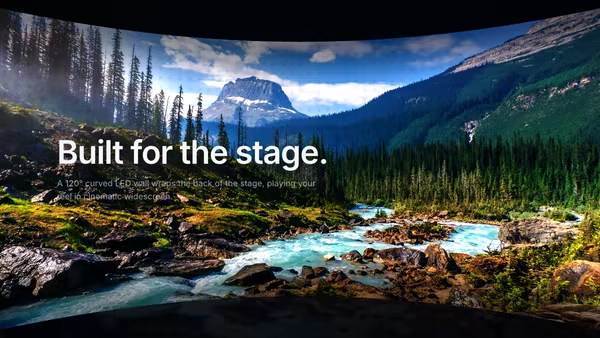
Your image or video plays across the inner concave surface of a large, cinematic curved LED wall, lit like a virtual production stage with a subtle LED-pixel grid, floor reflection, and pointer parallax.

Floating Screen Recording

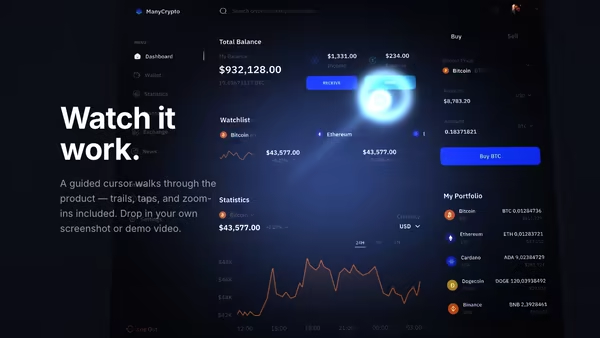
A product demo screenshot or video floats on a screen panel with an animated cursor, a glowing motion trail, expanding click ripples, and a zoom-lens magnifier that highlights UI moments.

Floating Movie Scene

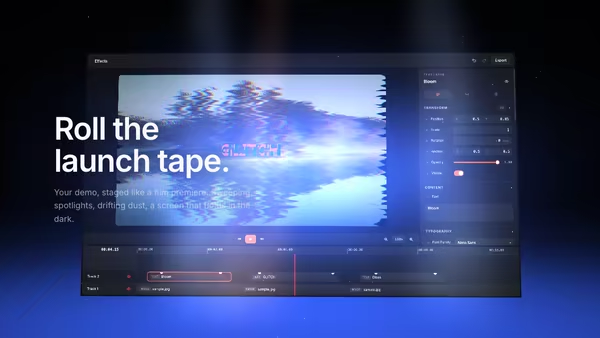
Your product demo presented like a launch trailer: a floating screen drifts on a dark 3D stage while volumetric spotlights sweep across it, dust hangs in the beams, and a soft reflection pools on the floor. Slow cinematic camera drift; scroll pushes the camera in.

Vertical Video Feed Spiral

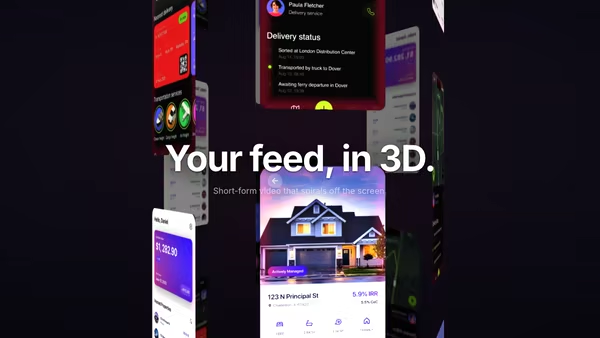
Vertical videos or mobile screenshots wrap around a slowly rotating 3D cylinder, climbing in their own upward-scrolling lanes. Front tiles read sharp and bright; back tiles dim and blur with depth. Tiles spawn offscreen below and despawn offscreen above with a soft edge fade. Hover a tile to pause and focus it.

VHS Product Demo Screen

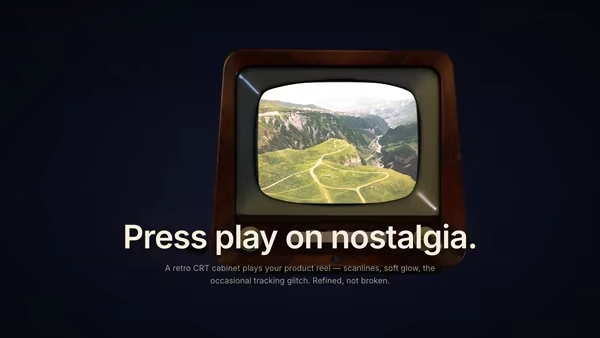
Your product image or video plays inside a floating retro CRT/VHS-style screen with subtle barrel curvature, scanlines, chromatic aberration, vignette and occasional tracking-noise glitch bursts. Nostalgic but polished.

Retro-Future Product Tunnel

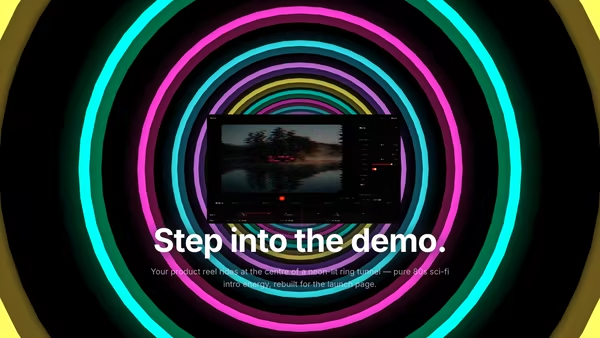
Your screenshot or video sits at the centre of an 80s sci-fi tunnel — stacked rings of glowing colour flow toward the camera against deep black. Energetic, fun, memorable.
Live customizer

Video Wall Hero

Center panel (image or video)The main, front-most panel — your headline demo. Image OR video (mp4/webm). Renders largest and sharpest. Default panels in the back use the sample screenshots; supply video URLs for any slot.Back panel count8How many panels float behind the center one. 6-10 reads as a full media wall; 0 leaves just the hero panel.Panel 1Image or video for back panel 1.Panel 2Image or video for back panel 2.Panel 3Image or video for back panel 3.Panel 4Image or video for back panel 4.Panel 5Image or video for back panel 5.Panel 6Image or video for back panel 6.Panel 7Image or video for back panel 7.Panel 8Image or video for back panel 8.Wall spread1How far apart the back panels fan out from center. 0.9-1.2 reads as a balanced cluster; below 0.6 they overlap, above 1.5 they scatter wide.Wall curvature0.35Curves the panel cluster toward the camera at the edges (like a video-wall arc). 0 = flat grid, 0.3-0.5 = gentle cinematic wrap, 1 = strong embrace.Depth stagger1How deep the back panels recede behind the center one. Higher = stronger depth gradient (smaller, dimmer, more blurred far panels).Panel border0.04Thin dark border framing each panel. 0.03-0.06 reads as a bezel; 0 = borderless.Depth blur amount0.7How blurred the far panels get. 0 = everything crisp, 0.6-0.8 = filmic depth of field, 1 = strong bokeh on the back rows.Depth dimming0.55How much the far panels darken with distance. 0.4-0.6 gives natural atmospheric falloff.Hover focus strength1How strongly a hovered panel pulls forward, brightens, and snaps to focus. 0 disables hover; 1 is the cinematic default.Scan highlight0.35A soft light band sweeping across each panel so still images read as living screens. 0.2-0.4 is subtle life; 0 = off.Accent / glowColour of the glow pooling behind the cluster and the rim light on the panels.Glow strength0.7Intensity of the accent glow behind the wall. 0.5-0.9 frames the cluster cinematically.Background toneBase background colour behind the wall (visible at the edges).Vignette0.6Corner darkening that frames the wall. 0.5-0.7 is cinematic.Transparent backgroundDrop the background gradient and composite the floating wall over your own page section.Ambient drift1Slow floating motion of the panels. 0 = perfectly still, 1 = gentle breathing, 2 = lively. Paused under reduced motion.Pointer parallax0.6How strongly the camera follows the pointer. 0 = locked, 1 = strong follow.InteractivityWhich input drives the hero — try Scroll if you want the page to drive motion.
CrazyGL · crazygl.comProgrammable hero sections for real websites.