CrazyGLCrazyGLHomeExploreGitHubBrowse heroesLoading hero…← Back to gallery@crazygl/retro-tunnel

Retro-Future Product Tunnel

Your screenshot or video sits at the centre of an 80s sci-fi tunnel — stacked rings of glowing colour flow toward the camera against deep black. Energetic, fun, memorable.

ReactWebGL3DImageVideoInteractiveFont#three#3d#retro#80s#synthwave#tunnel#rings#neon#product#video#creative#launch

Usage

import RetroTunnel from '@crazygl/hero-retro-tunnel';

export default function Hero() {
	return (
		<RetroTunnel
			heading="Step into the demo."
			screenMedia="/your-product-demo.mp4"
			ringShape="Hexagon"
		/>
	);
}

Customise

  • Contentheading + subheading, two columns, or a custom node.
  • MediascreenMedia (image or auto-looping video; aspect read from the asset), screenMediaX/Y, screenMediaScale, screenClarity (crisp ↔ hazy film print).
  • TunnelringCount, ringSpacing, tunnelRadius, ringSpeed, ringThickness, ringGlow, ringShape (Circle / Hexagon / Octagon).
  • PaletteringColor1ringColor5, cycled around the stack (synthwave defaults).
  • MotionparallaxStrength (pointer-driven camera drift + roll).
  • BackgroundtransparentBackground.

Best for

  • Video demos and SaaS launch pages wanting a "press play on the future" hook.
  • Creative agencies and music / motion-design portfolios.
  • Product reveals that need an energetic, memorable above-the-fold.
01 · Install the package

One command, zero config.

npm install @crazygl/hero-retro-tunnel
02 · Render the component

Import once, drop it in.

The component takes the same props you see in the live customizer on the right — every default ships poster-quality.

hero.tsx
import RetroFutureProductTunnel from '@crazygl/hero-retro-tunnel';

export default function Landing() {
  return (
    <RetroFutureProductTunnel />
  );
}
03 · Use it in a page

SSR-safe by default.

The wrapper renders static HTML on the server and only initialises the canvas after hydration, so search engines see your copy.

page.tsx
// app/page.tsx — works in SSR-first frameworks (Next, Remix, Astro, etc.)
'use client';

import RetroFutureProductTunnel from '@crazygl/hero-retro-tunnel';

export default function Page() {
  return (
    <section>
      <RetroFutureProductTunnel
        heading="Say hi."
        subheading="Your new hero."
      />
      <article>
        <h2>Welcome</h2>
        <p>Your content keeps its own voice below the hero.</p>
      </article>
    </section>
  );
}
You might also like

Similar heroes

VHS Product Demo Screen

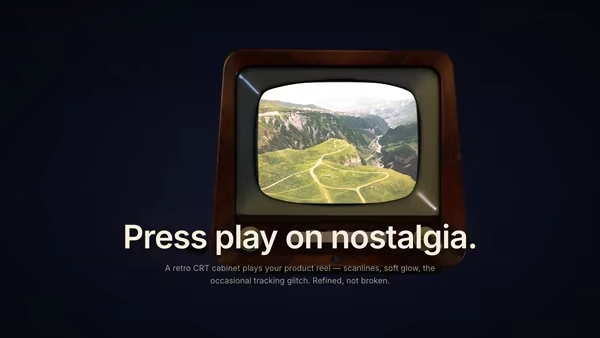
Your product image or video plays inside a floating retro CRT/VHS-style screen with subtle barrel curvature, scanlines, chromatic aberration, vignette and occasional tracking-noise glitch bursts. Nostalgic but polished.

Floating Movie Scene

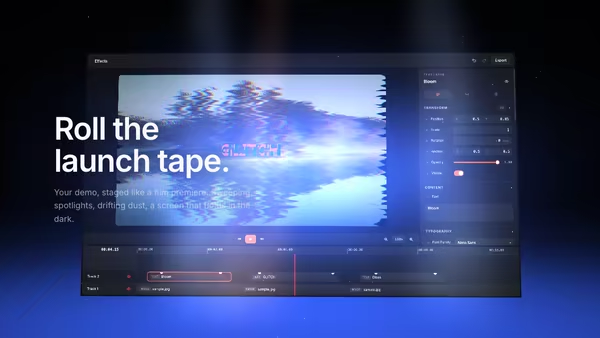
Your product demo presented like a launch trailer: a floating screen drifts on a dark 3D stage while volumetric spotlights sweep across it, dust hangs in the beams, and a soft reflection pools on the floor. Slow cinematic camera drift; scroll pushes the camera in.

Vaporwave Dashboard Sunset

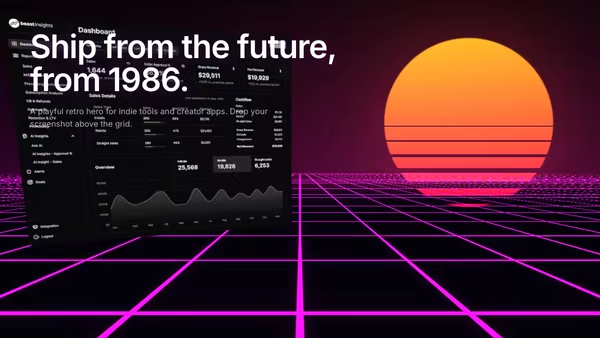
Your product screenshot floats over a magenta perspective grid floor, with a slatted retro sun glowing on the horizon and a wet-neon reflection underneath. 80s/90s vaporwave SaaS hero.

Product Pedestal

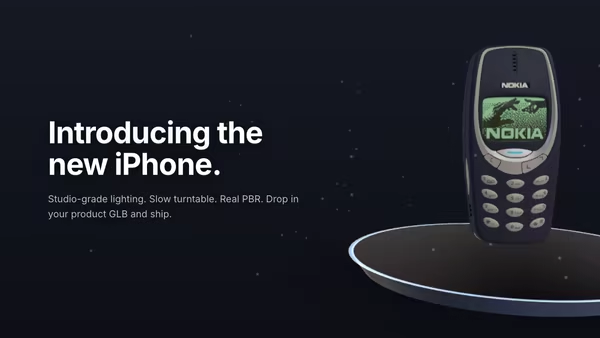
A 3D product model rests on a minimal floating pedestal under studio HDRI lighting. Slow turntable rotation, soft contact shadow, drifting dust, subtle mouse parallax, and press-and-drag to free-spin the product.

Floating Product

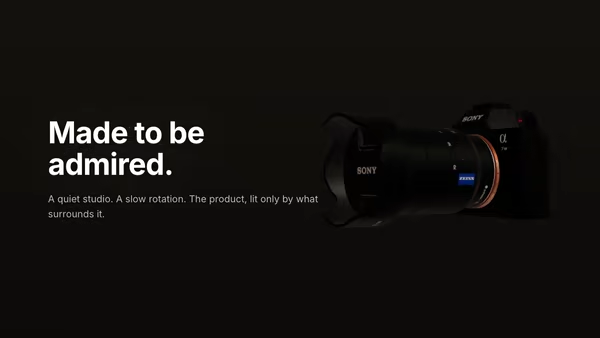
A 3D product model drifts and slowly turns in a quiet studio atmosphere. The model wears its own PBR textures; soft dust particles drift through the air around it.

Product Turntable Studio

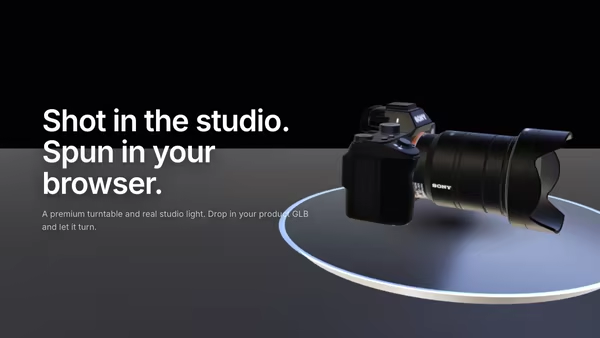
A 3D product model rotates on a premium polished turntable disc beside the hero copy. Studio HDRI lighting, warm key and cool fill softboxes, drag to free-spin, and pointer hover-zoom — a high-end product launch in code.
Live customizer

Retro-Future Product Tunnel

Media (image or video)Image or video shown at the centre of the tunnel. MP4/WebM auto-loop. The screen preserves the media's native aspect (cover-fit).Screen X offset0worldHorizontal position of the centre screen in world units.Screen Y offset0worldVertical position of the centre screen.Screen size1Scales the floating screen. 0.9-1.2 is the cinematic sweet spot.Screen clarity0.70 = soft / hazy retro film print, 1 = pixel-perfect sharp.Ring count20Number of rings stacked along the tunnel. 16-24 reads as a comfortable depth corridor; 30+ is dense and busy.Ring spacing1.4worldDistance between consecutive rings along Z. Smaller = denser ring cadence.Tunnel radius2.6worldInner radius of every ring. 2.6 keeps the screen comfortably visible inside the tunnel; below 2.0 the rings start to clip the screen.Flight speed1How fast rings fly toward the camera. 0.8-1.4 reads as energetic but legible; above 2.0 starts to blur into a streak.Ring thickness0.06worldTube radius of each ring outline. 0.05-0.08 reads as crisp neon; thicker reads as chunky plastic.Ring glow1Brightness of the additive bloom-halo around each ring. 0.8-1.4 is the photogenic range; 0 turns rings into matte outlines.Ring shapeGeometric outline of each ring. Hexagon and octagon read as classic 80s sci-fi tunnel polygons.Ring colour 1First colour in the cycled palette. Default is hot magenta.Ring colour 2Second colour. Default is electric cyan.Ring colour 3Third colour. Default is purple.Ring colour 4Fourth colour. Default is amber.Ring colour 5Fifth colour. Default is acid green.Pointer parallax0.5How much the camera drifts left/right and rolls slightly with the pointer. 0 = locked, 1 = full ±0.2 world unit drift + ±5° roll.Transparent backgroundWhen on, the deep black backdrop is dropped — only the rings and screen are rendered, so the hero composites over the page background.Heading FontInteractivityWhich input drives the hero — try Scroll if you want the page to drive motion.
CrazyGL · crazygl.comProgrammable hero sections for real websites.