CrazyGLCrazyGLHomeExploreGitHubBrowse heroesLoading hero…← Back to gallery@crazygl/led-wall

Hero Video on Curved LED Wall

Your image or video plays across the inner concave surface of a large, cinematic curved LED wall, lit like a virtual production stage with a subtle LED-pixel grid, floor reflection, and pointer parallax.

ReactWebGL3DImageVideoInteractiveFont#three#3d#led#wall#curved#video#screen#agency#portfolio#stage#cinematic#virtual-production

Usage

import HeroLedWall from '@crazygl/hero-led-wall';

export default function Hero() {
  return (
    <HeroLedWall
      heading="Built for the stage."
      wallMedia="/reel.mp4"
      wallCurvature={120}
    />
  );
}

Customise

  • MediawallMedia (image or video), mediaOffsetX/Y, screenZ (wall depth).
  • WallwallCurvature (arc °), wallRadius, wallHeight, wallEmissive, pixelGridStrength, pixelDensity.
  • AtmospherestudioLightWarmth, floorReflection, vignetteStrength, transparentBackground, bgColor.
  • MotionparallaxStrength.

Best for

  • Creative agencies, motion-design and post-production studios.
  • Video / editing tools and virtual-production / XR shops.
  • Product demo pages where a widescreen reel does the heavy lifting.
01 · Install the package

One command, zero config.

npm install @crazygl/hero-led-wall
02 · Render the component

Import once, drop it in.

The component takes the same props you see in the live customizer on the right — every default ships poster-quality.

hero.tsx
import HeroVideoOnCurvedLEDWall from '@crazygl/hero-led-wall';

export default function Landing() {
  return (
    <HeroVideoOnCurvedLEDWall />
  );
}
03 · Use it in a page

SSR-safe by default.

The wrapper renders static HTML on the server and only initialises the canvas after hydration, so search engines see your copy.

page.tsx
// app/page.tsx — works in SSR-first frameworks (Next, Remix, Astro, etc.)
'use client';

import HeroVideoOnCurvedLEDWall from '@crazygl/hero-led-wall';

export default function Page() {
  return (
    <section>
      <HeroVideoOnCurvedLEDWall
        heading="Say hi."
        subheading="Your new hero."
      />
      <article>
        <h2>Welcome</h2>
        <p>Your content keeps its own voice below the hero.</p>
      </article>
    </section>
  );
}
You might also like

Similar heroes

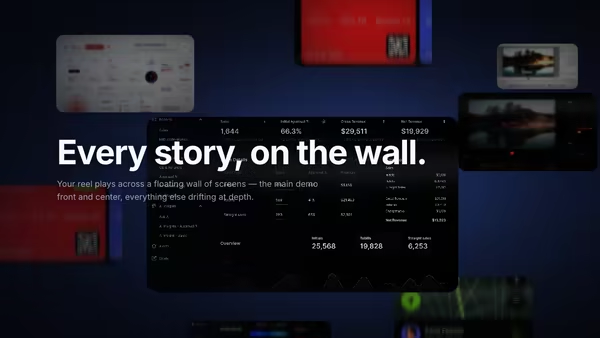
Video Wall Hero

A cinematic cluster of floating media panels at staggered depths. The center panel carries your main demo — large and sharp — while the panels behind recede smaller, dimmer, and depth-blurred. Slow ambient drift, pointer parallax, and hover focus that pulls any panel forward.

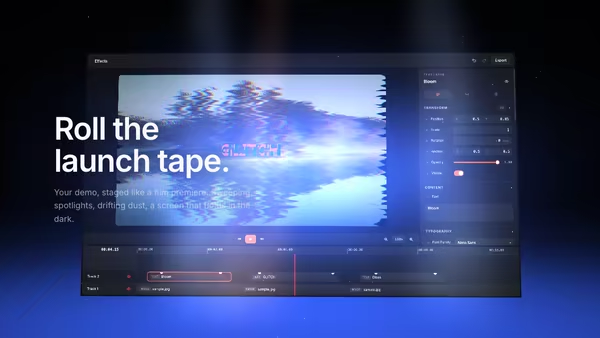
Floating Movie Scene

Your product demo presented like a launch trailer: a floating screen drifts on a dark 3D stage while volumetric spotlights sweep across it, dust hangs in the beams, and a soft reflection pools on the floor. Slow cinematic camera drift; scroll pushes the camera in.

Stage Screen

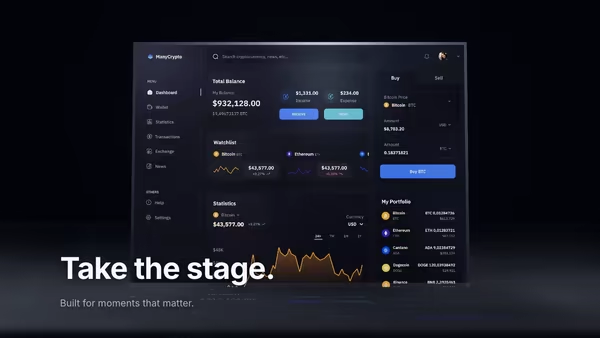
A keynote-stage hero: your product screenshot lives on a massive floating screen, lit by sweeping volumetric spotlights through a low-lying carpet of theatre fog.

VHS Product Demo Screen

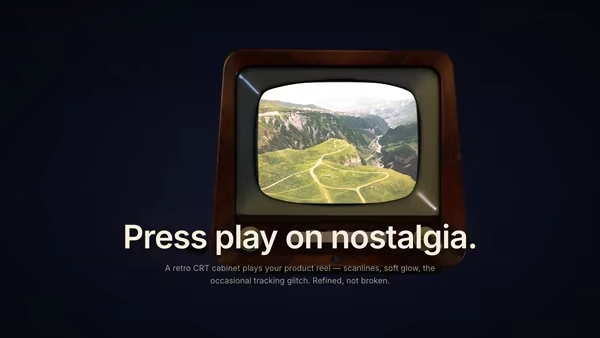
Your product image or video plays inside a floating retro CRT/VHS-style screen with subtle barrel curvature, scanlines, chromatic aberration, vignette and occasional tracking-noise glitch bursts. Nostalgic but polished.

Floating Screen Recording

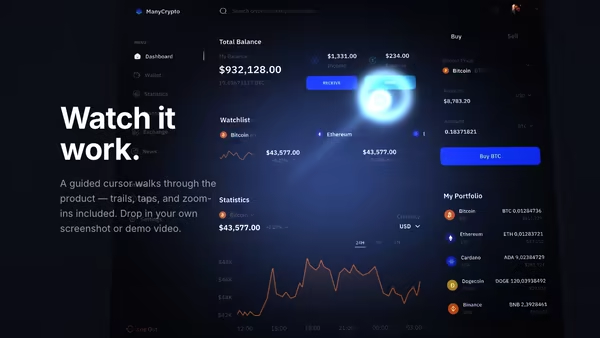
A product demo screenshot or video floats on a screen panel with an animated cursor, a glowing motion trail, expanding click ripples, and a zoom-lens magnifier that highlights UI moments.

Retro-Future Product Tunnel

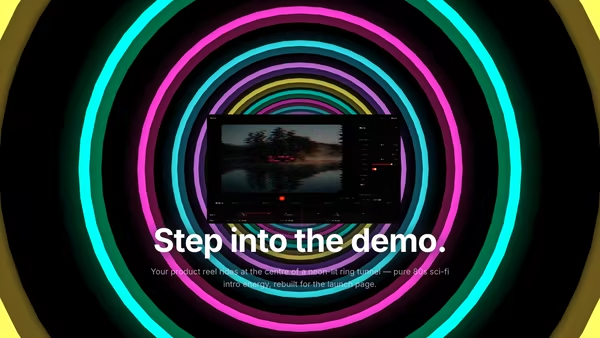
Your screenshot or video sits at the centre of an 80s sci-fi tunnel — stacked rings of glowing colour flow toward the camera against deep black. Energetic, fun, memorable.
Live customizer

Hero Video on Curved LED Wall

Media (image or video)Upload an image OR a video (mp4/webm). Default is a sample nature backdrop. The wall preserves the media's native aspect (cover-fit).Screen X offset0worldHorizontal offset of the screen image on the wall.Screen Y offset0worldVertical offset of the screen image on the wall.Screen Z (depth)0worldPushes the curved wall closer to (-) or further from (+) the camera.Wall curvature100°Arc subtended by the curved wall. 0 = flat panel, 180 = full half-pipe wrap. 60-140° is the cinematic sweet spot.Wall radius9Distance from camera origin to the wall surface. Larger = wall sits further back and reads flatter.Wall height7Vertical extent of the wall in world units.Wall emissive1.5How brightly the LED panel emits. 1.0-2.0 reads as a working LED wall in the dark studio. Above 2.5 starts to blow out highlights.Pixel grid strength0.06Visibility of the LED-pixel grid pattern. 0.04-0.10 reads as a real LED panel; above 0.20 turns into a hard mesh.Pixel density200Pixels per world unit. Higher = finer LED dot pitch.Studio light warmth0.40 = cool blue ambient, 1 = warm amber tungsten. 0.3-0.5 reads as a TV studio.Floor reflection0.3Strength of the floor reflection beneath the wall. 0.2-0.4 reads as a polished studio floor.Vignette strength0.6Corner darkening of the wall fragment. 0.5-0.7 frames the wall cinematically.Transparent backgroundHide the page background gradient and render the wall over the section's existing background.BackgroundBackground fill behind the wall (visible at the canvas edges).Pointer parallax0.5Pointer-driven camera tilt strength. 0 = locked camera, 1 = strong follow.InteractivityWhich input drives the hero — try Scroll if you want the page to drive motion.
CrazyGL · crazygl.comProgrammable hero sections for real websites.