CrazyGLCrazyGLHomeExploreGitHubBrowse heroesLoading hero…← Back to gallery@crazygl/video-feed-spiral

Vertical Video Feed Spiral

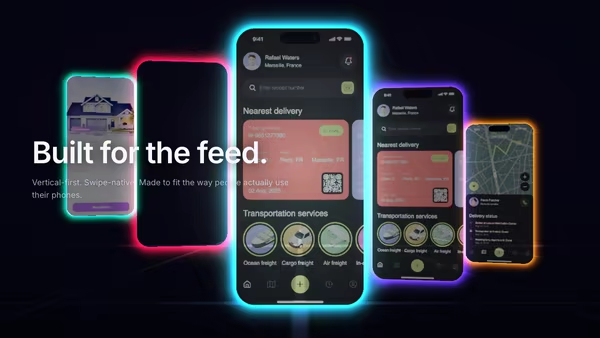
Vertical videos or mobile screenshots wrap around a slowly rotating 3D cylinder, climbing in their own upward-scrolling lanes. Front tiles read sharp and bright; back tiles dim and blur with depth. Tiles spawn offscreen below and despawn offscreen above with a soft edge fade. Hover a tile to pause and focus it.

ReactWebGL3DImageInteractiveFont#three#3d#video#spiral#helix#feed#social#ugc#mobile#vertical#creator#short-form

Usage

import VideoFeedSpiral from '@crazygl/hero-video-feed-spiral';

export default function Page() {
  return (
    <VideoFeedSpiral
      heading="Your feed, in 3D."
      tileCount={9}
      columnCount={6}
      tile1="/reels/one.mp4"
      tile2="/reels/two.avif"
    />
  );
}

Each tile takes one media slot — vertical (9:16) portrait works best. Images (PNG/JPG/AVIF/WebP) or video (MP4/WebM/MOV, looped muted, cover-fit so portrait media never stretches).

Customise

  • ContentcontentType, heading, subheading, columns / custom node.
  • Feed TilestileCount, columnCount, tile1tile14 media slots.
  • SpiralspiralRadius, verticalPitch, rotationSpeed, tileSize, tileCornerRadius.
  • Depth & FocusdepthDim, depthBlur, hoverFocus, parallaxStrength.
  • ColortileBrightness, accentColor, glowStrength, bgTop, bgBottom, transparent.

Best for

  • Short-form video platforms and creator tools.
  • UGC, reels/stories, and influencer-marketing apps.
  • Mobile-first social products.
  • Launch pages that want a busy, alive feed wall.
01 · Install the package

One command, zero config.

npm install @crazygl/hero-video-feed-spiral
02 · Render the component

Import once, drop it in.

The component takes the same props you see in the live customizer on the right — every default ships poster-quality.

hero.tsx
import VerticalVideoFeedSpiral from '@crazygl/hero-video-feed-spiral';

export default function Landing() {
  return (
    <VerticalVideoFeedSpiral />
  );
}
03 · Use it in a page

SSR-safe by default.

The wrapper renders static HTML on the server and only initialises the canvas after hydration, so search engines see your copy.

page.tsx
// app/page.tsx — works in SSR-first frameworks (Next, Remix, Astro, etc.)
'use client';

import VerticalVideoFeedSpiral from '@crazygl/hero-video-feed-spiral';

export default function Page() {
  return (
    <section>
      <VerticalVideoFeedSpiral
        heading="Say hi."
        subheading="Your new hero."
      />
      <article>
        <h2>Welcome</h2>
        <p>Your content keeps its own voice below the hero.</p>
      </article>
    </section>
  );
}
You might also like

Similar heroes

Neon Glass Phone Stack

Several mobile screenshots float inside transparent neon phone frames, fanned out in a translucent stack. Outlines pulse left-to-right in a swipe-like wave and the whole stack bends gently with the cursor.

Vertical Phone Screenshot With 3D Depth

A mobile screenshot floats inside a realistic 3D phone mockup. The phone rotates with the cursor and the screen pulses with subtle app glow. Perfect for app launch pages.

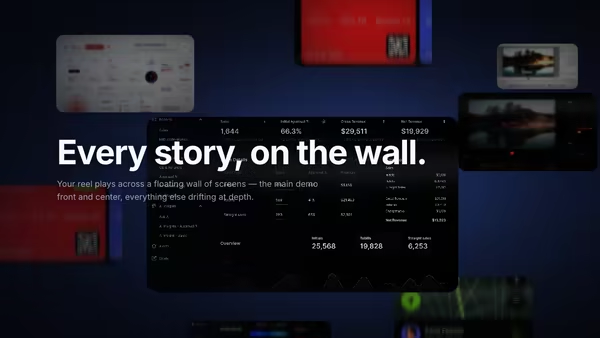
Video Wall Hero

A cinematic cluster of floating media panels at staggered depths. The center panel carries your main demo — large and sharp — while the panels behind recede smaller, dimmer, and depth-blurred. Slow ambient drift, pointer parallax, and hover focus that pulls any panel forward.

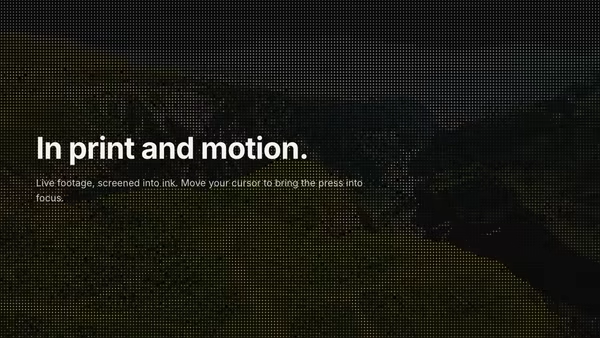
Halftone Video

A looping video rendered as a living halftone print — a grid of ink dots whose size tracks the footage's local brightness, so the moving image reads as a newspaper press plate that's somehow in motion. The pointer is a clarity lens: under the cursor the screen resolves finer and the raw footage sharpens through, so the image reads clearer exactly where you point. Bold, editorial, premium.

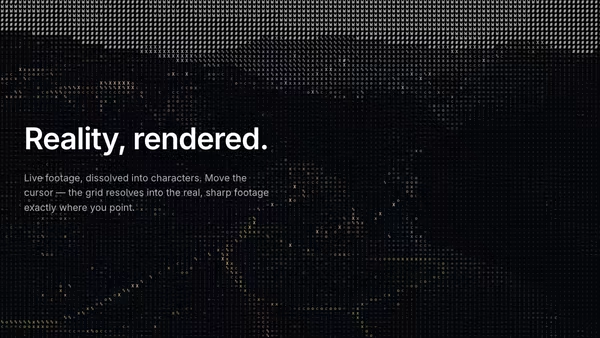
ASCII Video Displacement

A looping video converted live into ASCII art — each cell's brightness picks a glyph from a long density ramp so the moving footage reads as live ASCII. The pointer is a clarity lens: under the cursor the cells resolve into the real, sharp footage, so the image reads genuinely clearer exactly where you point.

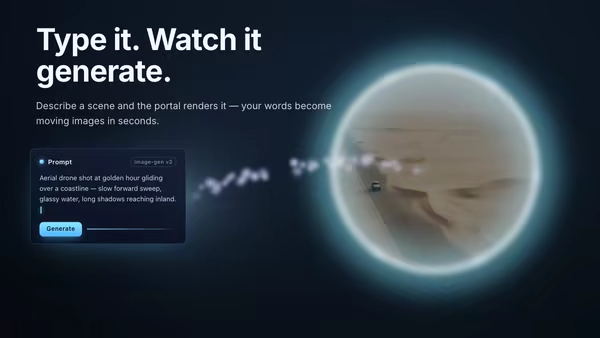
AI Video Generation Portal

A floating prompt card streams a current of energy particles across to a glowing portal ring, through which the generated video or image materializes with a shimmer-dissolve reveal.
Live customizer

Vertical Video Feed Spiral

Tile count9Number of vertical tiles on the spiral. The first N media slots are used. 8-11 reads as a full, lively feed.Column count6Number of vertical columns of tiles scrolling upward. Tiles distribute across columns and each column scrolls in its own lane.Tile 1 mediaVertical (9:16) screenshot or video. Image: PNG / JPG / AVIF / WebP. Video: MP4 / WebM / MOV — loops muted, cover-fit so portrait media never stretches.Tile 2 mediaTile 3 mediaTile 4 mediaTile 5 mediaTile 6 mediaTile 7 mediaTile 8 mediaTile 9 mediaCylinder radius1.7worldRadius of the cylinder the tiles wrap around. Larger spreads the columns wider and pushes the back of the cylinder deeper; smaller crowds the columns toward the center.Vertical pitch1.22worldVertical spacing between tiles in a column, as a multiple of tile height. 1.0 = tiles touch edge-to-edge; >1.0 leaves a gap; <1.0 overlaps.Rotation & scroll speed0.13HzDrives both the cylinder rotation around its vertical axis and the per-column upward scroll. 0 freezes everything; 0.12-0.2 reads as energetic but smooth.Tile size1Scale of every vertical tile. 1.0 is a full, slightly overlapping spiral.Tile corner radius0.06relRounded-corner radius relative to tile width.Depth dim0.7How much rear tiles darken with distance. 0 = flat lighting; 1 = back of the spiral falls into shadow.Depth blur0.6Defocus applied to rear tiles. 0 = everything sharp; high values give a strong depth-of-field.Hover focus strength0.7How strongly a hovered tile pops: it pauses, brightens and scales up. 0 disables hover focus.Parallax strength0.5Camera sway following the pointer. 0 locks the camera; 1 is a pronounced tilt.Tile brightness0.55Emissive boost so tiles read as lit screens, not flat planes.Accent / glow colorRim glow and edge light around the front tiles.Glow strength0.55Intensity of the accent rim glow on the front-facing tiles.Background topBackground bottomTransparent backgroundDrop the backdrop and composite the spiral over your own page background.InteractivityWhich input drives the hero — try Scroll if you want the page to drive motion.
CrazyGL · crazygl.comProgrammable hero sections for real websites.