CrazyGL
Floating Screen Recording
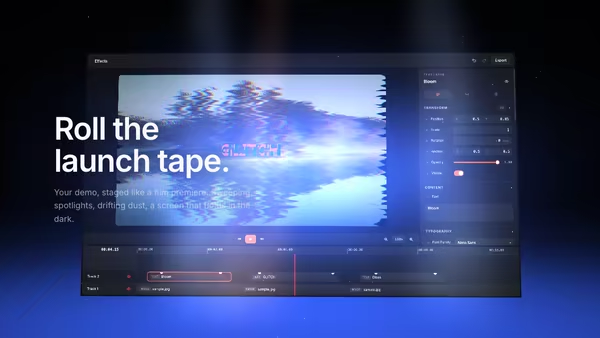
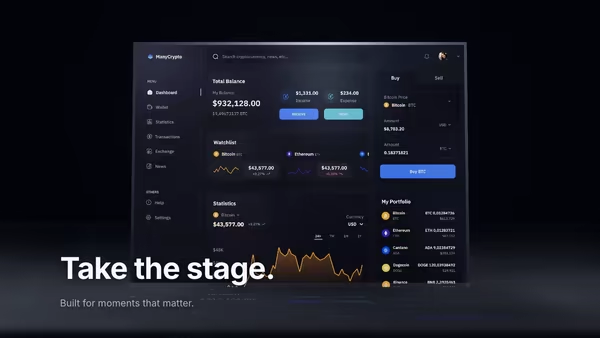
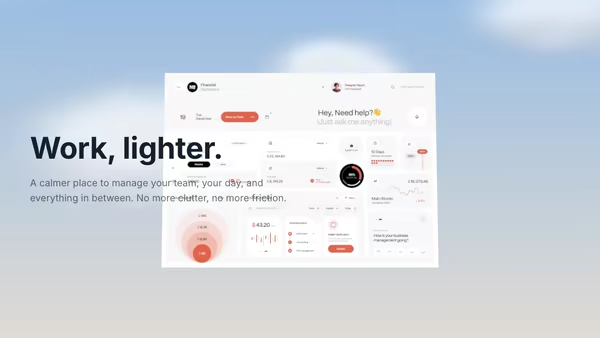
A product demo screenshot or video floats on a screen panel with an animated cursor, a glowing motion trail, expanding click ripples, and a zoom-lens magnifier that highlights UI moments.
Usage
import FloatingScreenRecording from '@crazygl/hero-floating-screen-recording';

export default function Page() {
  return (
    <FloatingScreenRecording
      heading="Watch it work."
      screenMedia="/demo/dashboard.mp4"
      cursorPath={"0.18,0.78\n0.62,0.30 click\n0.82,0.62 click zoom"}
      cursorSpeed={1}
    />
  );
}
Customise
- Content —
contentType,heading,subheading, or custom nodes. - Screen —
screenMedia(image or auto-looping video; panel adapts to its aspect),screenScale,screenTilt,screenX/screenY. - Cursor & trail —
cursorPath(onex,y [click] [zoom]waypoint per line),followPointer,cursorSpeed,trailLength,trailColor. - Clicks & zoom —
rippleStrength/rippleColor,zoomStrength/zoomRadius. - Motion & light —
floatStrength,parallaxStrength,screenGlow,accentColor. - Backdrop —
bgTone1/bgTone2,transparentBackground.
Best for
- SaaS landing pages and product-led-growth sites.
- Onboarding flows and developer-tool / AI-app launches.
- Any hero where "show the product working" beats a static screenshot.
One command, zero config.
npm install @crazygl/hero-floating-screen-recordingImport once, drop it in.
The component takes the same props you see in the live customizer on the right — every default ships poster-quality.
import FloatingScreenRecording from '@crazygl/hero-floating-screen-recording';

export default function Landing() {
  return (
    <FloatingScreenRecording />
  );
}SSR-safe by default.
The wrapper renders static HTML on the server and only initialises the canvas after hydration, so search engines see your copy.
// app/page.tsx — works in SSR-first frameworks (Next, Remix, Astro, etc.)
'use client';

import FloatingScreenRecording from '@crazygl/hero-floating-screen-recording';

export default function Page() {
  return (
    <section>
      <FloatingScreenRecording
        heading="Say hi."
        subheading="Your new hero."
      />
      <article>
        <h2>Welcome</h2>
        <p>Your content keeps its own voice below the hero.</p>
      </article>
    </section>
  );
}