CrazyGLCrazyGLHomeExploreGitHubBrowse heroesLoading hero…← Back to gallery@crazygl/stage-screen

Stage Screen

A keynote-stage hero: your product screenshot lives on a massive floating screen, lit by sweeping volumetric spotlights through a low-lying carpet of theatre fog.

ReactWebGL3DImageInteractiveFont#stage#keynote#screen#screenshot#spotlight#fog#three#saas#product

Usage

import StageScreen from '@crazygl/hero-stage-screen';

export default function Hero() {
  return (
    <StageScreen
      screenshot="https://example.com/dashboard.avif"
      heading="Take the stage."
      subheading="Built for moments that matter."
      spotCount={1}
      spotIntensity={2.1}
    />
  );
}

Customise

  • Contentheading / subheading, two-column, or custom node content.
  • Screenshot — the screenshot image on the screen, with screenshotX / screenshotY world offsets.
  • StagescreenScale, screenEmissive (glow), screenGlowColor, bezelColor, bezelWidth.
  • LightingspotIntensity, spotSweepSpeed, spotCount (1–4), spotlightColor.
  • AtmospheresmokeParticles, fogDensity (floor haze), fogColor, floorColor, backgroundColor, floorReflectivity.
  • InteractionpointerRotation (camera/scene reactivity to the cursor).

Best for

  • Product launches and product-reveal landing pages where the screenshot is the main event.
  • Enterprise SaaS and developer-tool homepages that want a cinematic keynote feel.
  • Startup landing pages needing a premium, theatre-lit hero around a single screenshot.
01 · Install the package

One command, zero config.

npm install @crazygl/hero-stage-screen
02 · Render the component

Import once, drop it in.

The component takes the same props you see in the live customizer on the right — every default ships poster-quality.

hero.tsx
import StageScreen from '@crazygl/hero-stage-screen';

export default function Landing() {
  return (
    <StageScreen />
  );
}
03 · Use it in a page

SSR-safe by default.

The wrapper renders static HTML on the server and only initialises the canvas after hydration, so search engines see your copy.

page.tsx
// app/page.tsx — works in SSR-first frameworks (Next, Remix, Astro, etc.)
'use client';

import StageScreen from '@crazygl/hero-stage-screen';

export default function Page() {
  return (
    <section>
      <StageScreen
        heading="Say hi."
        subheading="Your new hero."
      />
      <article>
        <h2>Welcome</h2>
        <p>Your content keeps its own voice below the hero.</p>
      </article>
    </section>
  );
}
You might also like

Similar heroes

Floating Movie Scene

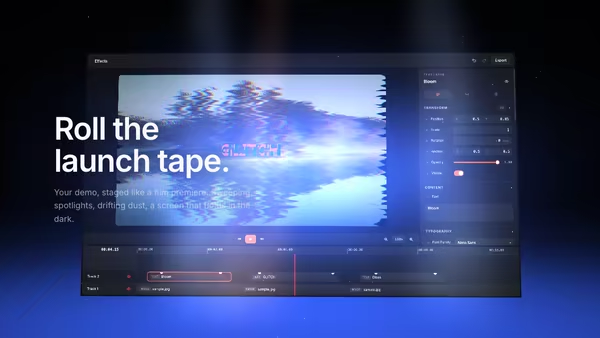
Your product demo presented like a launch trailer: a floating screen drifts on a dark 3D stage while volumetric spotlights sweep across it, dust hangs in the beams, and a soft reflection pools on the floor. Slow cinematic camera drift; scroll pushes the camera in.

Floating Screen Recording

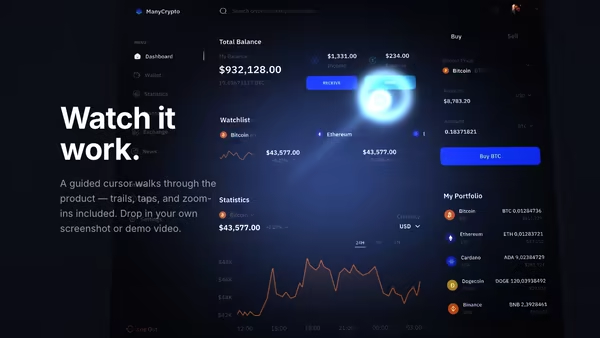
A product demo screenshot or video floats on a screen panel with an animated cursor, a glowing motion trail, expanding click ripples, and a zoom-lens magnifier that highlights UI moments.

VHS Product Demo Screen

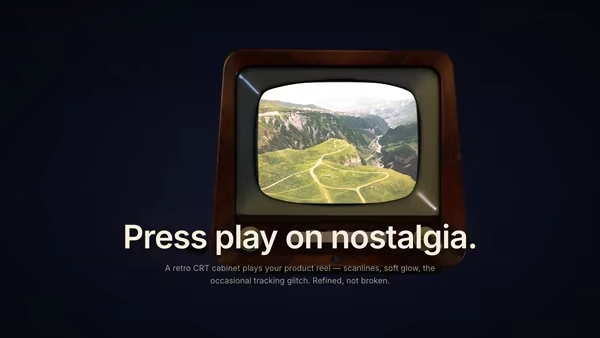
Your product image or video plays inside a floating retro CRT/VHS-style screen with subtle barrel curvature, scanlines, chromatic aberration, vignette and occasional tracking-noise glitch bursts. Nostalgic but polished.

Command Center Stage

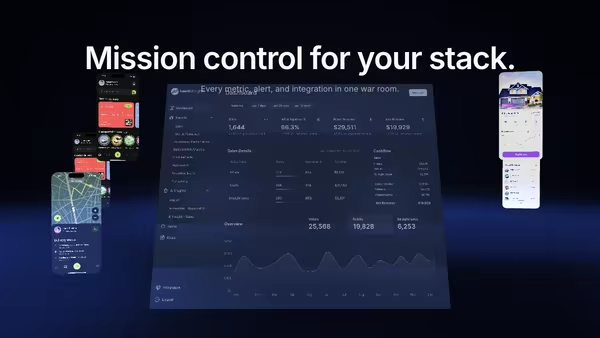
Your product UI floats as a giant screen at the centre of a dark 3D command room, smaller procedural panels orbit around it, and volumetric spotlights sweep through floor fog while a slow camera dolly breathes life into the scene.

Hero Video on Curved LED Wall

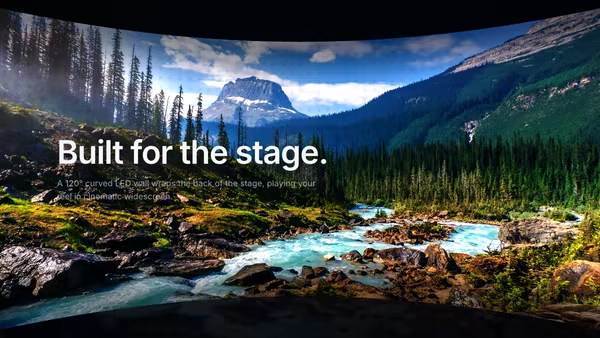
Your image or video plays across the inner concave surface of a large, cinematic curved LED wall, lit like a virtual production stage with a subtle LED-pixel grid, floor reflection, and pointer parallax.

Floating Ceramic UI

A matte ceramic-like tablet panel with rounded edges presents your dashboard screenshot under soft studio lighting. The slab breathes through a slow yaw oscillation with subtle pointer-driven tilt; ambient occlusion sells the screen-to-bezel seam.
Live customizer

Stage Screen

ScreenshotImage displayed on the giant stage screen. Wide product screenshots read best.Screenshot X offset0worldHorizontal position of the screenshot.Screenshot Y offset0worldVertical position of the screenshot.Screen size0.55Scales the screen. 1.0 fills the frame at the default camera; 0.5-0.7 is the cinematic sweet spot.Screen glow0.9How brightly the screen itself emits. 0.5-1.0 reads as a real backlit display; above 1.4 starts to glow unrealistically.Screen glow tintTint of the screen's emissive light. White preserves the screenshot colours; cool blues sell a cinema look.Bezel colourThe thin frame around the screen.Bezel width0.012relThickness of the screen frame relative to the screen height.Spotlight intensity2.1Brightness of the volumetric spotlight cones.Spotlight sweep speed0.2HzCycles per second of the slow left-to-right spotlight sweep.Spotlight count1Number of stage spotlights. 1 is the keynote default; 2-3 fill a wider stage.Spotlight colourTint of the spotlight beams. Cool blues read as theatre, warm ambers read as concert.Smoke particles70Number of curl-noise advected smoke billboards. 0 = off, 70 = stage smoke, 300 = heavy fog.Floor haze density0.6Density of the thin low-floor haze layer beneath the curl-noise smoke.Smoke colourTint of the smoke particles and floor haze. Desaturated cool greys read as room haze; pure white reads as theatre-machine fog.Floor colourBase colour of the stage floor.Background colourDeepest background tint behind the stage.Floor reflectivity0.35Strength of the screen's mirrored reflection on the stage floor.Pointer reactivity0.5How much the camera/scene reacts to pointer movement. 0 = no reaction, 1 = strong follow.Heading FontInteractivityWhich input drives the hero — try Scroll if you want the page to drive motion.
CrazyGL · crazygl.comProgrammable hero sections for real websites.