CrazyGLCrazyGLHomeExploreGitHubBrowse heroesLoading hero…← Back to gallery@crazygl/metrics-city

Floating Metrics City

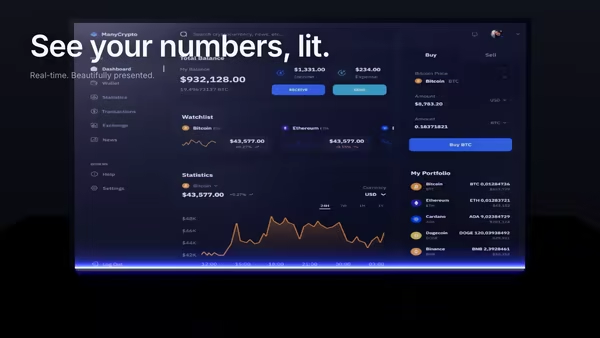
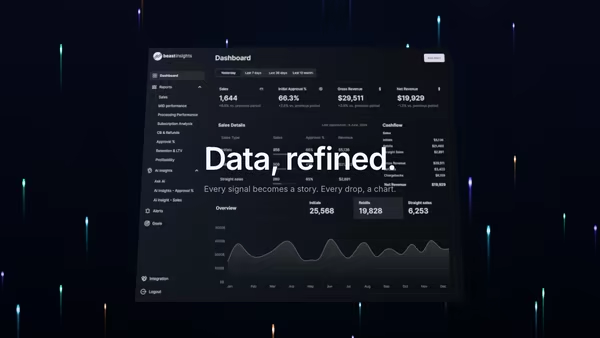
Your KPIs become tall glowing 3D towers in a dark abstract city. The dashboard screenshot floats above the skyline like a control layer, with FogExp2 atmospheric perspective fading distant towers into deep blue-black.

ReactWebGL3DImageInteractiveFont#three#3d#screenshot#dashboard#analytics#metrics#city#towers#instanced#fog#dark#architecture#finance#marketing

Usage

import MetricsCity from '@crazygl/hero-metrics-city';

export default function Hero() {
  return (
    <MetricsCity
      screenshot="/product/dashboard.png"
      towerCount={220}
      highColor="#FFB45A"
      lowColor="#3A4D7A"
    />
  );
}

Customise

  • Screenshot — the floating screenshot plus screenshotX/Y/Z, screenshotScale, screenshotTilt, screenEmissive.
  • CitytowerCount, towerSpacing, towerWidth, heightVariation, centerBoost, animSpeed, animAmplitude, lowColorhighColor gradient, topGlow (cap brightness).
  • AtmospherefogDensity, fogColor, groundColor, bgColor, transparentBackground.
  • CameracameraPitch, cameraDistance, cameraHeight, parallaxStrength.

Best for

  • Analytics, BI, and financial / fintech dashboard products.
  • Marketing and revenue-ops landing pages where "data as architecture" is the pitch.
  • Premium SaaS heroes that want a product screenshot to sit above a living scene.
01 · Install the package

One command, zero config.

npm install @crazygl/hero-metrics-city
02 · Render the component

Import once, drop it in.

The component takes the same props you see in the live customizer on the right — every default ships poster-quality.

hero.tsx
import FloatingMetricsCity from '@crazygl/hero-metrics-city';

export default function Landing() {
  return (
    <FloatingMetricsCity />
  );
}
03 · Use it in a page

SSR-safe by default.

The wrapper renders static HTML on the server and only initialises the canvas after hydration, so search engines see your copy.

page.tsx
// app/page.tsx — works in SSR-first frameworks (Next, Remix, Astro, etc.)
'use client';

import FloatingMetricsCity from '@crazygl/hero-metrics-city';

export default function Page() {
  return (
    <section>
      <FloatingMetricsCity
        heading="Say hi."
        subheading="Your new hero."
      />
      <article>
        <h2>Welcome</h2>
        <p>Your content keeps its own voice below the hero.</p>
      </article>
    </section>
  );
}
You might also like

Similar heroes

Floating Dashboard With Light Beam Reveal

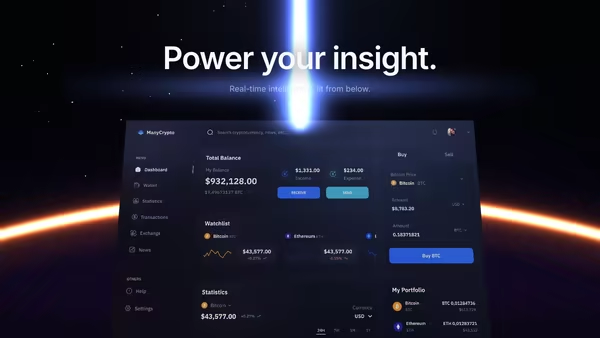
Your product dashboard, tilted in 3D space, scanned into existence by a soft blue-purple light beam. A glowing uplight underneath and a subtle floor reflection complete the look.

Data Rain Product Reveal

Elegant colored data streams fall behind a central product screenshot in four refined tints, with a few drops drifting in front for parallax depth. Cyberpunk but refined.

Dashboard Eclipse

Your dashboard screenshot sits low in the frame, partially hidden behind a glowing eclipse horizon, a vertical beam of light rising from it like the product itself is powering the scene.

Command Center Stage

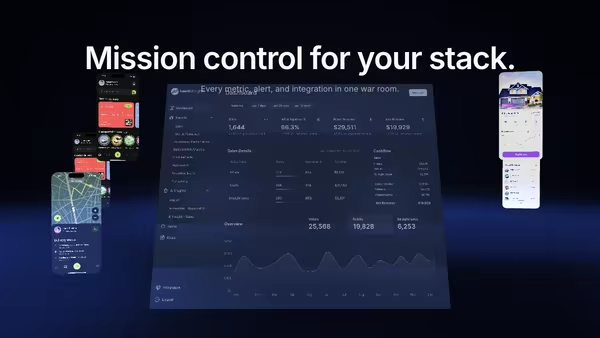
Your product UI floats as a giant screen at the centre of a dark 3D command room, smaller procedural panels orbit around it, and volumetric spotlights sweep through floor fog while a slow camera dolly breathes life into the scene.

Notification Storm

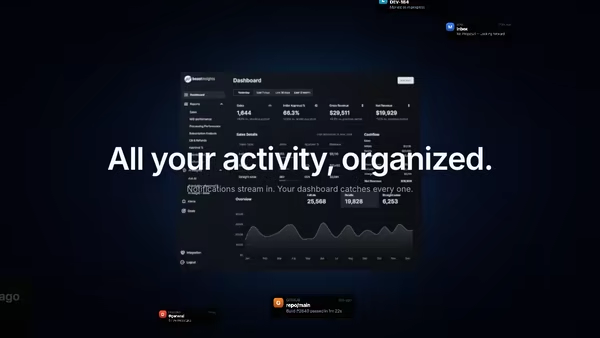
Tiny notification, message, alert and success cards stream from deep space toward a tilted product dashboard, curving inward under a magnetic pull and brightening on arrival. Hover anywhere to slow the storm to a crawl.

Screenshot in a Floating Metal Frame

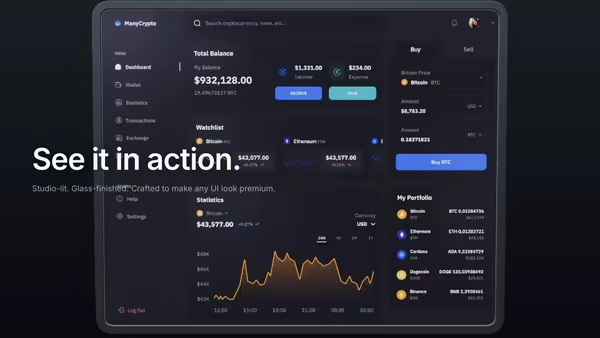
Your product screenshot held inside a brushed-metal frame, lit like a physical product photograph. The frame sits at an adjustable static angle, tilts with the pointer for parallax, and optionally rotates to catch studio highlights.
Live customizer

Floating Metrics City

DashboardThe floating dashboard above the city. Dark UI screenshots read best against the deep skyline.Dashboard X offset0worldDashboard Y offset2worldVertical offset above the city.Dashboard Z offset2.2worldPush the dashboard closer to (-) or further from (+) the camera.Dashboard scale1.6Dashboard tilt-44°Dashboard brightness0.8Tower count220Total tower count (laid out on a square grid).Tower spacing0.96worldTower width0.3worldHeight variation2.5Center boost0How much taller central towers are than edge towers.Animation speed0.14Speed of the height-oscillation animation.Animation amplitude0.395How much each tower's height oscillates.Low colorColor of the shortest towers.High colorColor of the tallest towers.Top glow1.5Brightness of the top-cap emissive.Fog density0.14Distance fog density (atmospheric perspective).Fog colorGround colorBackground colorTransparent backgroundCamera pitch35°Downward look angle.Camera distance10.3worldCamera height3.45worldVertical position of the camera above the city.Pointer parallax0.5InteractivityWhich input drives the hero — try Scroll if you want the page to drive motion.
CrazyGL · crazygl.comProgrammable hero sections for real websites.