CrazyGLCrazyGLHomeExploreGitHubBrowse heroesLoading hero…← Back to gallery@crazygl/dashboard-eclipse

Dashboard Eclipse

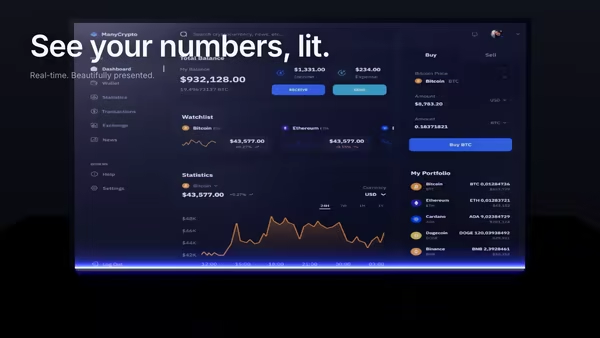
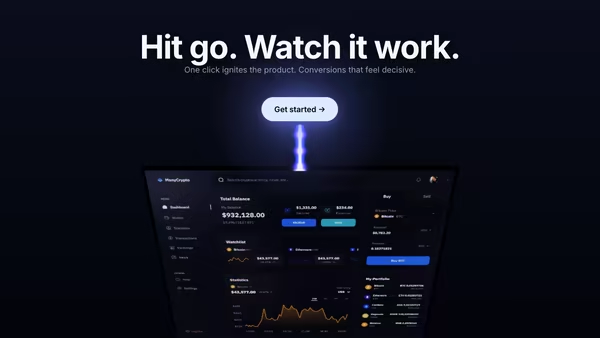
Your dashboard screenshot sits low in the frame, partially hidden behind a glowing eclipse horizon, a vertical beam of light rising from it like the product itself is powering the scene.

ReactWebGL3DImageInteractiveFont#three#3d#screenshot#dashboard#eclipse#beam#horizon#saas#analytics#ai#premium

Usage

import DashboardEclipse from '@crazygl/hero-dashboard-eclipse';

export default function Hero() {
	return (
		<DashboardEclipse
			heading="Power your insight."
			screenshot="/my-dashboard.avif"
			eclipseRimY={0.42}
			beamIntensity={0.8}
		/>
	);
}

react, react-dom and @crazygl/core are peer dependencies; three is bundled as a regular dependency.

Customise

  • Screenshotscreenshot (PNG/JPG/AVIF/WebP), plus screenshotX/Y/Scale/Tilt and screenEmissive backlit boost.
  • EclipsehorizonColor1/2/3 (outer/mid/core rim), horizonIntensity, eclipseRimY, eclipseRimSharpness, planetRadius.
  • BeambeamColor, beamIntensity, beamWidth, beamHeight, beamLayers, bloomStrength, bloomCoreStrength.
  • DustdustCount, dustColor, dustSpeed.
  • Motion & atmosphereparallaxStrength, beamPulse, skyTop, skyMid, grainStrength, vignetteStrength, transparentBackground.

Best for

  • Premium SaaS and analytics / BI launch pages
  • AI productivity tools and fintech dashboards
  • Product launches where the screenshot is the hero of the shot
  • Dark, cinematic landing pages
01 · Install the package

One command, zero config.

npm install @crazygl/hero-dashboard-eclipse
02 · Render the component

Import once, drop it in.

The component takes the same props you see in the live customizer on the right — every default ships poster-quality.

hero.tsx
import DashboardEclipse from '@crazygl/hero-dashboard-eclipse';

export default function Landing() {
  return (
    <DashboardEclipse />
  );
}
03 · Use it in a page

SSR-safe by default.

The wrapper renders static HTML on the server and only initialises the canvas after hydration, so search engines see your copy.

page.tsx
// app/page.tsx — works in SSR-first frameworks (Next, Remix, Astro, etc.)
'use client';

import DashboardEclipse from '@crazygl/hero-dashboard-eclipse';

export default function Page() {
  return (
    <section>
      <DashboardEclipse
        heading="Say hi."
        subheading="Your new hero."
      />
      <article>
        <h2>Welcome</h2>
        <p>Your content keeps its own voice below the hero.</p>
      </article>
    </section>
  );
}
You might also like

Similar heroes

Floating Dashboard With Light Beam Reveal

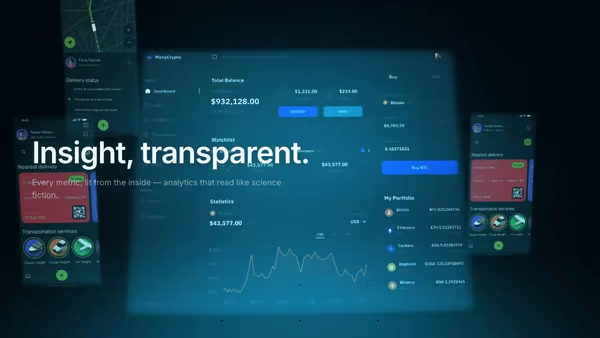
Your product dashboard, tilted in 3D space, scanned into existence by a soft blue-purple light beam. A glowing uplight underneath and a subtle floor reflection complete the look.

Energy Beam CTA

A conversion-focused hero: the main CTA button emits a glowing vertical beam that connects to a tilted product dashboard, making the button feel like it activates the product. Hover the CTA to brighten the beam, burst particles, and ripple a wake across the dashboard.

Holographic Dashboard Grid

Your dashboard rendered as a translucent hologram floating above a glowing cyan grid floor that recedes to the horizon. Scanlines, slight flicker, secondary feature panels drifting at depth. Built for analytics, cybersecurity, AI monitoring, and any sci-fi interface aesthetic.

Data Rain Product Reveal

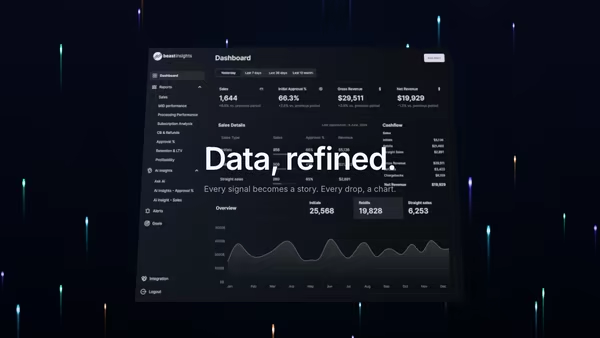
Elegant colored data streams fall behind a central product screenshot in four refined tints, with a few drops drifting in front for parallax depth. Cyberpunk but refined.

Screenshot with Animated Data Flow

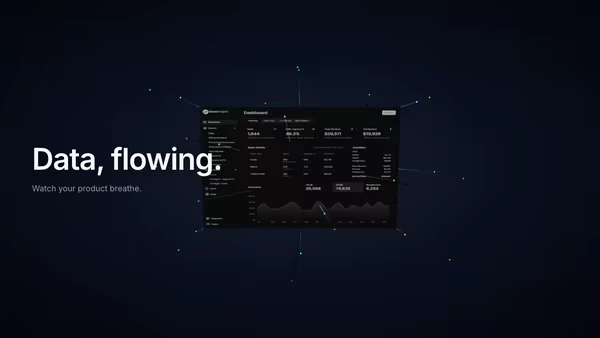
Glowing particles and connection lines stream out from a tilted product screenshot, suggesting live data moving through the UI. Built for analytics, CRM, automation, AI agents and database products.

Frosted CTA Panel

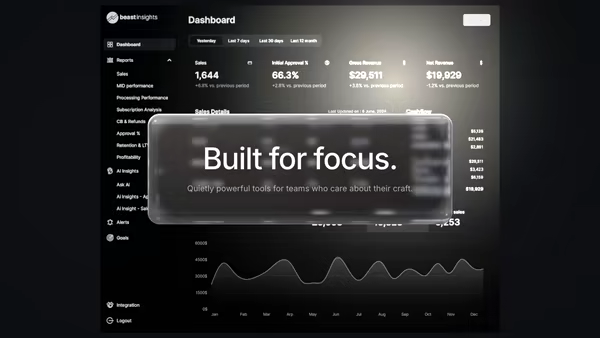
Your product screenshot drifts softly behind a frosted glass panel that holds the heading copy. Real transmission frost in the body, a sharp dispersive rim, two drifting light leaks, and layered parallax that separates the panel from the screenshot.
Live customizer

Dashboard Eclipse

Dashboard screenshotDark dashboards work best against the eclipse horizon. PNG / JPG / AVIF / WebP.Screenshot X offset0worldHorizontal offset of the dashboard. 0 = centred.Screenshot Y offset0worldVertical offset of the dashboard. 0 = default low-frame position.Screenshot scale1.15Screenshot tilt-15°Top tilts toward (-) or away (+) from camera.Screen brightness0.55Emissive boost so the screen reads backlit. Sweet spot 0.4–0.7.Horizon outerOuter halo colour — deep magenta/purple fading into sky.Horizon midMid halo colour — warm amber band.Horizon coreHot core of the eclipse — near-white warm light at the rim.Rim intensity1Eclipse rim Y0.42Vertical position of the bright rim arc within the canvas. 0 = bottom, 1 = top.Rim sharpness0.018Width of the rim band. Lower = sharper edge.Planet radius3.5worldSize of the implied planet being eclipsed. Larger = flatter rim arc.Beam colourBeam intensity0.8Beam width0.16worldBeam height6worldBeam layers5How many overlapping beam planes stack into the god-ray. More = denser volumetric feel.Bloom halation0.4Soft halation plane behind the beam.Bloom core1Hot bloom core where beam meets dashboard top edge.Dust count600Dust colourDust speed0.06Pointer parallax1Beam pulse0.05How much the beam intensity breathes over time.Sky topSky midFilm grain0.025Per-frame photographic grain. Low values are most flattering.Vignette0.3Corner darkening for filmic framing.Transparent backgroundSkip the dark sky gradient so the hero blends with the page background.InteractivityWhich input drives the hero — try Scroll if you want the page to drive motion.
CrazyGL · crazygl.comProgrammable hero sections for real websites.