CrazyGL
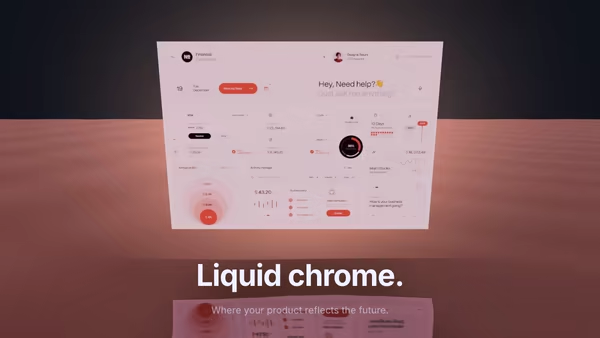
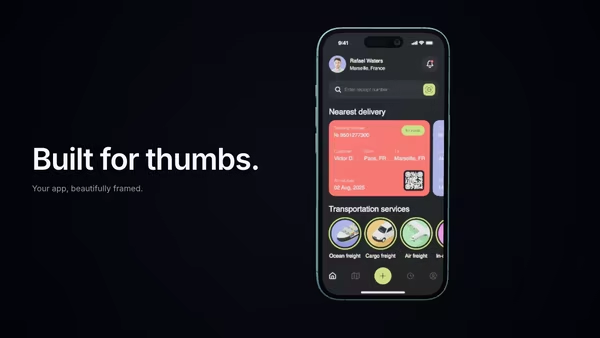
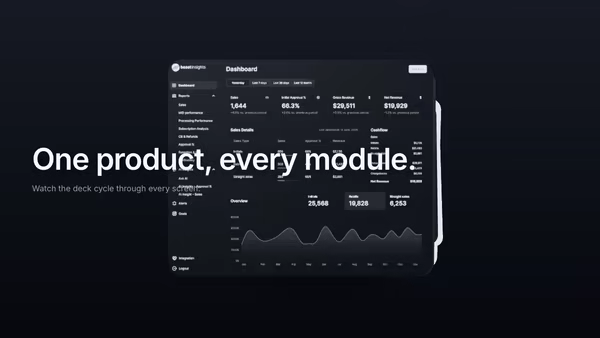
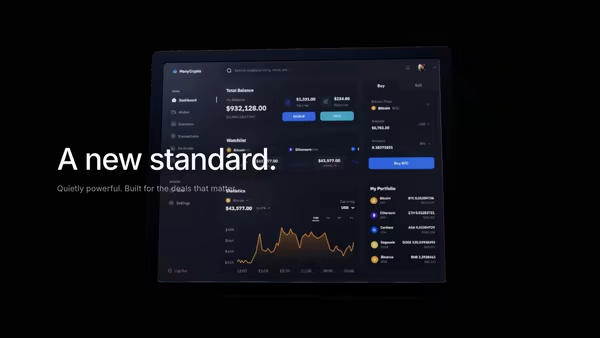
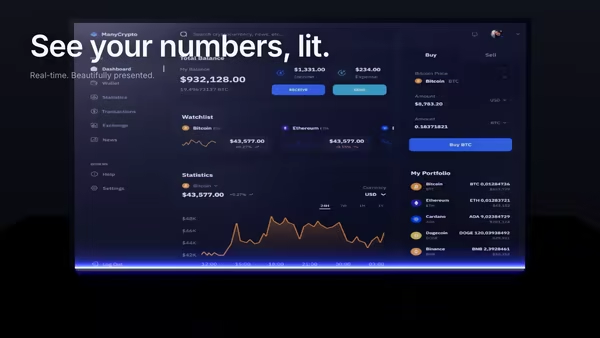
Screenshot in a Floating Metal Frame
Your product screenshot held inside a brushed-metal frame, lit like a physical product photograph. The frame sits at an adjustable static angle, tilts with the pointer for parallax, and optionally rotates to catch studio highlights.
Usage
import FloatingMetalFrame from '@crazygl/hero-floating-metal-frame';

export default function Hero() {
	return (
		<FloatingMetalFrame
			heading="See it in action."
			screenshot="https://crazygl.com/samples/screenshot-dashboard-dark-2.avif"
			frameRoughness={0.28}
			rotationSpeed={0.05}
		/>
	);
}
Customise
- Content —
heading+subheading, two columns, or a custom node, withcontentAlign/padding. - Screenshot —
screenshot(frame auto-matches its aspect),screenScale,screenshotX/Y,screenBrightness,glassReflection. - Frame —
frameColor,frameMetalness,frameRoughness(chrome → brushed → matte),frameThickness,frameCornerRadius,frameDepth,frameClearcoat. - Motion — static
frameAngleY/X,rotationSpeed,pointerParallax,shadowSoftness/Strength. - Lighting —
keyLight,fillLight,backLight,envIntensity(studio reflection). - Background —
bgTop/bgBottomgradient.
Best for
- Premium SaaS launch and feature pages where a screenshot must feel like a crafted object.
- Product and design-tool showcases.
- Polished startup landing sites needing a studio-grade hero shot.
One command, zero config.
npm install @crazygl/hero-floating-metal-frameImport once, drop it in.
The component takes the same props you see in the live customizer on the right — every default ships poster-quality.
import ScreenshotInAFloatingMetalFrame from '@crazygl/hero-floating-metal-frame';

export default function Landing() {
  return (
    <ScreenshotInAFloatingMetalFrame />
  );
}SSR-safe by default.
The wrapper renders static HTML on the server and only initialises the canvas after hydration, so search engines see your copy.
// app/page.tsx — works in SSR-first frameworks (Next, Remix, Astro, etc.)
'use client';

import ScreenshotInAFloatingMetalFrame from '@crazygl/hero-floating-metal-frame';

export default function Page() {
  return (
    <section>
      <ScreenshotInAFloatingMetalFrame
        heading="Say hi."
        subheading="Your new hero."
      />
      <article>
        <h2>Welcome</h2>
        <p>Your content keeps its own voice below the hero.</p>
      </article>
    </section>
  );
}