CrazyGLCrazyGLHomeExploreGitHubBrowse heroesLoading hero…← Back to gallery@crazygl/dashboard-light-beam

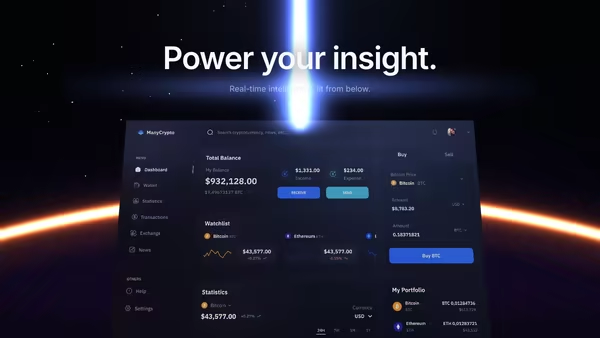
Floating Dashboard With Light Beam Reveal

Your product dashboard, tilted in 3D space, scanned into existence by a soft blue-purple light beam. A glowing uplight underneath and a subtle floor reflection complete the look.

ReactWebGL3DImageInteractiveFont#three#3d#screenshot#dashboard#reveal#beam#scan#saas#analytics#admin

Usage

import FloatingDashboardWithLightBeamReveal from '@crazygl/hero-dashboard-light-beam';

export default function Page() {
  return (
    <FloatingDashboardWithLightBeamReveal
      screenshot="/shots/dashboard-dark.avif"
      heading="See your numbers, lit."
      subheading="Real-time. Beautifully presented."
      beamColor="#7080ff"
      cardTilt={13}
    />
  );
}

Customise

  • Contentheading/subheading, two-column, or custom node.
  • Screenshotscreenshot media (dark dashboards read most cinematic; non-16:9 framed not stretched).
  • BeambeamColor, beamDuration, beamWidth, beamIntensity, loopBeam, loopBeamPeriod.
  • CardcardScale, cardTilt, screenshotX/Y, screenEmissive.
  • AtmosphereunderlightStrength, underlightCool, underlightWarm, floorReflection.
  • Motion / BackgroundparallaxStrength, transparentBackground, bgTop, bgBottom.

Best for

  • SaaS launch and product landing heroes.
  • Analytics / BI dashboards and admin tools.
  • AI / data products showing off a live interface.
01 · Install the package

One command, zero config.

npm install @crazygl/hero-dashboard-light-beam
02 · Render the component

Import once, drop it in.

The component takes the same props you see in the live customizer on the right — every default ships poster-quality.

hero.tsx
import FloatingDashboardWithLightBeamReveal from '@crazygl/hero-dashboard-light-beam';

export default function Landing() {
  return (
    <FloatingDashboardWithLightBeamReveal />
  );
}
03 · Use it in a page

SSR-safe by default.

The wrapper renders static HTML on the server and only initialises the canvas after hydration, so search engines see your copy.

page.tsx
// app/page.tsx — works in SSR-first frameworks (Next, Remix, Astro, etc.)
'use client';

import FloatingDashboardWithLightBeamReveal from '@crazygl/hero-dashboard-light-beam';

export default function Page() {
  return (
    <section>
      <FloatingDashboardWithLightBeamReveal
        heading="Say hi."
        subheading="Your new hero."
      />
      <article>
        <h2>Welcome</h2>
        <p>Your content keeps its own voice below the hero.</p>
      </article>
    </section>
  );
}
You might also like

Similar heroes

Dashboard Eclipse

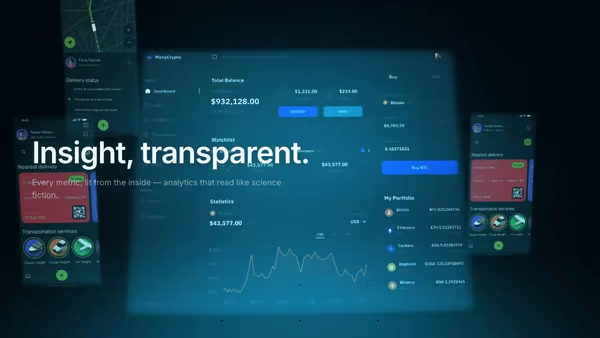
Your dashboard screenshot sits low in the frame, partially hidden behind a glowing eclipse horizon, a vertical beam of light rising from it like the product itself is powering the scene.

Energy Beam CTA

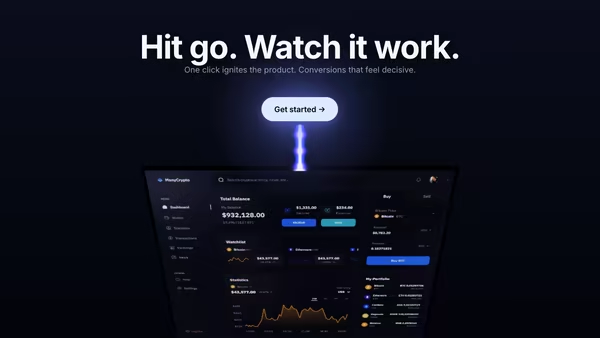
A conversion-focused hero: the main CTA button emits a glowing vertical beam that connects to a tilted product dashboard, making the button feel like it activates the product. Hover the CTA to brighten the beam, burst particles, and ripple a wake across the dashboard.

Holographic Dashboard Grid

Your dashboard rendered as a translucent hologram floating above a glowing cyan grid floor that recedes to the horizon. Scanlines, slight flicker, secondary feature panels drifting at depth. Built for analytics, cybersecurity, AI monitoring, and any sci-fi interface aesthetic.

Floating Metrics City

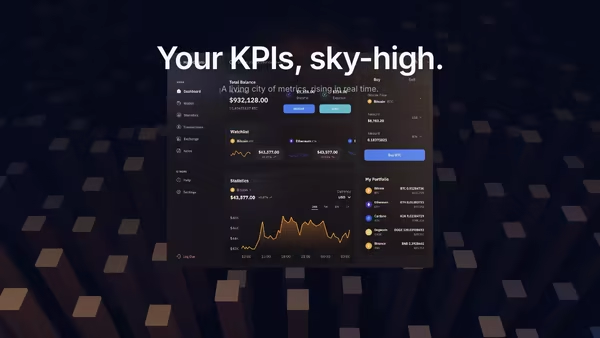
Your KPIs become tall glowing 3D towers in a dark abstract city. The dashboard screenshot floats above the skyline like a control layer, with FogExp2 atmospheric perspective fading distant towers into deep blue-black.

Data Rain Product Reveal

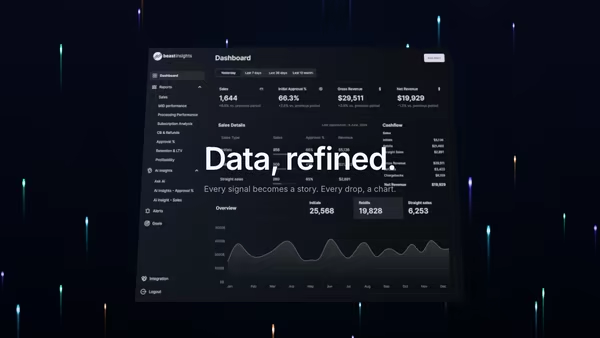
Elegant colored data streams fall behind a central product screenshot in four refined tints, with a few drops drifting in front for parallax depth. Cyberpunk but refined.

Black Glass Product Reveal

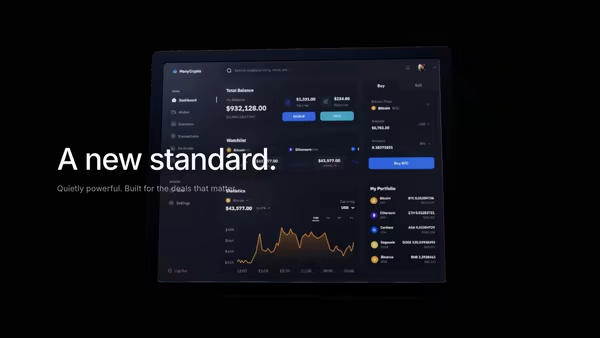
An almost-black canvas. A slow horizontal light sweeps left to right, revealing a glossy product screenshot inside a ceramic black-glass frame. Cinematic reveal for luxury SaaS, fintech, and premium B2B tools.
Live customizer

Floating Dashboard With Light Beam Reveal

Dashboard screenshotPNG / JPG / AVIF / WebP. Dark dashboards work best for the beam reveal — light UIs still look great with a tweaked beam color.Beam colourHue of the reveal beam and the under-card glow. Blue-purple reads as 'AI / analytics'; warm gold reads as 'premium / finance'.Beam duration2sTime the beam takes to travel from the top of the card to the bottom.Beam thickness0.02Beam thickness relative to card height. Sweet spot 0.015-0.03.Beam intensity1.4Brightness of the moving beam. Above ~2.0 the centre can blow out.Looping beamShow a subtle looping beam after the initial reveal so the card never sits perfectly still.Loop period10sSeconds between each subtle loop pass.Card size0.67Card tilt13°How far the card is tilted from the camera. Positive tilts back (top edge away), negative tilts forward (top edge toward camera).Screenshot X offset0worldHorizontal offset of the screenshot card. 0 = centered.Screenshot Y offset0worldVertical offset of the screenshot card. 0 = centered.Screen brightness0.3Emissive boost on the screen plane so it reads as 'lit' rather than a flat texture. Sweet spot 0.2-0.45.Under-card glow0.7Brightness of the soft radial glow under the card. Reads as a pool of light the card is floating over.Under-card cool tintCool end of the under-card glow gradient (mixed 50/50 with the warm tint).Under-card warm tintWarm end of the under-card glow gradient (mixed 50/50 with the cool tint).Floor reflection0.25Strength of the metallic floor reflection beneath the card. Subtle by default — large values start to compete with the card itself.Pointer parallax0.6Strength of the mouse-driven tilt. 0 disables parallax; 1 = ±5° X, ±8° Y.Transparent backgroundHide the page background gradient so the hero blends with the surrounding page.Background topBackground bottomHeading fontInteractivityWhich input drives the hero — try Scroll if you want the page to drive motion.
CrazyGL · crazygl.comProgrammable hero sections for real websites.