CrazyGLCrazyGLHomeExploreGitHubBrowse heroesLoading hero…← Back to gallery@crazygl/calm-cloud-interface

Calm Cloud Interface

A SaaS dashboard floats among soft cloud sprites under a friendly cream-to-sky-blue sky. Pointer drift parallaxes both the camera and the layered clouds for a light, approachable, effortless mood.

ReactWebGL3DImageInteractiveFont#3d#clouds#sky#saas#dashboard#calm#three#screenshot

Usage

import CalmCloudInterface from '@crazygl/hero-calm-cloud-interface';

export default function Hero() {
  return (
    <CalmCloudInterface
      screenshot="https://example.com/your-dashboard.avif"
      cloudCount={8}
      skyTop="#b8d8f5"
      skyBottom="#fff5e8"
    />
  );
}

Customise

  • Content — heading + subheading, two-column, or custom node, with optional heading font.
  • Screenscreenshot (PNG/JPG/WebP/AVIF; the plane derives its aspect from the image), plus screenshotScale, screenshotX/screenshotY offsets and screenshotTilt.
  • CloudscloudCount (4–14), cloudColor, cloudOpacity, cloudDriftSpeed, cloudSpeed multiplier.
  • SkyskyTop / skyBottom gradient colours.
  • MotionpointerCameraDrift and pointerParallax.
  • BackgroundtransparentBackground to composite over your own page.

Best for

  • Productivity tools, HR and people platforms, and education apps.
  • Consumer SaaS where the brand should feel light, calm and effortless.
  • Product launches that want a dashboard screenshot front and centre.
01 · Install the package

One command, zero config.

npm install @crazygl/hero-calm-cloud-interface
02 · Render the component

Import once, drop it in.

The component takes the same props you see in the live customizer on the right — every default ships poster-quality.

hero.tsx
import CalmCloudInterface from '@crazygl/hero-calm-cloud-interface';

export default function Landing() {
  return (
    <CalmCloudInterface />
  );
}
03 · Use it in a page

SSR-safe by default.

The wrapper renders static HTML on the server and only initialises the canvas after hydration, so search engines see your copy.

page.tsx
// app/page.tsx — works in SSR-first frameworks (Next, Remix, Astro, etc.)
'use client';

import CalmCloudInterface from '@crazygl/hero-calm-cloud-interface';

export default function Page() {
  return (
    <section>
      <CalmCloudInterface
        heading="Say hi."
        subheading="Your new hero."
      />
      <article>
        <h2>Welcome</h2>
        <p>Your content keeps its own voice below the hero.</p>
      </article>
    </section>
  );
}
You might also like

Similar heroes

Floating Ceramic UI

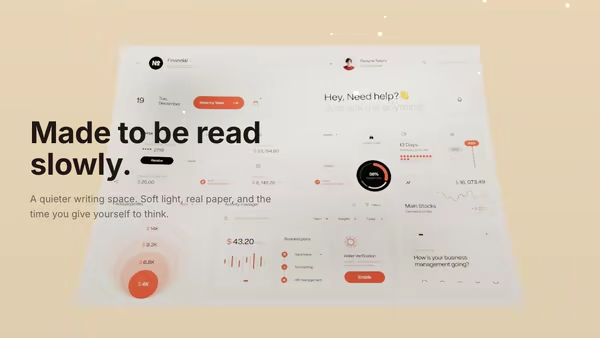
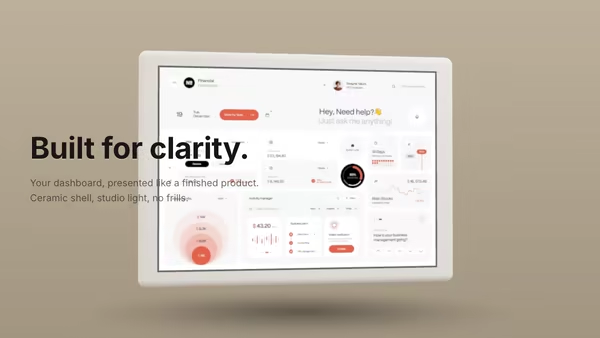
A matte ceramic-like tablet panel with rounded edges presents your dashboard screenshot under soft studio lighting. The slab breathes through a slow yaw oscillation with subtle pointer-driven tilt; ambient occlusion sells the screen-to-bezel seam.

Floating Screen Recording

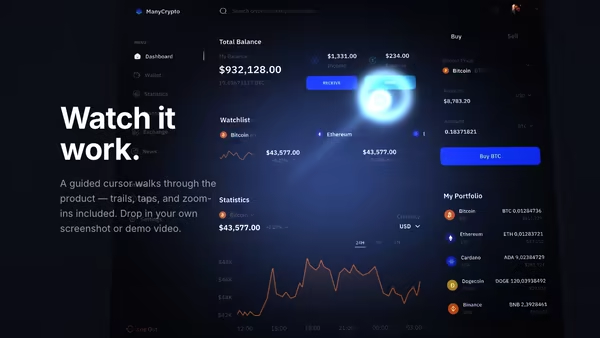
A product demo screenshot or video floats on a screen panel with an animated cursor, a glowing motion trail, expanding click ripples, and a zoom-lens magnifier that highlights UI moments.

Paper and Shadow

Your product screenshot, printed on a softly curled sheet of paper resting under warm window light. Leaves drift overhead and cast slow, dappled shadows across the page.

Product UI in Zero Gravity

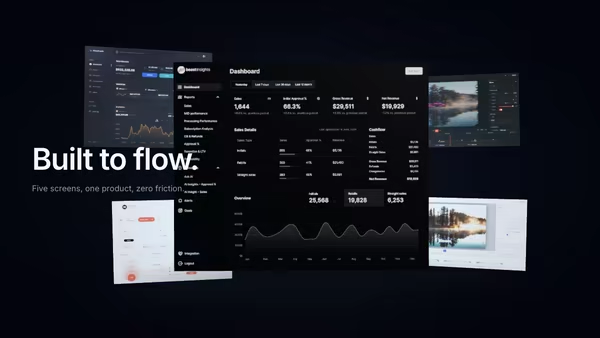
Five product screens drift weightlessly in a dark space. The main screen sits in focus at the front; four secondary feature screens float at varying depths behind it, with soft shadows and depth fog selling the void.

Floating Dashboard With Light Beam Reveal

Your product dashboard, tilted in 3D space, scanned into existence by a soft blue-purple light beam. A glowing uplight underneath and a subtle floor reflection complete the look.

Collage in Zero Gravity

Images, textures, and product screens float together in a controlled zero-gravity collage around the hero copy.
Live customizer

Calm Cloud Interface

ScreenshotAny dashboard / app PNG, JPG, WebP, or AVIF. The screen plane derives its aspect from the loaded image.Screen size1Overall scale of the screenshot plane in the scene.Screen offset X0worldNudges the screenshot along the world X axis. Default 0 is centred.Screen offset Y0worldNudges the screenshot along the world Y axis. Default 0 is centred.Screen tilt-4°Pitch on the screenshot plane. Slightly negative tips the top toward the camera for a gentle product pose.Cloud count8Number of cloud sprites stacked at varying depths from z = -8 (back) to z = -2 (close).Cloud colorTint of the soft cloud puffs. Default soft white reads as gentle midday cumulus.Cloud opacity0.7Max alpha of each cloud sprite. 0.7 reads as soft cumulus; toward 1 reads as denser fog banks.Cloud drift speed0.5Base leftward drift over the long cycle. 0 freezes the layer for a still hero.Cloud speed multiplier1.5Overall speed multiplier on top of cloud drift. 1 is the base motion, 1.5 (default) is a brisker daylight breeze, 5 is a fast time-lapse.Sky top colorSoft blue at the top of the sky gradient.Sky bottom colorCream warmth toward the horizon.Pointer camera drift0.7How far the pointer pushes the camera in X and Y. 0.7 reads as a gentle look-around; 0 freezes the camera.Cloud parallax0.4Pointer parallax on the cloud layers. Deeper clouds shift less than closer ones for a real depth feel.Transparent backgroundDrop the sky so the dashboard composites over your existing page background.Heading FontInteractivityWhich input drives the hero — try Scroll if you want the page to drive motion.
CrazyGL · crazygl.comProgrammable hero sections for real websites.