CrazyGLCrazyGLHomeExploreGitHubBrowse heroesLoading hero…← Back to gallery@crazygl/collage-zero-gravity

Collage in Zero Gravity

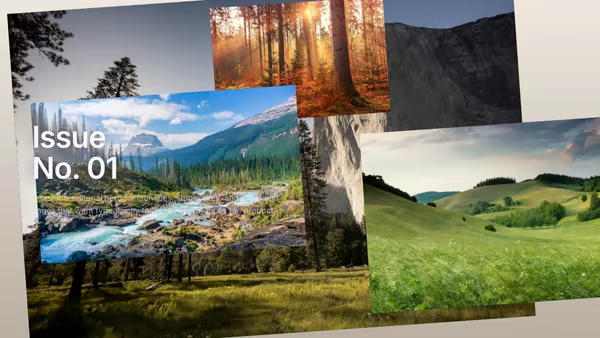
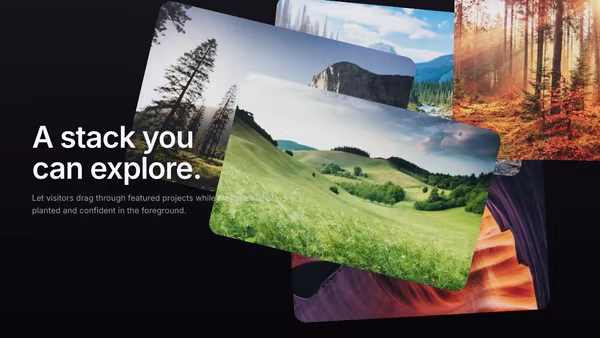
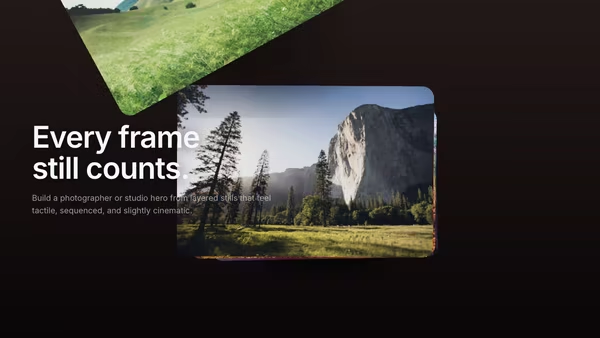
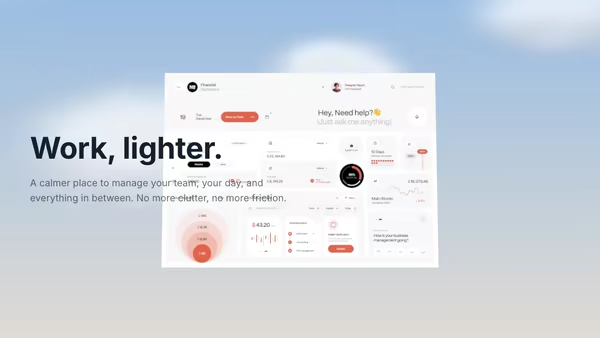
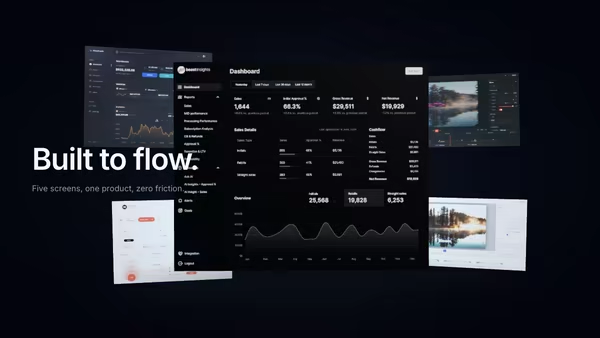
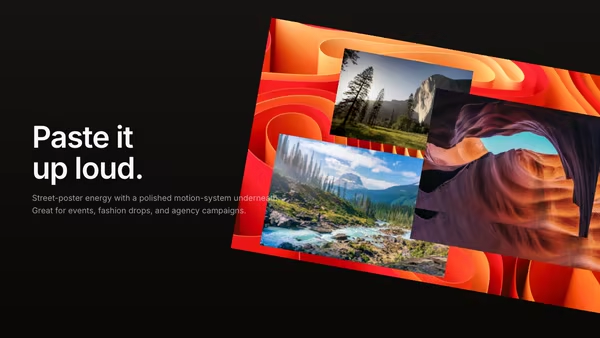
Images, textures, and product screens float together in a controlled zero-gravity collage around the hero copy.

ReactWebGL3DImageInteractiveFont#three#3d#screenshot#saas#multi-feature#space#calm#cinematic#editorial#portfolio

Usage

import CollageZeroGravity from '@crazygl/hero-collage-zero-gravity';

export default function Page() {
  return (
    <CollageZeroGravity
      heading={"The brand\nin motion."}
      screenshot1="/shots/product-main.avif"
      mainScale={1.3}
      parallaxStrength={0.55}
    />
  );
}

Customise

  • ContentcontentType (heading / two-columns / custom), heading, subheading, or custom nodes.
  • Screensscreenshot1 (main / front) through screenshot5 (supporting panels), plus mainScale, secondaryScale, secondarySpread, mainEmissive, secondaryEmissive.
  • GroupgroupOffsetX / groupOffsetY to reposition the whole cluster.
  • MotionparallaxStrength (cursor orbit), breathingStrength (per-screen float).
  • AtmospherefogDensity / fogColor, bloomColor / bloomStrength, ambientParticles, bgEdge / bgCenter, transparentBackground.

Best for

  • Multi-feature SaaS launch pages that show several product surfaces at once.
  • Design-studio and creative-portfolio sites.
  • Editorial brand pages and campaign landings mixing imagery, UI, and texture.
01 · Install the package

One command, zero config.

npm install @crazygl/hero-collage-zero-gravity
02 · Render the component

Import once, drop it in.

The component takes the same props you see in the live customizer on the right — every default ships poster-quality.

hero.tsx
import CollageInZeroGravity from '@crazygl/hero-collage-zero-gravity';

export default function Landing() {
  return (
    <CollageInZeroGravity />
  );
}
03 · Use it in a page

SSR-safe by default.

The wrapper renders static HTML on the server and only initialises the canvas after hydration, so search engines see your copy.

page.tsx
// app/page.tsx — works in SSR-first frameworks (Next, Remix, Astro, etc.)
'use client';

import CollageInZeroGravity from '@crazygl/hero-collage-zero-gravity';

export default function Page() {
  return (
    <section>
      <CollageInZeroGravity
        heading="Say hi."
        subheading="Your new hero."
      />
      <article>
        <h2>Welcome</h2>
        <p>Your content keeps its own voice below the hero.</p>
      </article>
    </section>
  );
}
You might also like

Similar heroes

Product UI in Zero Gravity

Five product screens drift weightlessly in a dark space. The main screen sits in focus at the front; four secondary feature screens float at varying depths behind it, with soft shadows and depth fog selling the void.

Torn Poster Hero

Layered torn posters build a premium campaign collage with depth, shadows, and a subtle peel-away motion.

Magazine Cover Product Hero

A product visual plays like a moving magazine cover, with large type sharing the frame and layered imagery adding subtle editorial depth.

Draggable Portfolio Cards

Portfolio cards float behind the headline and can be dragged with momentum, making the hero feel tactile and playful.

Cinematic Contact Sheet

Multiple frames behave like a cinematic contact sheet, bending through depth and holding a warm editorial mood.

Calm Cloud Interface

A SaaS dashboard floats among soft cloud sprites under a friendly cream-to-sky-blue sky. Pointer drift parallaxes both the camera and the layered clouds for a light, approachable, effortless mood.
Live customizer

Collage in Zero Gravity

Screenshot 1 (main / front)The hero screen, anchored in front and brighter than the rest.Screenshot 2Screenshot 3Screenshot 4Screenshot 5Main screen emissive0.7Emissive boost on the main (front) screen.Secondary screens emissive0.5Emissive on secondary (back) screens — kept lower so the main reads brighter.Main screen scale1.3Size multiplier for the main screen.Secondary screens scale0.85Secondary screens spread1How far the secondary screens spread out from the main screen. 1.0 = default layout, lower = tighter cluster, higher = wider arrangement.Group offset X0worldGroup offset Y0worldCursor orbit strength0.55How much the camera orbits with the pointer.Breathing motion0.74Subtle independent floating motion on each screen.Fog density0.035Exponential depth fog. Higher values fade the back screens into the void.Fog colorBloom colorSoft chromatic bloom plane behind the main screen.Bloom strength0.34Ambient particles145Far drifting particles. 0 to disable.Background edgeBackground centerTransparent backgroundInteractivityWhich input drives the hero — try Scroll if you want the page to drive motion.
CrazyGL · crazygl.comProgrammable hero sections for real websites.