CrazyGLCrazyGLHomeExploreGitHubBrowse heroesLoading hero…← Back to gallery@crazygl/halftone-video

Halftone Video

A looping video rendered as a living halftone print — a grid of ink dots whose size tracks the footage's local brightness, so the moving image reads as a newspaper press plate that's somehow in motion. The pointer is a clarity lens: under the cursor the screen resolves finer and the raw footage sharpens through, so the image reads clearer exactly where you point. Bold, editorial, premium.

ReactWebGLImageVideoInteractiveFont#halftone#video#print#editorial#dots#ripple#shader#pointer#premium#motion

Usage

import HalftoneVideo from '@crazygl/hero-halftone-video';

export default function Hero() {
  return (
    <HalftoneVideo
      videoSrc="https://crazygl.com/samples/drone-1.mp4"
      heading="In print and motion."
      cellSize={6}
      clarity={0.75}
    />
  );
}

Customise

  • ContentcontentType (heading / two-columns / custom) plus heading, subheading, or column nodes.
  • VideovideoSrc (looping MP4/WebM or still image), cellSize (grid pitch), maxDotScale (largest dot radius), invert (positive vs knock-out print).
  • Colormode (mono ink vs tint-by-video), dotColor, backgroundColor.
  • Focusclarity (lens reveal strength), lensRadius (focal size).
  • Backdroptransparent to composite the dots over your own page background.

Best for

  • Editorial and print-adjacent brands, fashion and culture magazines.
  • Music and film launch pages wanting a bold, tactile first frame.
  • Design studios after a high-contrast, "press plate in motion" texture.
01 · Install the package

One command, zero config.

npm install @crazygl/hero-halftone-video
02 · Render the component

Import once, drop it in.

The component takes the same props you see in the live customizer on the right — every default ships poster-quality.

hero.tsx
import HalftoneVideo from '@crazygl/hero-halftone-video';

export default function Landing() {
  return (
    <HalftoneVideo />
  );
}
03 · Use it in a page

SSR-safe by default.

The wrapper renders static HTML on the server and only initialises the canvas after hydration, so search engines see your copy.

page.tsx
// app/page.tsx — works in SSR-first frameworks (Next, Remix, Astro, etc.)
'use client';

import HalftoneVideo from '@crazygl/hero-halftone-video';

export default function Page() {
  return (
    <section>
      <HalftoneVideo
        heading="Say hi."
        subheading="Your new hero."
      />
      <article>
        <h2>Welcome</h2>
        <p>Your content keeps its own voice below the hero.</p>
      </article>
    </section>
  );
}
You might also like

Similar heroes

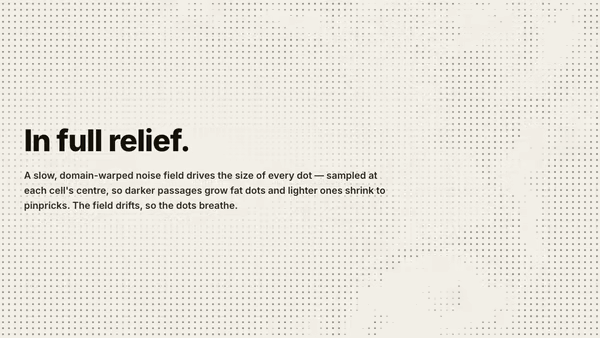
Halftone Field

A full-bleed AM halftone screen — thousands of ink dots on an aspect-corrected grid whose size is driven by a slow, domain-warped noise field sampled at each cell's centre. Dark zones grow fat dots, light zones shrink to pinpricks, and the field visibly evolves over time so the dot sizes breathe. Dot contrast intensifies toward the frame edges while the centre stays calm so the heading reads. Bold, graphic, editorial.

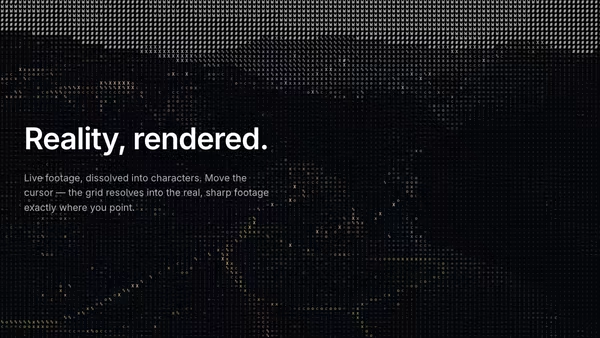
ASCII Video Displacement

A looping video converted live into ASCII art — each cell's brightness picks a glyph from a long density ramp so the moving footage reads as live ASCII. The pointer is a clarity lens: under the cursor the cells resolve into the real, sharp footage, so the image reads genuinely clearer exactly where you point.

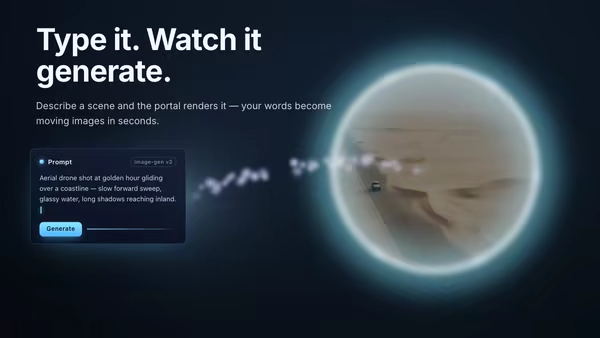
AI Video Generation Portal

A floating prompt card streams a current of energy particles across to a glowing portal ring, through which the generated video or image materializes with a shimmer-dissolve reveal.

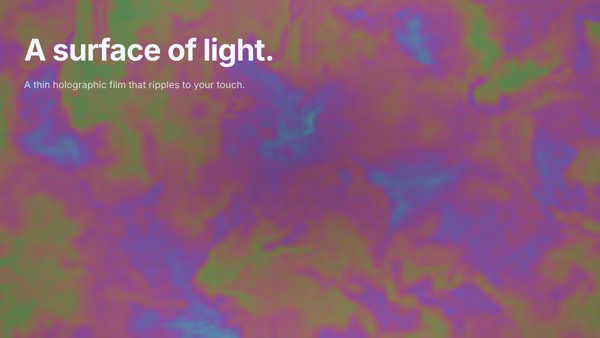
Iridescent Membrane

The whole background is a thin soap-bubble film — a translucent holographic membrane rendered with physically-based thin-film interference. Slow domain-warped flow drives the film thickness, so restrained pastel rainbows drift across the surface. The pointer presses on the membrane: the film stretches under the cursor and sends out concentric tension waves — single-wavefront ripples that perturb the thickness and shift the colour as they expand. Elegant, futuristic, premium.

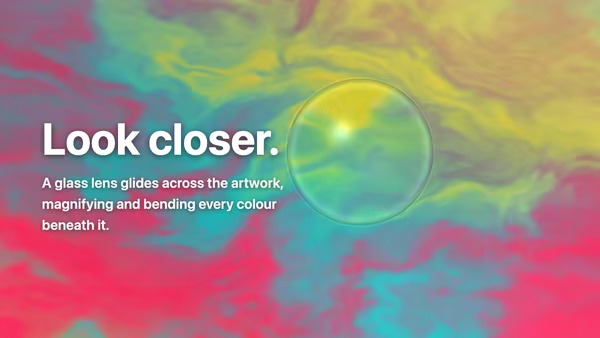
Artwork Lens

A clear glass DOME — a magnifying loupe / plano-convex lens — glides over a vibrant artwork with your heading composited on top. By default the artwork is an animated domain-warped colour field; supply your own image or video instead (cover-fit, never stretched). Beneath the lens everything is magnified UPRIGHT (not flipped like a glass marble), like a loupe sitting on the page: the centre magnifies cleanly, straight features curve more toward the rim, red/cyan chromatic fringing grows toward the edge, a Fresnel ring traces the rim and a specular hotspot sits upper-left. Because the heading is part of the scene, it reads normally outside the lens and is magnified, gently bent and chromatically split where the lens passes over it.

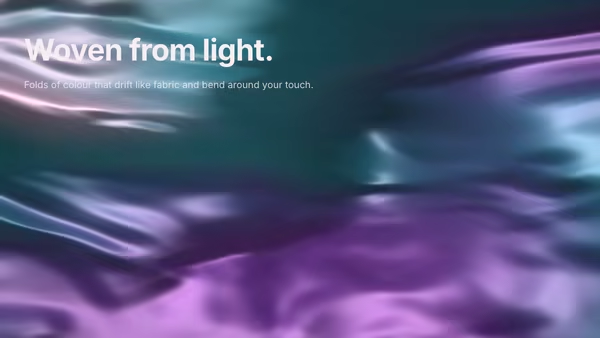
Reactive Gradient Silk

A background of folded silk made of light — very smooth gradients with broad flowing folds drifting in slow, elegant fabric motion. The folds carry deep desaturated jewel tones and catch a soft specular sheen along each crease. The pointer presses a gentle indentation into the cloth: the folds bend around the cursor and the highlights and shadows shift with it.
Live customizer

Halftone Video

Video (mp4 / webm)Looping footage screened into halftone. MP4/WebM auto-loop, muted, and play. A still image works too — it just won't move. If the video can't load, a procedural moving gradient screens in its place.Cell size6pxHalftone grid pitch in screen pixels. Small (6-10) = fine magazine screen; large (20-30) = chunky poster dots. Sweet spot 12-16.Max dot size0.62Largest dot radius as a fraction of half the cell. Below 0.5 the darks never fill in; above 1.1 the biggest dots merge into solid ink. 0.85-1.0 reads as proper press coverage.InvertOff: dark areas grow large dots (positive print). On: bright areas grow large dots (knock-out / negative).Ink modeMono: one ink colour on the background (classic newsprint). Tint by video: each dot is coloured by its own patch of the footage (CMYK-ish editorial).Ink colourPaper / backgroundClarity0.75How much the cursor sharpens the image: the halftone resolves finer under the pointer and a touch of the raw footage bleeds through at the centre. 0 = no focus lens; 0.7-0.9 reads as a clear window onto the footage.Focus size0.22Radius of the clarity lens (Gaussian sigma in screen-height units). Small = a tight focal spot; large = a broad clear zone that follows the cursor.Transparent backgroundDrop the paper colour and composite the dots over whatever sits behind the hero.InteractivityWhich input drives the hero — try Scroll if you want the page to drive motion.
CrazyGL · crazygl.comProgrammable hero sections for real websites.