CrazyGLCrazyGLHomeExploreGitHubBrowse heroesLoading hero…← Back to gallery@crazygl/orbital-carousel

Multi-Screen Orbital Carousel

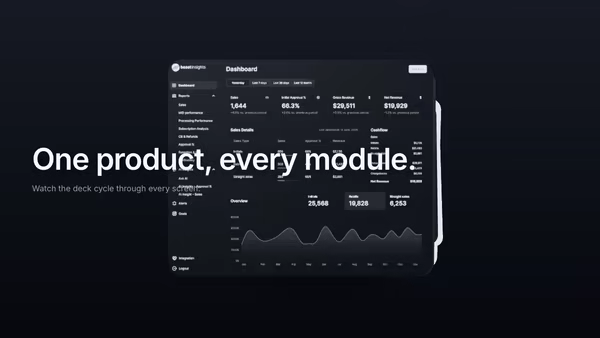
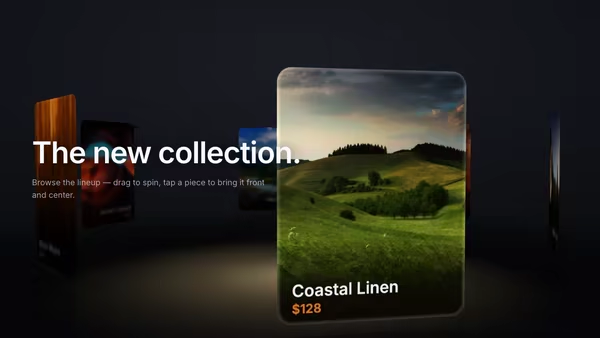
A ring of product screenshots orbits slowly around the hero in 3D space. The front card faces the camera and pops larger; the others recede into a depth-fogged background. Drag to spin, then let the ring glide back to its idle rotation.

ReactWebGL3DImageInteractiveFont#three#3d#screenshot#carousel#orbit#ring#showcase#saas#marketplace#portfolio

Usage

import OrbitalCarousel from '@crazygl/hero-orbital-carousel';

export default function Page() {
  return (
    <OrbitalCarousel
      heading="One product, many faces."
      screenshot1="/screens/home.png"
      screenshot2="/screens/inbox.png"
      screenshot3="/screens/calendar.png"
      cardCount={6}
    />
  );
}

Provide up to six screenshots (screenshot1screenshot6); the ring uses the first cardCount. Each card derives its own aspect ratio from the loaded image.

Customise

  • CarouselcardCount (3–10), carouselSpeed, radius, cardWidth, cardCornerRadius, focusBoost, focusOpacityFalloff, groupOffsetX/Y.
  • InteractiondragSensitivity, momentumDecay (how long the ring glides after a flick).
  • LightingkeyColor, fillColor, screenBrightness (emissive boost; front card gets +30%).
  • BackgroundbgTop, bgBottom (CSS gradient behind the ring).

Best for

  • SaaS apps with many features and productivity tools cycling between modes.
  • Marketplaces showing app collections and mobile-app landing pages.
  • Portfolio sites presenting multiple project screens.
01 · Install the package

One command, zero config.

npm install @crazygl/hero-orbital-carousel
02 · Render the component

Import once, drop it in.

The component takes the same props you see in the live customizer on the right — every default ships poster-quality.

hero.tsx
import MultiScreenOrbitalCarousel from '@crazygl/hero-orbital-carousel';

export default function Landing() {
  return (
    <MultiScreenOrbitalCarousel />
  );
}
03 · Use it in a page

SSR-safe by default.

The wrapper renders static HTML on the server and only initialises the canvas after hydration, so search engines see your copy.

page.tsx
// app/page.tsx — works in SSR-first frameworks (Next, Remix, Astro, etc.)
'use client';

import MultiScreenOrbitalCarousel from '@crazygl/hero-orbital-carousel';

export default function Page() {
  return (
    <section>
      <MultiScreenOrbitalCarousel
        heading="Say hi."
        subheading="Your new hero."
      />
      <article>
        <h2>Welcome</h2>
        <p>Your content keeps its own voice below the hero.</p>
      </article>
    </section>
  );
}
You might also like

Similar heroes

Collection Carousel

Product cards float in a curved 3D carousel. The center card is large and sharp; cards rotating toward the sides shrink, dim and blur into depth. Auto-rotates slowly, drag to spin with momentum, click a side card to bring it to center.

Neon Orbital Integrations

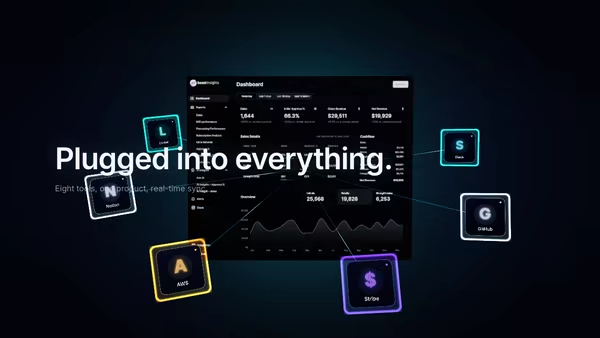
A dashboard screenshot at the centre with integration chips orbiting around it on an inclined plane, linked to the dashboard by glowing neon lines that pulse with travelling beads of light. Drag to spin the ring with momentum.

Carousel of Product Toys

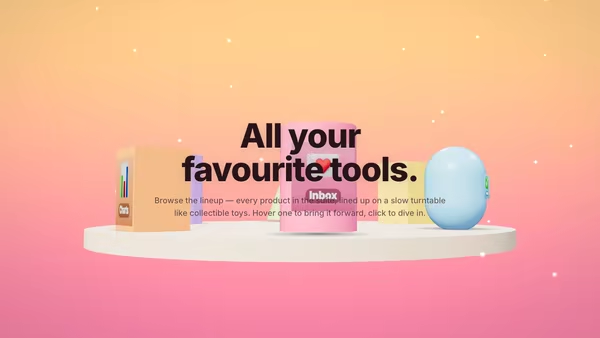
A slowly turning toy shelf — 5–8 chunky plastic-toy product icons rotate around the headline like collectibles on a display stand. Hover a toy to bring it forward; click to navigate.

Orbiting Word System

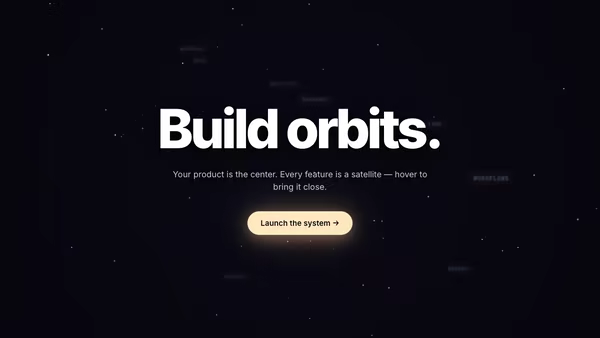
A bold centered headline anchors a 3D system of keyword satellites. Each orbit word travels its own tilted ellipse around the center; hover pulls a word forward and lights up the rest of the constellation.

Product UI in Zero Gravity

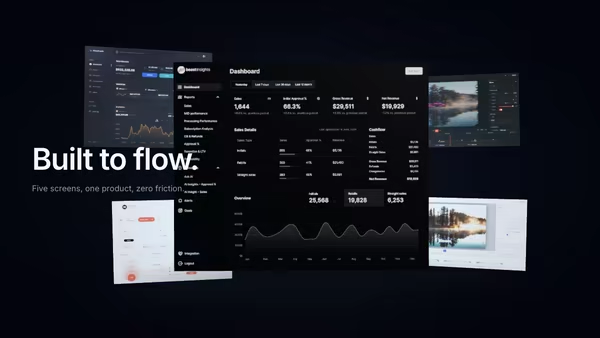
Five product screens drift weightlessly in a dark space. The main screen sits in focus at the front; four secondary feature screens float at varying depths behind it, with soft shadows and depth fog selling the void.

Screenshot as a 3D Card Stack

Your main product screenshot sits on top of a stack of secondary UI cards. The front card swoops up and over to the back at a configurable interval, autonomously cycling through every screen. Soft drop shadows, a cyan edge glow on the top card, cursor parallax tilt.
Live customizer

Multi-Screen Orbital Carousel

Screenshot 1PNG / JPG / AVIF / WebP. Pick crops that share a common aspect for a clean ring.Screenshot 2Screenshot 3Screenshot 4Screenshot 5Screenshot 6Card count6Only the first N screenshots are used. Below 3 the ring feels sparse; above 8 the rear cards overlap.Carousel speed0.25HzContinuous angular speed of the ring. 0.25 ≈ one revolution every ~25s.Ring radius2Distance of each card from the carousel center.Card width1Card width as a fraction of the maximum non-overlapping width. 1.0 = touching, lower = gaps.Card corner radius0.03relRounded corner radius relative to card height.Focus boost1.2Scale of the front card relative to others.Focus opacity falloff0.55Opacity of non-front cards. Lower = more focus on the front card.Carousel X offset0worldHorizontal position of the carousel. 0 = centered.Carousel Y offset0worldVertical position of the carousel. 0 = centered.Drag sensitivity1How fast the carousel spins relative to drag distance.Momentum decay0.95How long momentum lasts after release. 0.99 = long glide, 0.85 = quick stop.Key lightFill lightScreen brightness0.45Emissive boost on cards so screenshots read as lit, not flat. Front card gets an extra ~30% boost.Background topBackground bottomHeading fontInteractivityWhich input drives the hero — try Scroll if you want the page to drive motion.
CrazyGL · crazygl.comProgrammable hero sections for real websites.