CrazyGLCrazyGLHomeExploreGitHubBrowse heroesLoading hero…← Back to gallery@crazygl/carousel-of-product-toys

Carousel of Product Toys

A slowly turning toy shelf — 5–8 chunky plastic-toy product icons rotate around the headline like collectibles on a display stand. Hover a toy to bring it forward; click to navigate.

ReactWebGL3DInteractiveFont#three#3d#carousel#toys#products#playful#marketplace#saas#shelf#interactive

Usage

import CarouselOfProductToys from '@crazygl/hero-carousel-of-product-toys';

export default function Hero() {
	return (
		<CarouselOfProductToys
			heading={"All your\nfavourite tools."}
			subheading="Hover one of the toys to bring it forward."
			toy1Label="Inbox"
			toy1Emoji="💌"
			onToy1Click="/inbox"
			onToy2Click={(e) => console.log('Tasks clicked', e)}
		/>
	);
}

Customise

  • CarouseltoyCount (3–8), rotationSpeed (auto-drift, pauses on hover), hoverScale, turntableTilt, pointerParallax.
  • Per toy (1–8)toy{N}Label, toy{N}Color, toy{N}Emoji, toy{N}Shape (cylinder / capsule / cone / box), and onToy{N}Click — one prop that takes either a URL string (from the customizer) or a function (in code), type-detected at runtime.
  • ConfetticonfettiCount drifting sparkle particles (0 disables).
  • BackgroundbgTop / bgBottom pastel gradient, transparentBackground to drop the backdrop.

Best for

  • Multi-product brands and SaaS suites that need to show several sub-tools with equal billing.
  • Marketplaces and app directories — each toy is a clickable destination.
  • Productivity / playful product launches that want a tactile, collectible feel.
01 · Install the package

One command, zero config.

npm install @crazygl/hero-carousel-of-product-toys
02 · Render the component

Import once, drop it in.

The component takes the same props you see in the live customizer on the right — every default ships poster-quality.

hero.tsx
import CarouselOfProductToys from '@crazygl/hero-carousel-of-product-toys';

export default function Landing() {
  return (
    <CarouselOfProductToys />
  );
}
03 · Use it in a page

SSR-safe by default.

The wrapper renders static HTML on the server and only initialises the canvas after hydration, so search engines see your copy.

page.tsx
// app/page.tsx — works in SSR-first frameworks (Next, Remix, Astro, etc.)
'use client';

import CarouselOfProductToys from '@crazygl/hero-carousel-of-product-toys';

export default function Page() {
  return (
    <section>
      <CarouselOfProductToys
        heading="Say hi."
        subheading="Your new hero."
      />
      <article>
        <h2>Welcome</h2>
        <p>Your content keeps its own voice below the hero.</p>
      </article>
    </section>
  );
}
You might also like

Similar heroes

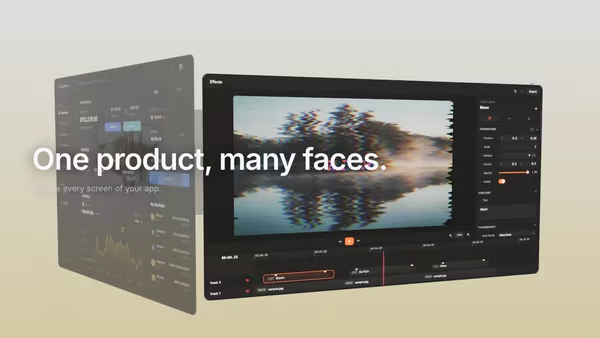
Multi-Screen Orbital Carousel

A ring of product screenshots orbits slowly around the hero in 3D space. The front card faces the camera and pops larger; the others recede into a depth-fogged background. Drag to spin, then let the ring glide back to its idle rotation.

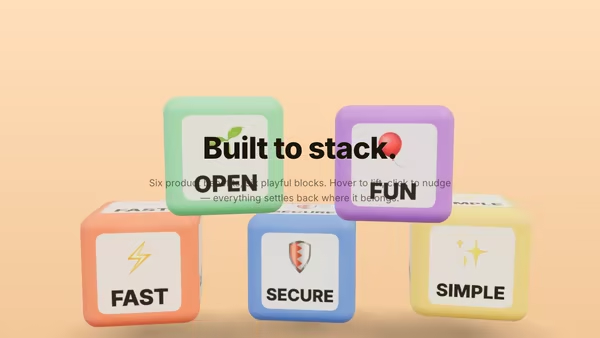
Feature Blocks Playground

Each selling point is a colourful, chunky 3D block. The blocks fall from above, bounce into a deliberate stacked composition, and respond to hover and click — your product benefits, rendered as playful building blocks.

Inflatable Balloon Typography

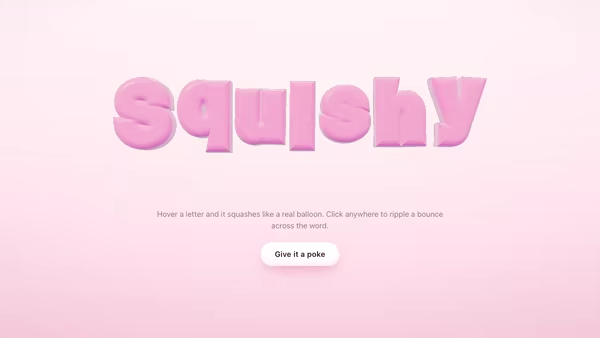
Your headline becomes a row of soft, puffy balloon letters. Each glyph is inflated outward along its surface normal, floats gently with its own bobbing rhythm, squashes elastically when your cursor gets close, and ripples in a bounce wave when you click anywhere on the canvas.

Collection Carousel

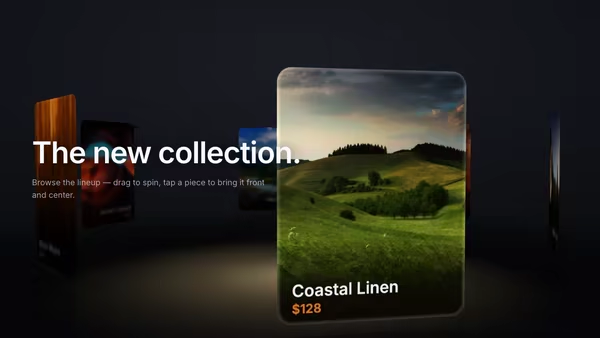
Product cards float in a curved 3D carousel. The center card is large and sharp; cards rotating toward the sides shrink, dim and blur into depth. Auto-rotates slowly, drag to spin with momentum, click a side card to bring it to center.

Bouncy Logo Mascot

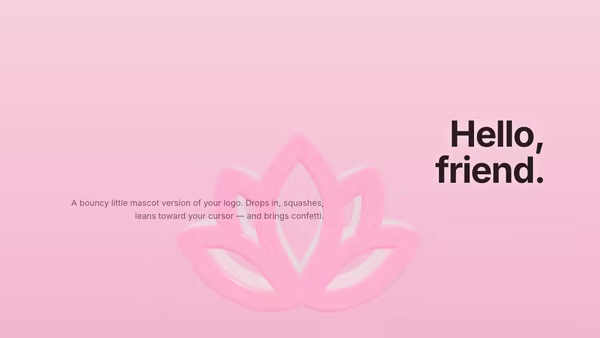
The uploaded logo becomes a soft mascot-like 3D toy that drops in with snappy spring physics, reacts to the cursor like a squashy character, and pops into a colorful confetti burst when clicked — then drops in again.

Chrome Mascot Logo

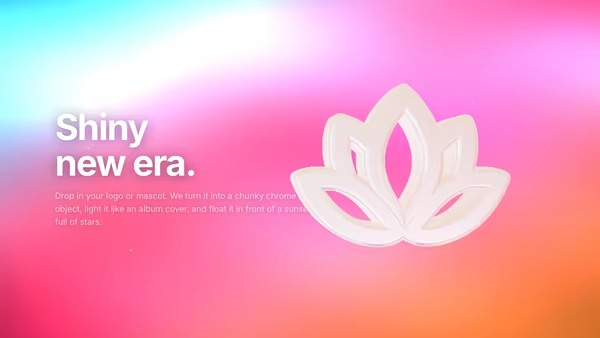
Your logo or mascot reborn as a chunky Y2K chrome object floating over a sunset gradient with twinkling stars and slow anamorphic lens flares. Real PBR mirror metal lit by a procedural HDR environment.
Live customizer

Carousel of Product Toys

Toy Count6Number of toys on the turntable. 5–6 reads best; 8 starts to crowd.Rotation Speed0.05rad/sSlow drift — 0.05 rad/s is roughly a 2-minute loop. Auto-rotation pauses while a toy is hovered.Hover Focus Scale1.25How much the hovered toy scales up. Others gently shrink.Turntable Tilt10°Forward tilt of the turntable plane. ~10° gives the classic display-stand look.Pointer Parallax0.4Camera sway with pointer position. 0 disables; 1 is a strong dolly.LabelColorEmoji / IconShapeOn clickURL to navigate to when clicked. From code you can also pass a function — same prop name, type-detected at runtime.LabelColorEmoji / IconShapeOn clickURL to navigate to when clicked. From code you can also pass a function — same prop name, type-detected at runtime.LabelColorEmoji / IconShapeOn clickURL to navigate to when clicked. From code you can also pass a function — same prop name, type-detected at runtime.LabelColorEmoji / IconShapeOn clickURL to navigate to when clicked. From code you can also pass a function — same prop name, type-detected at runtime.LabelColorEmoji / IconShapeOn clickURL to navigate to when clicked. From code you can also pass a function — same prop name, type-detected at runtime.LabelColorEmoji / IconShapeOn clickURL to navigate to when clicked. From code you can also pass a function — same prop name, type-detected at runtime.LabelColorEmoji / IconShapeOn clickURL to navigate to when clicked. From code you can also pass a function — same prop name, type-detected at runtime.LabelColorEmoji / IconShapeOn clickURL to navigate to when clicked. From code you can also pass a function — same prop name, type-detected at runtime.Confetti Count40Sparkle particles drifting through the scene. 30–60 reads as festive; 0 disables.Background TopWarm pastel — top of the radial sky gradient.Background BottomSoft pink — bottom of the gradient. Combined with the top this gives the toy-shop atmosphere.Transparent backgroundSkip the gradient backdrop so the hero can sit over an existing page background.Heading FontInteractivityWhich input drives the hero — try Scroll if you want the page to drive motion.
CrazyGL · crazygl.comProgrammable hero sections for real websites.