CrazyGLCrazyGLHomeExploreGitHubBrowse heroesLoading hero…← Back to gallery@crazygl/old-internet-portal

Old Internet Portal

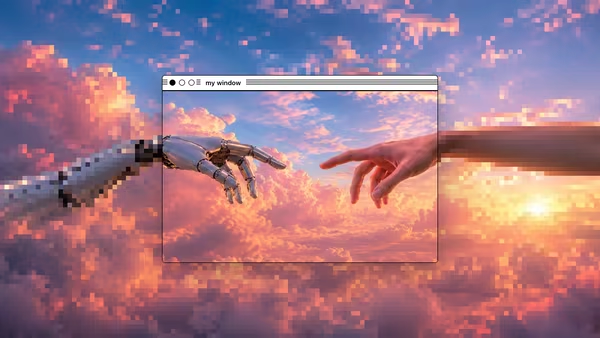
A surreal 3D old-web desktop. Floating Windows 98 / classic Mac OS panels in CSS-3D, a pixel cursor trail, dotted retro wallpaper. Drag windows around by their title bars. Nostalgic browser chaos rendered as a premium composed tribute.

ReactCanvasImageInteractiveFont#css-3d#retro#nostalgia#windows-98#classic-mac#portal#desktop#portfolio#indie#studio

Usage

import OldInternetPortal from '@crazygl/hero-old-internet-portal';

export default function Hero() {
  return (
    <OldInternetPortal
      heading="Welcome to the World Wide Web."
      windowStyle="win95"
      window1Mode="image"
      window1Image="/shots/dashboard.avif"
      onWindow1Click="/portfolio"
    />
  );
}

Customise

  • ChromewindowStyle (win95, winxp, macos-classic).
  • Windows 1–6 — per slot: window{N}Mode (image/text/decoration/hidden), Label, Image/Text, Color, X/Y (% of hero), Z (px depth), RotX/RotY, Width/Height (fraction of min hero dimension), onWindow{N}Click (URL string or function callback).
  • CursorcustomCursor, showCursorTrail, cursorTrailLength, cursorTrailFadeSpeed, cursorTrailColor.
  • WallpaperwallpaperColor, dotColor, dotSize, dotSpacing, vignetteStrength, transparentBackground.
  • MotionparallaxStrength, perspectiveDistance, ambientFloat.

Best for

  • Portfolios, design studios, and indie product launches.
  • Agency landing pages with a playful, nostalgic voice.
  • Any "we make strange, beautiful internet things" message.
01 · Install the package

One command, zero config.

npm install @crazygl/hero-old-internet-portal
02 · Render the component

Import once, drop it in.

The component takes the same props you see in the live customizer on the right — every default ships poster-quality.

hero.tsx
import OldInternetPortal from '@crazygl/hero-old-internet-portal';

export default function Landing() {
  return (
    <OldInternetPortal />
  );
}
03 · Use it in a page

SSR-safe by default.

The wrapper renders static HTML on the server and only initialises the canvas after hydration, so search engines see your copy.

page.tsx
// app/page.tsx — works in SSR-first frameworks (Next, Remix, Astro, etc.)
'use client';

import OldInternetPortal from '@crazygl/hero-old-internet-portal';

export default function Page() {
  return (
    <section>
      <OldInternetPortal
        heading="Say hi."
        subheading="Your new hero."
      />
      <article>
        <h2>Welcome</h2>
        <p>Your content keeps its own voice below the hero.</p>
      </article>
    </section>
  );
}

You might also like

Similar heroes

Typography In Portal

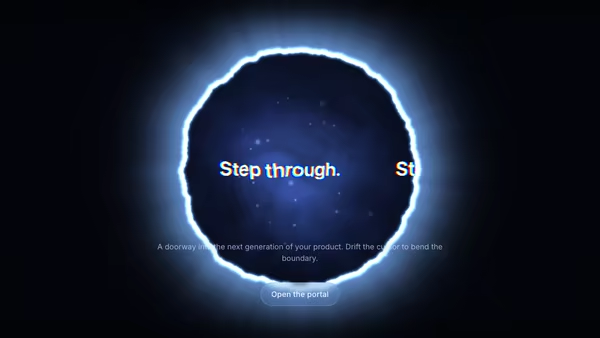
Your headline rendered inside a glowing circular portal — text drifts across the opening, the rim glows and ripples with noise, and the pointer bends the portal in real time. Built as a single fullscreen WebGL shader that samples a canvas-rendered text texture with chromatic aberration.

AI Console Portal

A glowing torus portal opens onto an AI console screenshot stepping forward into the scene, surrounded by orbiting prompt and output cards and a stream of particles slipping past the ring toward the camera.

AI Video Generation Portal

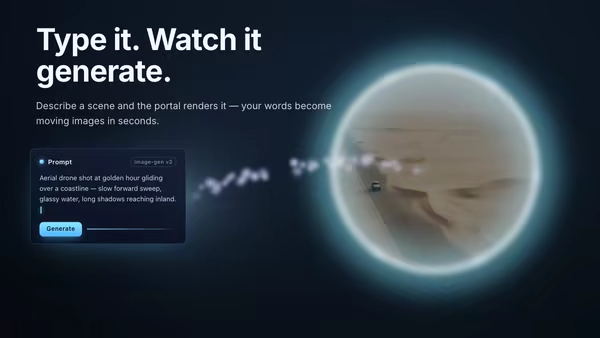
A floating prompt card streams a current of energy particles across to a glowing portal ring, through which the generated video or image materializes with a shimmer-dissolve reveal.

Vaporwave Dashboard Sunset

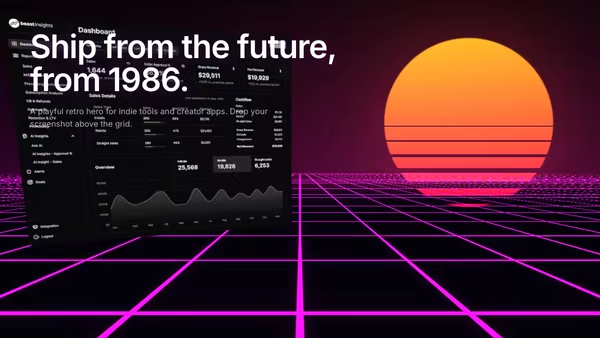
Your product screenshot floats over a magenta perspective grid floor, with a slatted retro sun glowing on the horizon and a wet-neon reflection underneath. 80s/90s vaporwave SaaS hero.

Pixel to 3D Reveal

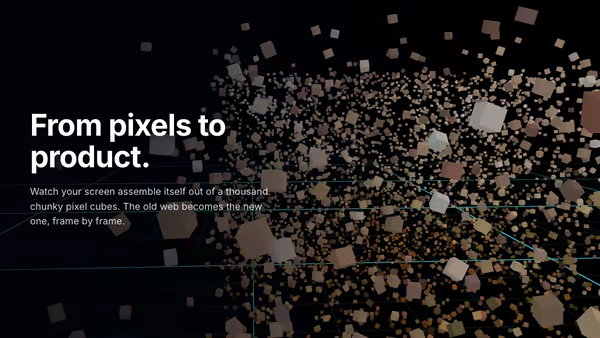
An image is sampled into a cloud of chunky pixel cubes scattered through 3D space. They fly to their home positions and refine from low-res chunks to crisp pixels — a pixel mosaic that assembles itself in front of a glowing grid floor. Three.js InstancedMesh, image-as-particle-source.

Window Lens

A draggable OS-style window is a sharp 'lens' over an image or video: crisp inside the window, processed outside — pixelate, blur, black-&-white dither, ASCII, or none. Use a separate custom image for the processed outside region, and pick any of four chrome styles (classic Mac, modern Mac, Windows XP, Windows 95).
Live customizer

Old Internet Portal

Window styleVisual style of the window chrome. Affects title bar, bezel, and corner buttons across all windows.ModeDecoration shows colorful pixel icons; Hidden removes the window from the scene.Title bar labelImageAny PNG / JPG / WebP / AVIF. Letterboxed inside the window panel.On clickURL to navigate to on click. Code consumers can also pass a function — same prop name.Title bar colorX position-32%Y position-22%Z depth-120pxNegative pushes the window into the screen; positive pulls it toward the viewer.Rotate X6°Rotate Y8°Width0.48Width as a fraction of the hero's smaller dimension.Height0.33Height as a fraction of the hero's smaller dimension.ModeTitle bar labelImageOn clickURL to navigate to on click. Code consumers can also pass a function — same prop name.Title bar colorX position30%Y position-28%Z depth-40pxRotate X-3°Rotate Y-10°Width0.42Height0.3ModeTitle bar labelOn clickURL to navigate to on click. Code consumers can also pass a function — same prop name.Title bar colorX position-34%Y position26%Z depth60pxRotate X-8°Rotate Y14°Width0.33Height0.3ModeTitle bar labelText contentOn clickURL to navigate to on click. Code consumers can also pass a function — same prop name.Title bar colorX position32%Y position24%Z depth110pxRotate X4°Rotate Y-16°Width0.36Height0.27ModeTitle bar labelOn clickURL to navigate to on click. Code consumers can also pass a function — same prop name.Title bar colorX position-10%Y position-36%Z depth-200pxRotate X2°Rotate Y4°Width0.27Height0.21ModeTitle bar labelOn clickURL to navigate to on click. Code consumers can also pass a function — same prop name.Title bar colorX position12%Y position34%Z depth-250pxRotate X-6°Rotate Y-8°Width0.3Height0.24Custom cursorWhen on, hides the system cursor and renders an OS-style pixel pointer (with optional trail). When off, the browser's default cursor is shown and no custom sprite or trail is drawn.Show cursor trailWhen on, draws a fading trail behind the custom cursor sprite.Trail length18Number of historical cursor positions retained. Sweet spot 12-24.Trail fade speed3How fast the trail fades. 3.0 reads as a snappy, modern fade; 1.5 is a leisurely smear; 4 snaps almost instantly.Trail colorColor of the cursor trail. Match the wallpaper text color for cohesion.Wallpaper colorBackground color of the desktop. Sandy beige reads as warm CRT; #008080 reads as classic Windows teal.Dot colorColor of the dotted-grid wallpaper pattern. Subtle contrast against the wallpaper reads as premium; high contrast reads as noisy.Dot size1.6pxDot spacing22pxVignette0.35Darkening at the canvas edges. Adds CRT depth without competing with the windows.Transparent backgroundPointer parallax0.5How much pointer movement shifts the scene perspective. 0.5 reads as comfortable depth; 1.0 is dramatic.Perspective distance1400pxCSS perspective. Smaller values exaggerate depth; larger values flatten the scene.Ambient float0.3Strength of the slow ambient drift on each window. 0 freezes them in place.Heading font
CrazyGL · crazygl.comProgrammable hero sections for real websites.