CrazyGL
AI Console Portal
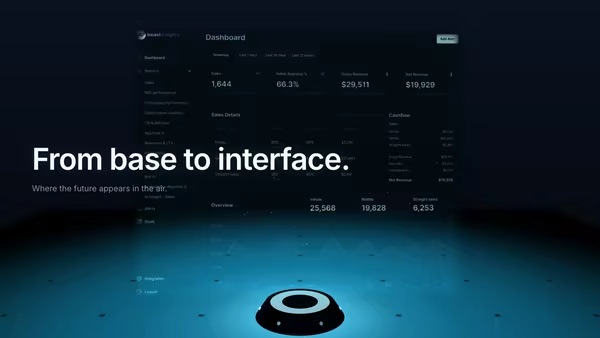
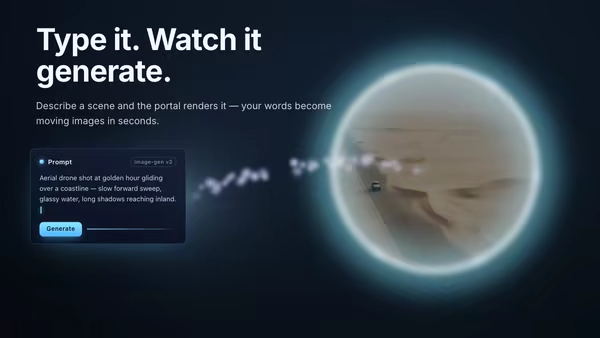
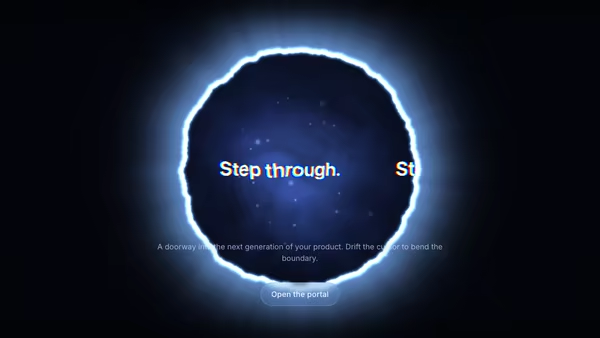
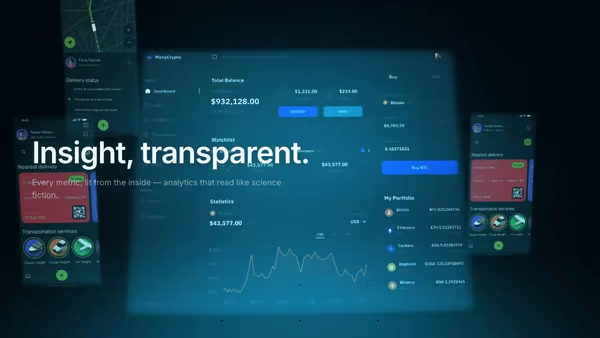
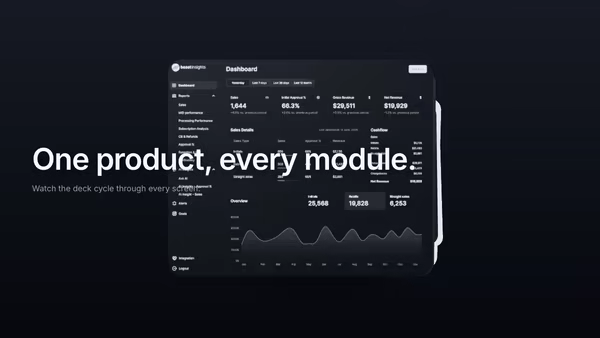
A glowing torus portal opens onto an AI console screenshot stepping forward into the scene, surrounded by orbiting prompt and output cards and a stream of particles slipping past the ring toward the camera.
Usage
import AIConsolePortal from '@crazygl/hero-ai-console-portal';

export default function Page() {
  return (
    <AIConsolePortal
      screenshot="https://example.com/console.png"
      portalColor1="#6ab2ff"
      portalColor2="#a070ff"
      cardCount={6}
    />
  );
}
Customise
- Screenshot —
screenshotURL (PNG/JPG/AVIF/WebP, dark UIs read best), plusscreenshotX/Y,screenshotScale,screenshotTilt,screenEmissive. - Portal —
portalRadius,portalTube,portalColor1/portalColor2(gradient + halo),portalIntensity,portalPulseCountandportalPulseSpeed(the streaks racing around the ring). - Cards —
cardCount(0–6),cardOrbitRadius,cardOrbitSpeed; each card (card1*…card6*) togglestextvsimagemode with its ownTag,Body, tagColor, orImageURL. - Particles —
particleCount(0–600),particleColor,particleSpeedfor the inbound stream. - Atmosphere & motion —
scanlineStrength,bgVignette,bgEdge,transparentBackground,parallaxStrength.
Best for
- AI agents, copilots, and prompt-engineering products
- Developer-facing SaaS and dev-tools launch pages
- Automation and model-playground onboarding pages
- Data and analytics dashboards
One command, zero config.
npm install @crazygl/hero-ai-console-portalImport once, drop it in.
The component takes the same props you see in the live customizer on the right — every default ships poster-quality.
import AIConsolePortal from '@crazygl/hero-ai-console-portal';

export default function Landing() {
  return (
    <AIConsolePortal />
  );
}SSR-safe by default.
The wrapper renders static HTML on the server and only initialises the canvas after hydration, so search engines see your copy.
// app/page.tsx — works in SSR-first frameworks (Next, Remix, Astro, etc.)
'use client';

import AIConsolePortal from '@crazygl/hero-ai-console-portal';

export default function Page() {
  return (
    <section>
      <AIConsolePortal
        heading="Say hi."
        subheading="Your new hero."
      />
      <article>
        <h2>Welcome</h2>
        <p>Your content keeps its own voice below the hero.</p>
      </article>
    </section>
  );
}