CrazyGL
Window Lens
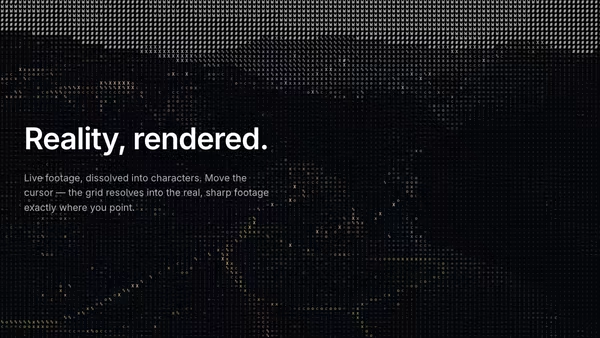
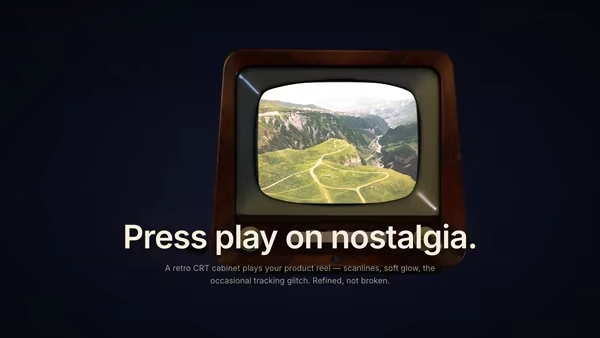
A draggable OS-style window is a sharp 'lens' over an image or video: crisp inside the window, processed outside — pixelate, blur, black-&-white dither, ASCII, or none. Use a separate custom image for the processed outside region, and pick any of four chrome styles (classic Mac, modern Mac, Windows XP, Windows 95).
Usage
import WindowLens from '@crazygl/hero-window-lens';

export default function Hero() {
  return (
    <WindowLens
      image="https://crazygl.com/samples/hands.avif"
      effect="pixelate"
      windowType="mac-old"
      windowTitle="my window"
    />
  );
}
Customise
- Source —
image(image or MP4/WebM video; sharp inside, processed outside),useOuterImage/outerImagefor a separate processed-region image. - Outside effect —
effect(pixelate / blur / dither / ascii / none) pluscellSize,blurAmount,ditherFg/ditherBg,asciiChars/asciiFg/asciiBg. - Window —
windowType(Classic Mac, Modern Mac, Windows XP, Windows 95),windowTitle,windowWidth,windowAspect,draggable.
Best for
- Developer-tool, design-tool, and creative-software landing pages.
- Retro / nostalgia-themed brands and portfolio sites.
- Interactive "before/after" or reveal moments where dragging is the point.
One command, zero config.
npm install @crazygl/hero-window-lensImport once, drop it in.
The component takes the same props you see in the live customizer on the right — every default ships poster-quality.
import WindowLens from '@crazygl/hero-window-lens';

export default function Landing() {
  return (
    <WindowLens />
  );
}SSR-safe by default.
The wrapper renders static HTML on the server and only initialises the canvas after hydration, so search engines see your copy.
// app/page.tsx — works in SSR-first frameworks (Next, Remix, Astro, etc.)
'use client';

import WindowLens from '@crazygl/hero-window-lens';

export default function Page() {
  return (
    <section>
      <WindowLens
        heading="Say hi."
        subheading="Your new hero."
      />
      <article>
        <h2>Welcome</h2>
        <p>Your content keeps its own voice below the hero.</p>
      </article>
    </section>
  );
}