CrazyGLCrazyGLHomeExploreGitHubBrowse heroesLoading hero…← Back to gallery@crazygl/launch-reveal

Launch Reveal

An editorial product-launch hero: a serif headline, a pill call-to-action and a fanned trio of device mockups that rise into place with a staggered, spring-eased reveal. Cards drift subtly with the pointer.

ReactImageInteractiveFont#hero#launch#saas#reveal#stagger#devices#fan#editorial#product

Usage

import LaunchReveal from '@crazygl/hero-launch-reveal';

export default function Hero() {
  return (
    <LaunchReveal
      label="✦ Checkout+"
      heading={'Transforming post-purchase\none upgraded customer at a time'}
      ctaLabel="Offer Customer Upgrades"
      imageCenter="https://crazygl.com/samples/launch-screen-1.png"
    />
  );
}

Customise

  • Contentlabel, multi-line heading, subheading, ctaLabel / ctaHref.
  • MockupsimageCenter / imageLeft / imageRight (+ optional per-card links). Tall device screenshots fan best.
  • Fan layoutmockupSize, sideScale, fanSpread, fanTilt, sideDrop, cardRadius, shadow.
  • 3D depthdepth3d, depthAngle, depthTilt (pointer tilt), perspective.
  • Reveal motionduration, stagger, rise, loopReveal, parallax, sideParallax.
  • Style & Typography — background, heading/sub/label/button colours, headingSize / headingWeight, headingFontFamily, bodyFontFamily.

Best for

  • SaaS and app product launches with device screenshots.
  • Editorial / brand landing pages wanting a polished entrance.
  • Marketing pages where a fanned mockup trio is the focal point.
01 · Install the package

One command, zero config.

npm install @crazygl/hero-launch-reveal
02 · Render the component

Import once, drop it in.

The component takes the same props you see in the live customizer on the right — every default ships poster-quality.

hero.tsx
import LaunchReveal from '@crazygl/hero-launch-reveal';

export default function Landing() {
  return (
    <LaunchReveal />
  );
}
03 · Use it in a page

SSR-safe by default.

The wrapper renders static HTML on the server and only initialises the canvas after hydration, so search engines see your copy.

page.tsx
// app/page.tsx — works in SSR-first frameworks (Next, Remix, Astro, etc.)
'use client';

import LaunchReveal from '@crazygl/hero-launch-reveal';

export default function Page() {
  return (
    <section>
      <LaunchReveal
        heading="Say hi."
        subheading="Your new hero."
      />
      <article>
        <h2>Welcome</h2>
        <p>Your content keeps its own voice below the hero.</p>
      </article>
    </section>
  );
}
You might also like

Similar heroes

Floating Movie Scene

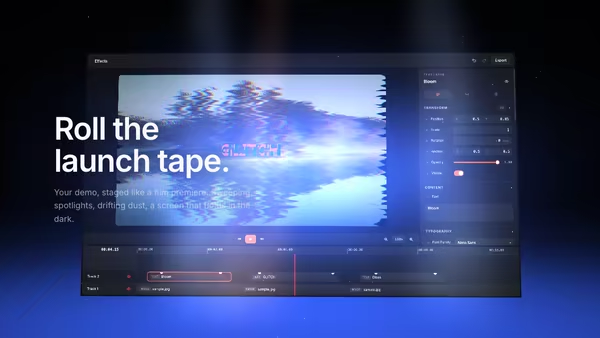
Your product demo presented like a launch trailer: a floating screen drifts on a dark 3D stage while volumetric spotlights sweep across it, dust hangs in the beams, and a soft reflection pools on the floor. Slow cinematic camera drift; scroll pushes the camera in.

Path Text Reveal

Multi-line heading where each line wipes in via a CSS clip-path from top, bottom, left, right, or centre — with a configurable stagger between lines.

Stage Screen

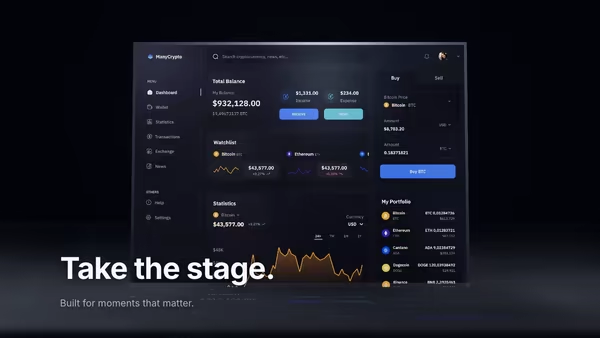
A keynote-stage hero: your product screenshot lives on a massive floating screen, lit by sweeping volumetric spotlights through a low-lying carpet of theatre fog.

Retro-Future Product Tunnel

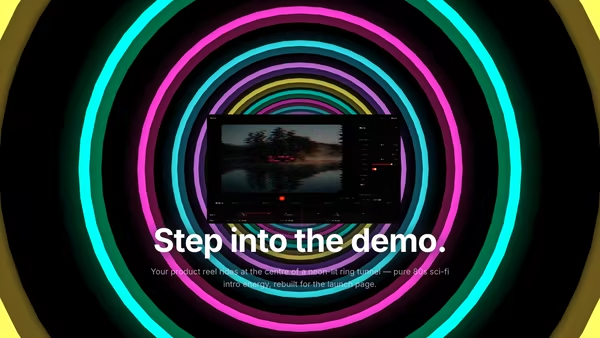
Your screenshot or video sits at the centre of an 80s sci-fi tunnel — stacked rings of glowing colour flow toward the camera against deep black. Energetic, fun, memorable.

Floating Screen Recording

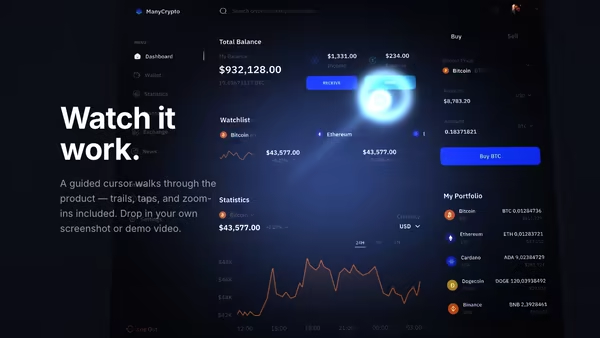
A product demo screenshot or video floats on a screen panel with an animated cursor, a glowing motion trail, expanding click ripples, and a zoom-lens magnifier that highlights UI moments.

Text Reveal

Heading wiped in from a single direction via a hard clip-path mask, with a small per-letter delay — the foundational reveal everyone needs.
Live customizer

Launch Reveal

Center mockupThe lead mockup, front and centre. Tall device screenshots work best.Left mockupRight mockupCenter linkOptional URL the center mockup links to.Left linkRight linkMockup size98%Height of the lead mockup as a share of the fan area.Side size0.85Size of the side mockups relative to the center one.Fan spread1.28How far the side mockups push outward.Fan tilt9°How much the side mockups rotate into the fan.Side drop2%Vertical offset of the side mockups.Corner radius22pxShadow0.453D mockupsGive the mockups real perspective depth instead of a flat 2D fan.Depth angle23°How far the side mockups angle in 3D toward the center.Pointer tilt7°How much the mockups tip toward the cursor in 3D.Perspective1300pxStrength of the 3D perspective (lower = more dramatic).Duration1sLength of each element's rise-in.Stagger0.09sDelay between successive elements.Rise distance90pxHow far the mockups travel up as they appear.Replay revealRe-run the reveal every few seconds (useful for previews).Pointer parallax0.5How much the fan drifts with the cursor.Side parallax0.5How much the side mockups drift relative to the center one (lower = center more intense).BackgroundTransparent backgroundHeading colourSubheading colourLabel colourButton colourButton textHeading size56pxHeading weight400Heading fontBody fontInteractivityWhich input drives the hero — try Scroll if you want the page to drive motion.
CrazyGL · crazygl.comProgrammable hero sections for real websites.