CrazyGLCrazyGLHomeExploreGitHubBrowse heroesLoading hero…← Back to gallery@crazygl/halftone-field

Halftone Field

A full-bleed AM halftone screen — thousands of ink dots on an aspect-corrected grid whose size is driven by a slow, domain-warped noise field sampled at each cell's centre. Dark zones grow fat dots, light zones shrink to pinpricks, and the field visibly evolves over time so the dot sizes breathe. Dot contrast intensifies toward the frame edges while the centre stays calm so the heading reads. Bold, graphic, editorial.

ReactWebGLImageFont#halftone#dots#editorial#print#noise#ambient#shader#premium#graphic

Usage

import HalftoneField from '@crazygl/hero-halftone-field';

export default function Hero() {
  return (
    <HalftoneField
      heading="In full relief."
      cellSize={12}
      dotColor="#707070"
    />
  );
}

Customise

  • HalftonecellSize (grid pitch px), dotGap, dotColor, backgroundColor (paper), maxDotScale, fieldScale, fieldSpeed (drift), invert.
  • EdgesedgeIntensity (boost contrast toward edges) and centerCalm (flatten the centre for legibility).
  • Backdroptransparent to composite dots over your own page background.

Best for

  • Editorial and magazine-style sites
  • Type-led brand and design-studio pages
  • Print-adjacent products
  • Fashion and culture launches wanting a bold graphic gesture
01 · Install the package

One command, zero config.

npm install @crazygl/hero-halftone-field
02 · Render the component

Import once, drop it in.

The component takes the same props you see in the live customizer on the right — every default ships poster-quality.

hero.tsx
import HalftoneField from '@crazygl/hero-halftone-field';

export default function Landing() {
  return (
    <HalftoneField />
  );
}
03 · Use it in a page

SSR-safe by default.

The wrapper renders static HTML on the server and only initialises the canvas after hydration, so search engines see your copy.

page.tsx
// app/page.tsx — works in SSR-first frameworks (Next, Remix, Astro, etc.)
'use client';

import HalftoneField from '@crazygl/hero-halftone-field';

export default function Page() {
  return (
    <section>
      <HalftoneField
        heading="Say hi."
        subheading="Your new hero."
      />
      <article>
        <h2>Welcome</h2>
        <p>Your content keeps its own voice below the hero.</p>
      </article>
    </section>
  );
}
You might also like

Similar heroes

Halftone Video

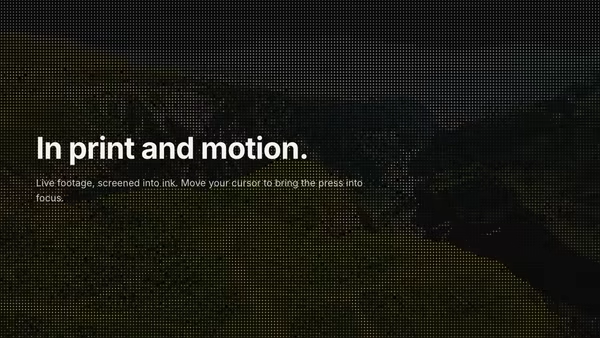
A looping video rendered as a living halftone print — a grid of ink dots whose size tracks the footage's local brightness, so the moving image reads as a newspaper press plate that's somehow in motion. The pointer is a clarity lens: under the cursor the screen resolves finer and the raw footage sharpens through, so the image reads clearer exactly where you point. Bold, editorial, premium.

Sphere Field

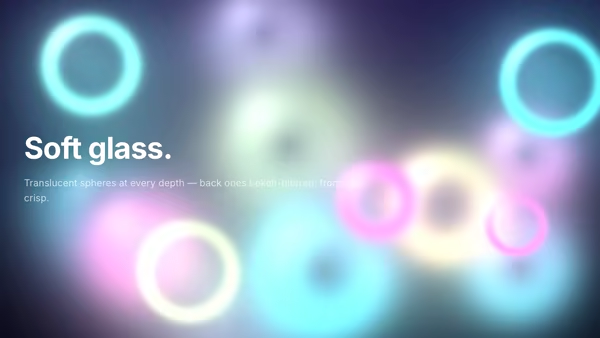
Many soft translucent gradient spheres drift in 3-D depth, blending into one another like abstract glass bubbles. Depth-of-field softens the back layers.

Cosmic Marble

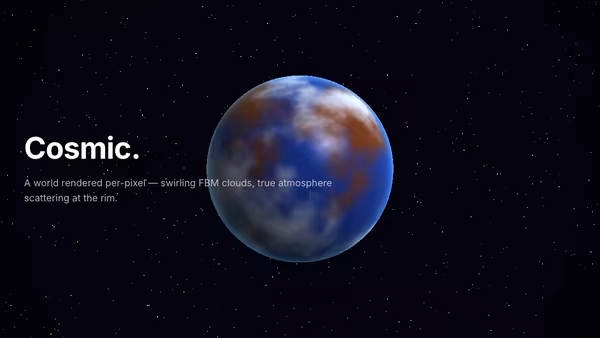
A procedurally-textured planet fills the background — swirling FBM clouds, atmosphere scattering at the rim, slow rotation, scattered stars.

Crystal Refraction Field

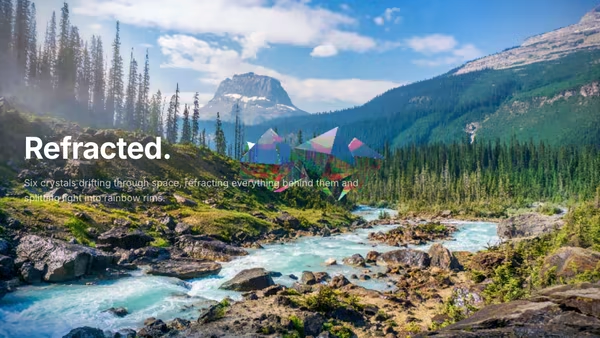
Six raymarched octahedral crystals drift across the screen, refracting the background through each face with per-channel chromatic dispersion at the rim.

Magnetic Logo Field

An image-driven particle field. Drop in a logo and the particles drift around then snap into its silhouette in waves. Cursor magnetically pulls or repels the swarm. Sample by alpha, luminosity, or transparency.

ASCII Nebula

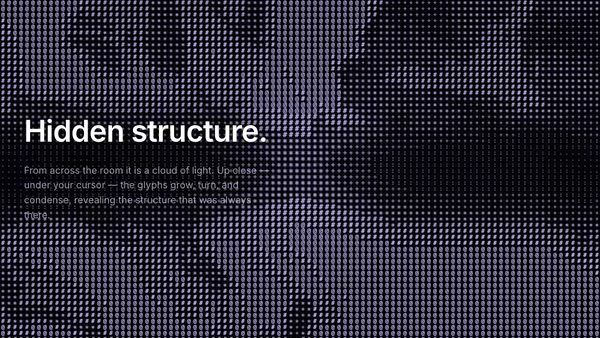
The whole background is a grid of ASCII glyphs that, from afar, reads as a soft drifting nebula — dense glyphs where the cloud is thick, sparse where it thins. The pointer locally reveals hidden structure: nearby glyphs grow larger, rotate slightly, and switch to denser symbols.
Live customizer

Halftone Field

Cell size12pxGrid pitch in CSS pixels — the spacing between dot centres. Smaller is a finer, denser screen; larger reads as bold, poster-scale dots.Dot gap0.15Spacing between dots, independent of dot size — sets the largest dot radius as a fraction of the cell pitch. 0 lets the fattest dots fill the cell; higher values leave more paper between every dot.Dot colourThe ink colour of the dots.BackgroundThe paper colour behind the dots. Default is a warm editorial off-white; flip to a dark colour with light dots for the inverted look.Max dot scale0.3Radius of the fattest dot as a fraction of the cell half-pitch. Above 1.0 the darkest dots merge into solid ink fields.Field scale1Spatial frequency of the underlying noise field. Low values give broad, sweeping tonal areas; high values churn the screen into smaller blobs.Field speed0.3How fast the noise field drifts and warps. 0 freezes it into a static screen.InvertFlip the tone response so LIGHTER areas of the field grow the fat dots and darker areas shrink to pinpricks.Edge intensity2How much the dot-size contrast is boosted toward the frame edges. Higher pushes the corners to extremes while the centre stays gentle.Centre calm1How much the centre of the frame is flattened toward mid-tone so the heading stays legible. 0 lets the field run full-strength edge to edge.Transparent backgroundDrop the paper fill and composite the dots over whatever sits behind the hero.InteractivityWhich input drives the hero — try Scroll if you want the page to drive motion.
CrazyGL · crazygl.comProgrammable hero sections for real websites.