CrazyGLCrazyGLHomeExploreGitHubBrowse heroesLoading hero…← Back to gallery@crazygl/energy-beam-cta

Energy Beam CTA

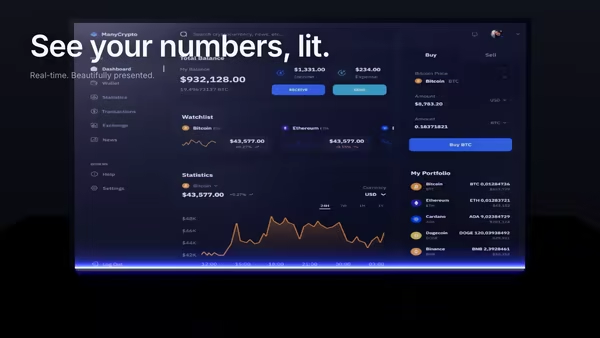
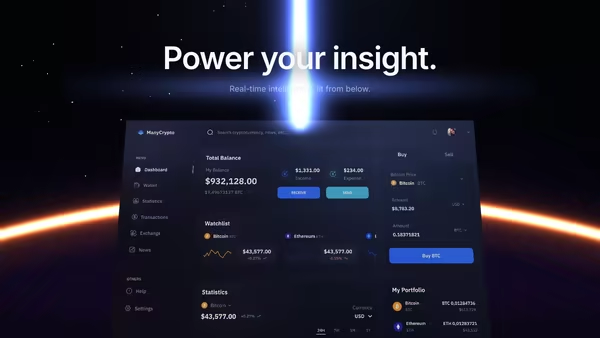
A conversion-focused hero: the main CTA button emits a glowing vertical beam that connects to a tilted product dashboard, making the button feel like it activates the product. Hover the CTA to brighten the beam, burst particles, and ripple a wake across the dashboard.

ReactWebGL3DImageInteractiveFont#three#3d#cta#beam#screenshot#dashboard#saas#conversion#landing#interactive

Usage

import EnergyBeamCta from '@crazygl/hero-energy-beam-cta';

export default function Page() {
  return (
    <EnergyBeamCta
      heading="Hit go. Watch it work."
      ctaLabel="Get started →"
      onCTAClick="https://app.example.com/signup"
      screenshot="https://crazygl.com/samples/screenshot-dashboard-dark-2.avif"
    />
  );
}

onCTAClick accepts EITHER a string URL (navigates via window.location.href) OR a function (event) => void callback. Omit or pass an empty string to leave the button inert.

Customise

  • CTActaLabel, ctaTextColor, ctaBgColor, ctaGlowColor, ctaGlowStrength, ctaHoverBoost.
  • BeambeamColor, beamColorPulse, beamWidth, beamIntensity, pulsePeriod.
  • ParticlesburstCount, burstColor (spawned on hover).
  • Screenshotscreenshot, screenshotX/Y, screenshotScale, screenshotTilt, screenEmissive, wakeStrength.
  • AtmospherebgTop, bgBottom, transparentBackground.

Best for

  • Conversion-focused SaaS landing pages
  • AI / analytics product launches where the CTA is the demo
  • High-stakes upgrade or activation flows
  • Pricing pages where one button drives the click
01 · Install the package

One command, zero config.

npm install @crazygl/hero-energy-beam-cta
02 · Render the component

Import once, drop it in.

The component takes the same props you see in the live customizer on the right — every default ships poster-quality.

hero.tsx
import EnergyBeamCTA from '@crazygl/hero-energy-beam-cta';

export default function Landing() {
  return (
    <EnergyBeamCTA />
  );
}
03 · Use it in a page

SSR-safe by default.

The wrapper renders static HTML on the server and only initialises the canvas after hydration, so search engines see your copy.

page.tsx
// app/page.tsx — works in SSR-first frameworks (Next, Remix, Astro, etc.)
'use client';

import EnergyBeamCTA from '@crazygl/hero-energy-beam-cta';

export default function Page() {
  return (
    <section>
      <EnergyBeamCTA
        heading="Say hi."
        subheading="Your new hero."
      />
      <article>
        <h2>Welcome</h2>
        <p>Your content keeps its own voice below the hero.</p>
      </article>
    </section>
  );
}
You might also like

Similar heroes

Floating Dashboard With Light Beam Reveal

Your product dashboard, tilted in 3D space, scanned into existence by a soft blue-purple light beam. A glowing uplight underneath and a subtle floor reflection complete the look.

Dashboard Eclipse

Your dashboard screenshot sits low in the frame, partially hidden behind a glowing eclipse horizon, a vertical beam of light rising from it like the product itself is powering the scene.

Frosted CTA Panel

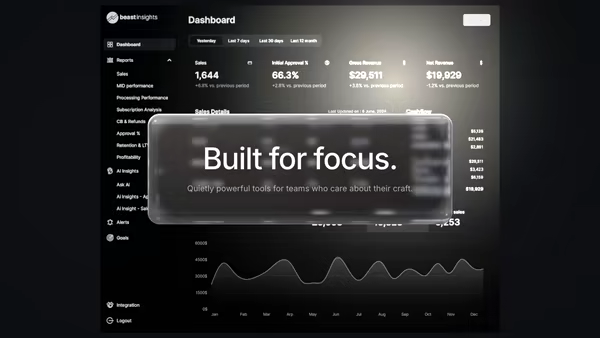
Your product screenshot drifts softly behind a frosted glass panel that holds the heading copy. Real transmission frost in the body, a sharp dispersive rim, two drifting light leaks, and layered parallax that separates the panel from the screenshot.

Neon CTA Dock

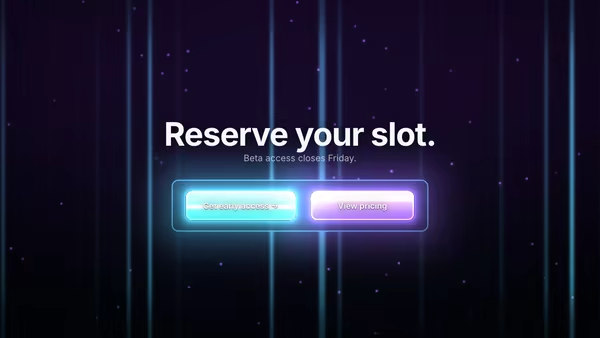
A cyberpunk control-dock hero: 1-3 CTA buttons rendered as thick glowing physical panels on a floating console, with periodic light pulses, hover halos, and click bursts. Real, clickable DOM buttons with a custom-painted WebGL glow under each one.

Volumetric Beam Logo

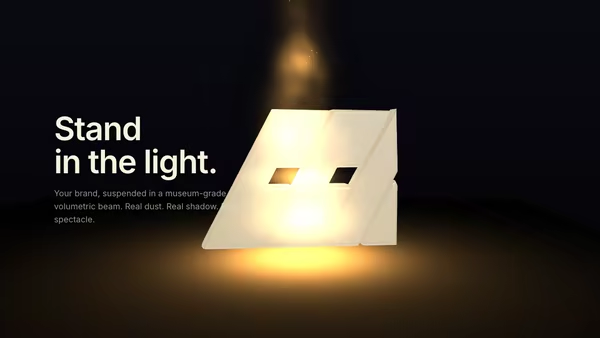
Your logo floats inside a vertical museum-grade beam of light. Ray-marched volumetric cone reveals drifting dust around the brand, an emissive ring lights the logo, and a soft floor shadow grounds the scene. Premium SaaS / personal-branding / product-launch aesthetic.

Product UI in Zero Gravity

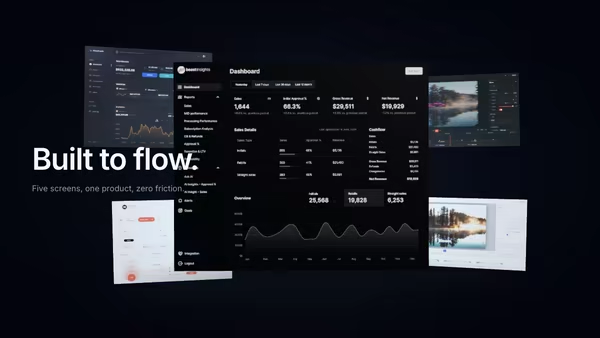
Five product screens drift weightlessly in a dark space. The main screen sits in focus at the front; four secondary feature screens float at varying depths behind it, with soft shadows and depth fog selling the void.
Live customizer

Energy Beam CTA

CTA labelDefault CTA text. Override via the Content node for full HTML.On clickURL to navigate to on click. Code consumers can also pass a function — same prop name.CTA text colourCTA backgroundCTA glowCTA glow strength1.7Hover boost2.2Multiplier on glow + beam intensity while hovered.Beam colourPulse colourColor of the comet pulses traveling down the beam.Beam width24pxBeam width in screen pixels at the default DPR.Beam intensity2Pulse period2.35sTime between comet pulses.Burst count50Particles spawned on hover.Burst colourDashboard screenshotPNG / JPG / AVIF / WebP. Dark dashboards work best.X offset0worldY offset-3.4worldVertical position of the dashboard. Default places it in the lower half.Scale1.15Tilt-12°Screen emissive0.5Wake strength0.7Intensity of the wake ripple traveling across the screen when CTA is hovered.Background topBackground bottomTransparent backgroundInteractivityWhich input drives the hero — try Scroll if you want the page to drive motion.
CrazyGL · crazygl.comProgrammable hero sections for real websites.