CrazyGLCrazyGLHomeExploreGitHubBrowse heroesLoading hero…← Back to gallery@crazygl/frosted-cta-panel

Frosted CTA Panel

Your product screenshot drifts softly behind a frosted glass panel that holds the heading copy. Real transmission frost in the body, a sharp dispersive rim, two drifting light leaks, and layered parallax that separates the panel from the screenshot.

ReactWebGL3DImageInteractiveFont#three#3d#glass#frosted#panel#cta#screenshot#refraction#saas#productivity#ai

Usage

import FrostedCTAPanel from '@crazygl/hero-frosted-cta-panel';

export default function Page() {
  return (
    <FrostedCTAPanel
      heading="Built for focus."
      screenshot="https://crazygl.com/samples/screenshot-dashboard-dark.avif"
      frostAmount={0.3}
    />
  );
}

Customise

  • ContentcontentType (heading / two-columns / custom), heading, subheading.
  • Screenshotscreenshot (media), screenshotX/Y, screenshotScale.
  • Frosted PanelpanelWidth/Height, panelCornerRadius, panelX/Y, frostAmount, frostVariation, panelTint, rimChromatic (dispersion), fresnelColor, fresnelStrength.
  • Light LeaksleakColorA/B, leakStrength, leakDriftSpeed.
  • MotionlayeredParallax.
  • BackgroundbgColor, bgVignette.

Best for

  • Premium SaaS and productivity launch pages.
  • AI tools and developer platforms showing off a dashboard.
  • Polished app landing pages where the product UI is the hero.
01 · Install the package

One command, zero config.

npm install @crazygl/hero-frosted-cta-panel
02 · Render the component

Import once, drop it in.

The component takes the same props you see in the live customizer on the right — every default ships poster-quality.

hero.tsx
import FrostedCTAPanel from '@crazygl/hero-frosted-cta-panel';

export default function Landing() {
  return (
    <FrostedCTAPanel />
  );
}
03 · Use it in a page

SSR-safe by default.

The wrapper renders static HTML on the server and only initialises the canvas after hydration, so search engines see your copy.

page.tsx
// app/page.tsx — works in SSR-first frameworks (Next, Remix, Astro, etc.)
'use client';

import FrostedCTAPanel from '@crazygl/hero-frosted-cta-panel';

export default function Page() {
  return (
    <section>
      <FrostedCTAPanel
        heading="Say hi."
        subheading="Your new hero."
      />
      <article>
        <h2>Welcome</h2>
        <p>Your content keeps its own voice below the hero.</p>
      </article>
    </section>
  );
}
You might also like

Similar heroes

Energy Beam CTA

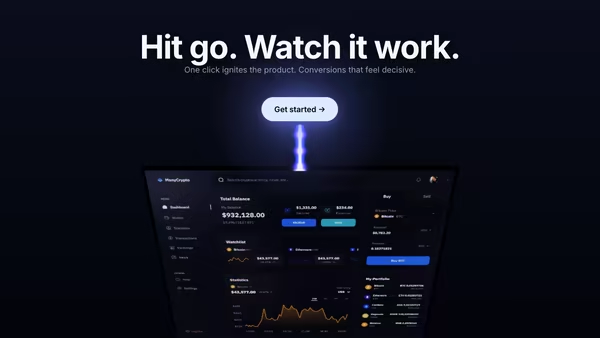
A conversion-focused hero: the main CTA button emits a glowing vertical beam that connects to a tilted product dashboard, making the button feel like it activates the product. Hover the CTA to brighten the beam, burst particles, and ripple a wake across the dashboard.

Dashboard Eclipse

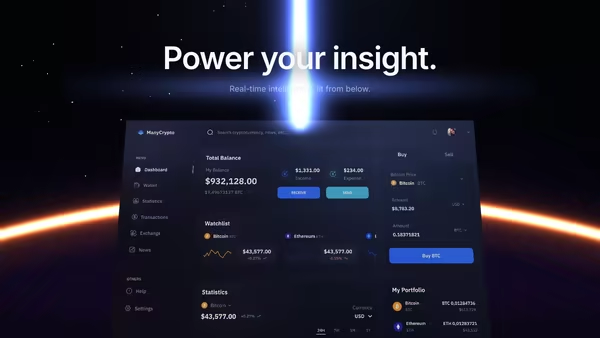
Your dashboard screenshot sits low in the frame, partially hidden behind a glowing eclipse horizon, a vertical beam of light rising from it like the product itself is powering the scene.

Screenshot as Hologram Projection

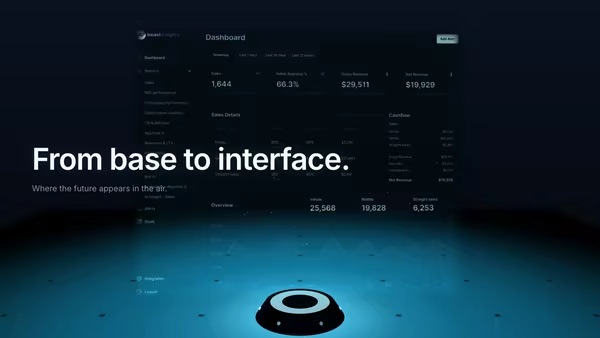
Your screenshot projected from a small device as a translucent holographic panel floating in the air. Wide cyan projection cone, moving scanlines, subtle flicker, drifting dust. Built for AI, dev tools, cybersecurity, and futuristic SaaS.

Data Rain Product Reveal

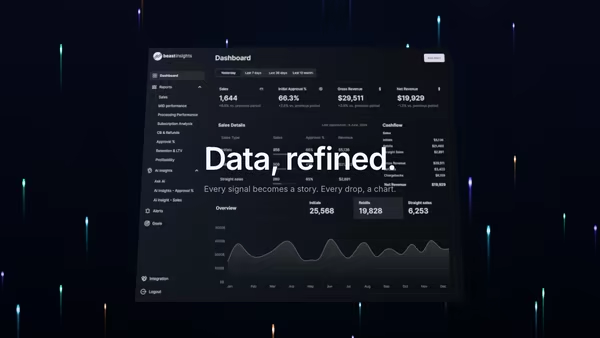
Elegant colored data streams fall behind a central product screenshot in four refined tints, with a few drops drifting in front for parallax depth. Cyberpunk but refined.

Product Inside a Glass Capsule

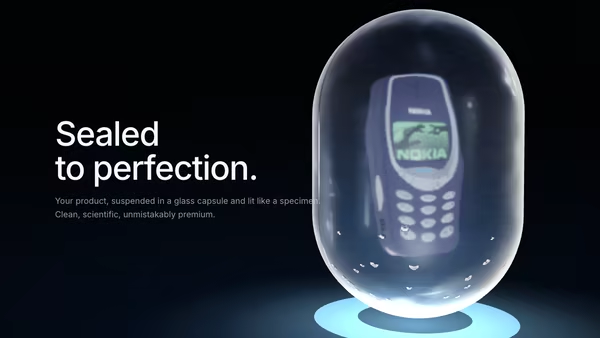
A product floats inside a transmissive glass capsule, like a luxury museum object or futuristic sample container — refraction through the shell, a frosted inner layer, a band of condensation, slow rotation and a soft pedestal glow.

Ice Encased Logo

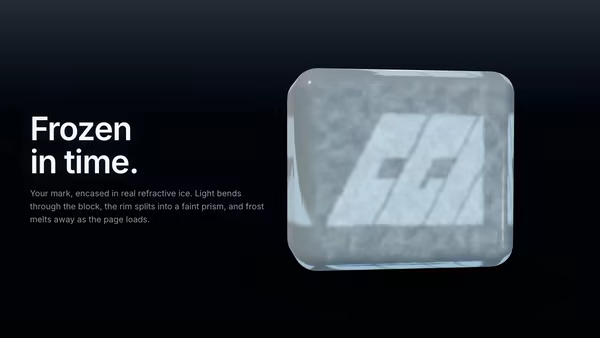
Your logo is frozen inside a chunky beveled cube of real refractive ice. Three.js MeshPhysicalMaterial with IOR 1.31, clearcoat, Beer-Lambert blue attenuation and chromatic dispersion bends the studio HDRI around the brand. Frost on the front face melts on load to reveal the logo inside a clear ice-cube body.
Live customizer

Frosted CTA Panel

ScreenshotThe product screenshot that sits behind the frosted panel. PNG / JPG / AVIF / WebP. Dark dashboards pair best with the default dark backdrop; light UIs look good on a near-white bgColor.Screenshot X offset0worldHorizontal position of the screenshot behind the panel.Screenshot Y offset0worldScreenshot scale1.15How much of the canvas the screenshot fills. 1.0 = fits exactly; >1 crops in for a more abstract bg.Panel width2.75worldWidth of the frosted panel in world units. Sized to fit the heading copy comfortably.Panel height1worldHeight of the frosted panel in world units.Panel corner radius0.29worldOuter corner radius of the rounded-rectangle panel.Panel X offset0worldHorizontal position of the frosted panel in world units.Panel Y offset0worldVertical position of the frosted panel in world units.Frost amount0.3Body roughness — the more frosted the panel reads. 0.2 = nearly clear glass; 0.6-0.7 = elegant frost; 1.0 = milk-glass.Frost variation (rim → body)0How much the frost varies across the panel. 0 = uniform frost everywhere; 1 = sharp/clear near the rim and very frosted in the body. Real glass with a beveled edge reads this way.Panel tintSubtle tint of the frosted body. Pure white reads clinical; a faint cool blue reads modern; a faint warm cream reads luxe.Rim chromatic intensity1.6Strength of the per-channel chromatic split on the sharp rim. 1-2 is cinematic; 0 = neutral; 3+ = obvious prism.Fresnel edge colorColor of the Fresnel rim highlight catch on the bevel band. White reads as natural glass; a tint reads as colored edge light.Fresnel edge strength1Intensity multiplier of the Fresnel rim highlight. 0 = no edge halo; 1 = default; 2 = punchy edge glow.Light leak A (warm)Color of the first drifting light leak. Warm hues read as sun-through-window.Light leak B (cool)Color of the second drifting light leak. Cool hues read as cold daylight or aurora.Light leak strength0.55Opacity of the additive light leaks behind the panel. 0.4-0.7 is the subtle sweet spot.Light leak drift speed0.6How fast the light leaks drift across the background. 0.4-0.8 reads as slow ambient motion.Layered parallax strength0.6How much the panel rotates with the pointer (the screenshot rotates HALF as much, creating layered depth). 0 = locked; 0.6 = ±3° on the panel.Background colorFallback color shown when the screenshot is missing, and the canvas border behind the screenshot if scale < 1.0.Background vignette0.4Darkening at the edges of the canvas. Adds depth and pulls focus to the panel.Heading fontInteractivityWhich input drives the hero — try Scroll if you want the page to drive motion.
CrazyGL · crazygl.comProgrammable hero sections for real websites.