CrazyGLCrazyGLHomeExploreGitHubBrowse heroesLoading hero…← Back to gallery@crazygl/code-to-product-transformation

Code to Product Transformation

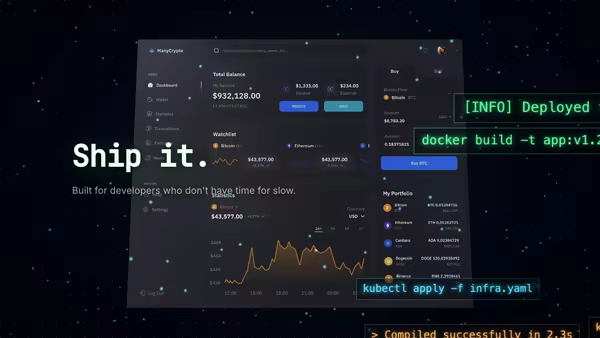
A panel of live syntax-highlighted source code dissolves into a stream of glowing character particles that stream across the canvas and reassemble into a polished product UI screenshot. A continuous 'code becomes product' loop for developer-tool and SaaS landing pages.

ReactWebGLImageInteractiveFont#developer-tools#saas#code#particles#webgl#transformation#dashboard#interactive#syntax#ai

Usage

import CodeToProductTransformation from '@crazygl/hero-code-to-product-transformation';

export default function Hero() {
  return (
    <CodeToProductTransformation
      heading="From a single line of code to a finished product."
      subheading="Real components, real syntax — no mockups, no detours."
      codeText={`export function Dashboard() { /* … */ }`}
      screenshot="/your-app-screenshot.png"
      onCTAClick="/signup"
    />
  );
}

Customise

  • Content / CTAheading, subheading, ctaLabel, onCTAClick (URL or function), CTA colours.
  • Code panelcodeText, codeLanguage (tsx/python/go/rust/css/json…), codePanelLabel, codePanelTheme (Dracula, One Dark, GitHub…).
  • Productscreenshot, productLabel, productMetaText.
  • TransformationtransformationSpeed, particleDensity, particleSize, arcCurvature, trailLength, pointerInfluence.
  • Theme / BackgroundcolorTheme presets (Midnight/Daylight/Aurora/Citrus/Custom), transparentBackground, bgColor.

Best for

  • Developer tools, SDKs and API products.
  • AI / code-generation landing pages literally pitching "code to product."
  • Premium SaaS launch sites with a shipping-speed hero statement.
  • Build / deploy / preview platforms showing their core loop.
01 · Install the package

One command, zero config.

npm install @crazygl/hero-code-to-product-transformation
02 · Render the component

Import once, drop it in.

The component takes the same props you see in the live customizer on the right — every default ships poster-quality.

hero.tsx
import CodeToProductTransformation from '@crazygl/hero-code-to-product-transformation';

export default function Landing() {
  return (
    <CodeToProductTransformation />
  );
}
03 · Use it in a page

SSR-safe by default.

The wrapper renders static HTML on the server and only initialises the canvas after hydration, so search engines see your copy.

page.tsx
// app/page.tsx — works in SSR-first frameworks (Next, Remix, Astro, etc.)
'use client';

import CodeToProductTransformation from '@crazygl/hero-code-to-product-transformation';

export default function Page() {
  return (
    <section>
      <CodeToProductTransformation
        heading="Say hi."
        subheading="Your new hero."
      />
      <article>
        <h2>Welcome</h2>
        <p>Your content keeps its own voice below the hero.</p>
      </article>
    </section>
  );
}

You might also like

Similar heroes

Cyber Terminal

A terminal/code-editor screenshot floats at the centre, surrounded by drifting command fragments, glowing syntax particles and a pointer-driven matrix-green cursor trail.

Floating Ceramic UI

A matte ceramic-like tablet panel with rounded edges presents your dashboard screenshot under soft studio lighting. The slab breathes through a slow yaw oscillation with subtle pointer-driven tilt; ambient occlusion sells the screen-to-bezel seam.

Floating Screen Recording

A product demo screenshot or video floats on a screen panel with an animated cursor, a glowing motion trail, expanding click ripples, and a zoom-lens magnifier that highlights UI moments.

Calm Cloud Interface

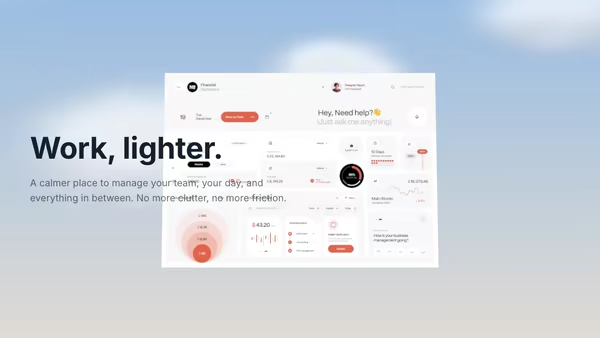
A SaaS dashboard floats among soft cloud sprites under a friendly cream-to-sky-blue sky. Pointer drift parallaxes both the camera and the layered clouds for a light, approachable, effortless mood.

Data Rain Product Reveal

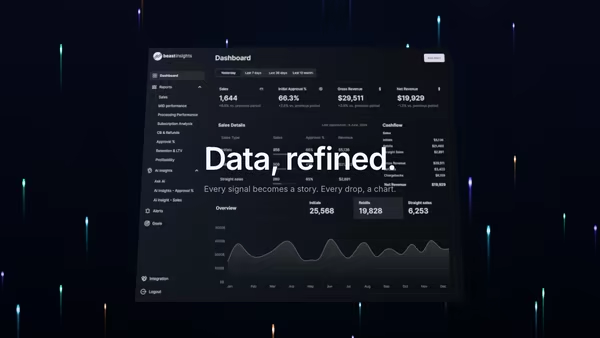
Elegant colored data streams fall behind a central product screenshot in four refined tints, with a few drops drifting in front for parallax depth. Cyberpunk but refined.

Typographic Fluid Simulation

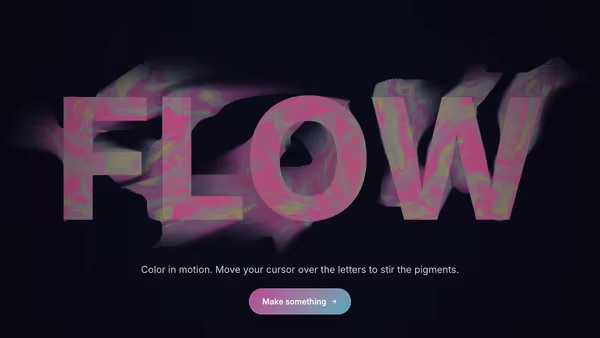
A bold headline acts as a mask for a real-time colorful fluid. Domain-warped FBM noise advected over time + a pointer-driven velocity grid swirl two color fields inside the type while the background stays minimal. Move the cursor to inject velocity and color into the letters.
Live customizer

Code to Product Transformation

CTA labelOn clickURL to navigate to when clicked. From code you can also pass a function — same prop name, type-detected at runtime.CTA text colourCTA backgroundCodeThe source displayed in the left panel. Real JSX / TS looks best. Each line is rendered with a lightweight syntax highlighter.LanguagePanel labelTiny filename badge at the top of the code panel.Code panel themeEditor-style colour scheme for the code panel only. Independent of the overall hero accent palette below.Product screenshotPNG / JPG / WebP / AVIF — the rendered UI your code transforms into. Defaults to a dashboard sample.Product badgePill badge on the left of the product chrome row. Empty string hides it.Product meta textSmall text on the right of the product chrome row (version / status / environment, etc.). Empty string hides it.Transformation speed0.72How fast each particle travels from code to product. 0.7 is the relaxed default; push to 2+ for a faster, busier read.Particle density0.2Relative number of particles streaming at once. 0.2 reads as a controlled stream; 0.6 is a heavy river.Particle size0.55Multiplier on the rendered particle radius. Small values keep individual characters readable; large values bloom into a glowing wash.Arc curvature0.25How much the stream arcs upward (positive) or downward (negative) between code and product. 0 is a perfectly horizontal river — particles flow flat with no lift or descent.Trail length0.34Persistence of the glowing trail behind each particle. 0 = no trail; 1 = long comet streaks.Pointer influence1How strongly the cursor swirls and pushes particles aside as it passes through the stream. 0 disables the interaction.ThemeCurated palette presets. Switch to 'Custom' to override individual hues below.Transparent backgroundDrop the deep gradient backdrop so the hero composites cleanly on top of your own page background.BackgroundDeep base colour painted behind the two panels.Heading FontInteractivityWhich input drives the hero — try Scroll if you want the page to drive motion.
CrazyGL · crazygl.comProgrammable hero sections for real websites.