CrazyGL
Screenshot Torn Into Layers
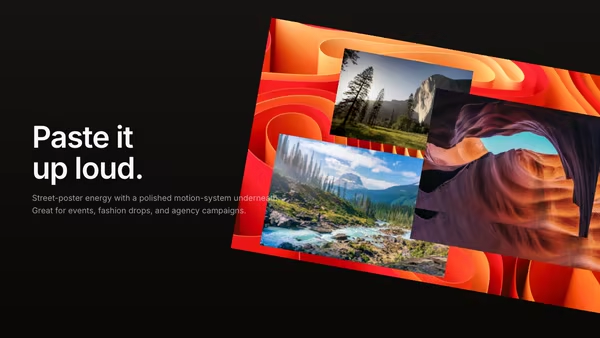
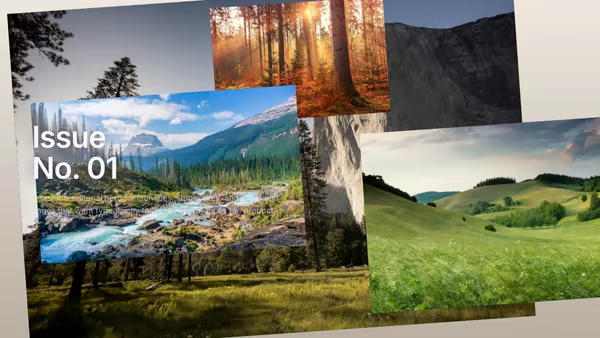
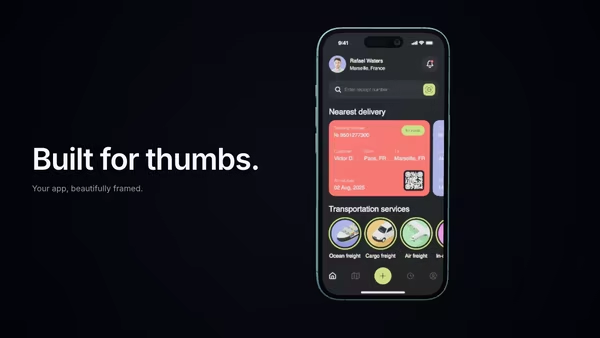
A background screenshot plus up to five overlay images, each placed on its own depth plane with X / Y / Z / scale controls. On load each layer slides in from depth with a staggered easeOutBack overshoot; hover spreads them further apart along Z.
Usage
import HeroTornLayers from '@crazygl/hero-torn-layers';

export default function Hero() {
  return (
    <HeroTornLayers
      backgroundImage="/screenshots/dashboard.avif"
      layer1Image="/screenshots/phone-a.avif"
      layer1X={-0.4}
      layer1Z={0.2}
      hoverSpread={1.5}
      cameraParallax={0.6}
    />
  );
}
Customise
- Content —
contentType(heading / two-columns / custom) plusheading,subheading,column1/column2, orcontent. - Overall —
overallOffsetX/overallOffsetY,overallScale,overallRotationtransform the entire set. - Background image —
backgroundImagefull-frame plane behind everything. - Layer 1–5 — each has
layerNImage,layerNX,layerNY,layerNZ(depth),layerNScale. Empty image hides the layer. - Motion —
loadDelay(entrance stagger),hoverSpread(Z push on hover),cameraParallax(pointer-driven camera offset). - Layout —
contentAlign,heroHeight,paddingX/paddingY.
Best for
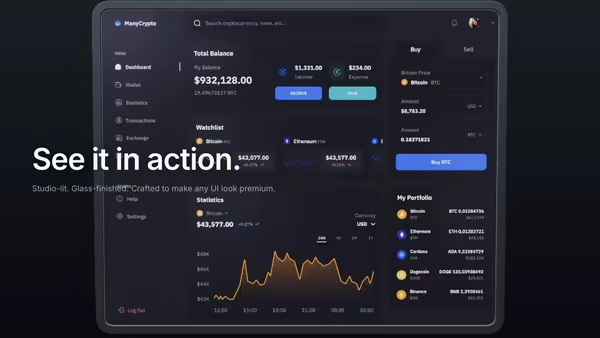
- Product page hero compositions where a UI screenshot, modal cutout and phone mockup need to feel like they live in real 3D.
- SaaS / design-tool / dashboard launches where the layered system is the product.
- Agency and portfolio showcases that want a tactile depth-stack out of the box.
One command, zero config.
npm install @crazygl/hero-torn-layersImport once, drop it in.
The component takes the same props you see in the live customizer on the right — every default ships poster-quality.
import ScreenshotTornIntoLayers from '@crazygl/hero-torn-layers';

export default function Landing() {
  return (
    <ScreenshotTornIntoLayers />
  );
}SSR-safe by default.
The wrapper renders static HTML on the server and only initialises the canvas after hydration, so search engines see your copy.
// app/page.tsx — works in SSR-first frameworks (Next, Remix, Astro, etc.)
'use client';

import ScreenshotTornIntoLayers from '@crazygl/hero-torn-layers';

export default function Page() {
  return (
    <section>
      <ScreenshotTornIntoLayers
        heading="Say hi."
        subheading="Your new hero."
      />
      <article>
        <h2>Welcome</h2>
        <p>Your content keeps its own voice below the hero.</p>
      </article>
    </section>
  );
}