CrazyGL
Magazine Cover Product Hero
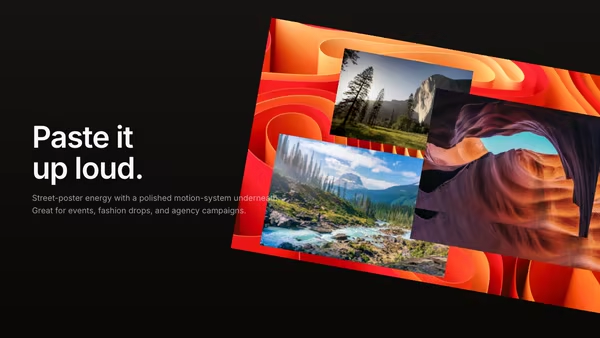
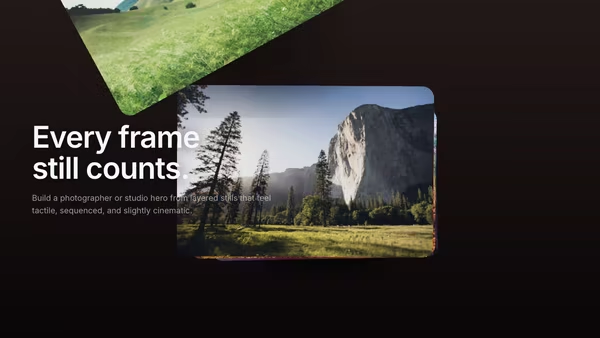
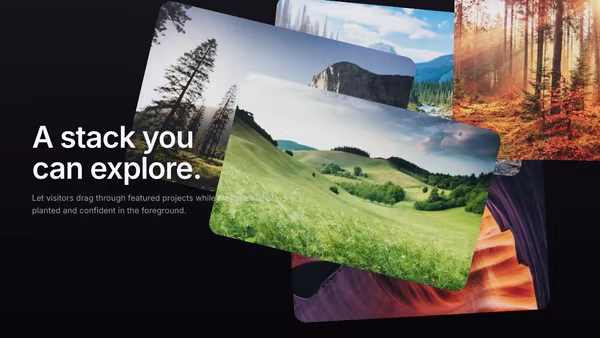
A product visual plays like a moving magazine cover, with large type sharing the frame and layered imagery adding subtle editorial depth.
Usage
import MagazineCoverProductHero from '@crazygl/hero-magazine-cover-product';

export default function Page() {
  return (
    <MagazineCoverProductHero
      heading={"Issue\nNo. 01"}
      backgroundImage="https://example.com/cover.jpg"
      layer1Image="https://example.com/cutout.png"
      overallRotation={4}
    />
  );
}
Provide a background image (full-frame base) and up to three layer images (Layer 1–3; a transparent PNG lets cut-out subjects float cleanly). Leave a layer's image empty to hide it.
Customise
- Layers — per layer
X/Y/Z (depth)/Scale. Spread the threeZvalues across ~0–1 for clear front-to-back depth. - Overall —
overallOffsetX/Y,overallScale,overallRotation(tilt the whole set; default 4°). - Motion —
loadDelay(entrance cascade),hoverSpread(pop on hover),cameraParallax(pointer-driven camera sweep). - Layout —
contentAlign,paddingX/Y, heading font.
Best for
- Fashion and beauty launches where typography should feel as important as the product.
- Studio and agency portfolios, campaign pages, and print-inspired editorial sites.
- App and SaaS pages that want to show screenshots with depth instead of a flat mockup.
One command, zero config.
npm install @crazygl/hero-magazine-cover-productImport once, drop it in.
The component takes the same props you see in the live customizer on the right — every default ships poster-quality.
import MagazineCoverProductHero from '@crazygl/hero-magazine-cover-product';

export default function Landing() {
  return (
    <MagazineCoverProductHero />
  );
}SSR-safe by default.
The wrapper renders static HTML on the server and only initialises the canvas after hydration, so search engines see your copy.
// app/page.tsx — works in SSR-first frameworks (Next, Remix, Astro, etc.)
'use client';

import MagazineCoverProductHero from '@crazygl/hero-magazine-cover-product';

export default function Page() {
  return (
    <section>
      <MagazineCoverProductHero
        heading="Say hi."
        subheading="Your new hero."
      />
      <article>
        <h2>Welcome</h2>
        <p>Your content keeps its own voice below the hero.</p>
      </article>
    </section>
  );
}