CrazyGLCrazyGLHomeExploreGitHubBrowse heroesLoading hero…← Back to gallery@crazygl/infrastructure-stack-tower

Infrastructure Stack Tower

A 3D tower of translucent labelled slabs — CDN, Edge, API, Services, Database, Storage — that assemble tier-by-tier from the ground up, each slab settling with a soft physics-ish bounce. Thin glowing seams, real PhysicalMaterial transmission, PMREM HDRI lighting, pointer parallax. For high-end cloud / platform / infra-as-code landing pages.

ReactWebGL3DInteractiveFont#three#3d#infrastructure#stack#cloud#platform#developer#saas#glass

Usage

import InfrastructureStackTower from '@crazygl/hero-infrastructure-stack-tower';

export default function Page() {
  return (
    <InfrastructureStackTower
      heading="Your stack, end-to-end."
      tierCount={6}
      slabMaterial="solid"
      accentColor="#7aa9ff"
    />
  );
}

Customise

  • TierstierCount (3–8) and tier1Labeltier8Label, applied top-to-bottom (Tier 1 is the top, Tier N the foundation).
  • MaterialslabMaterial (solid / glass / frosted / metal), useAccentColor + accentColor or per-tier colours, seamColor/seamStrength, labelColor.
  • TowerslabWidth/Depth/Thickness/Gap/Bevel, towerOffsetX/Y.
  • AssemblyautoLoop, assemblySpeed, assemblyStagger, loopInterval, bounceStrength (0 = solid thunk).
  • Motion & lightingparallaxStrength, ambientFloat, keyColor, fillColor, envIntensity.
  • Layout / background / CTAcontentAlign, padding, bgTop/bgBottom, showCTA + ctaLabel/onCTAClick.

Best for

  • Cloud platform and infrastructure-as-code landing pages
  • Developer tools that span layers, from CDN edge down to storage
  • Technical SaaS, data-platform, and security-stack marketing sites
01 · Install the package

One command, zero config.

npm install @crazygl/hero-infrastructure-stack-tower
02 · Render the component

Import once, drop it in.

The component takes the same props you see in the live customizer on the right — every default ships poster-quality.

hero.tsx
import InfrastructureStackTower from '@crazygl/hero-infrastructure-stack-tower';

export default function Landing() {
  return (
    <InfrastructureStackTower />
  );
}
03 · Use it in a page

SSR-safe by default.

The wrapper renders static HTML on the server and only initialises the canvas after hydration, so search engines see your copy.

page.tsx
// app/page.tsx — works in SSR-first frameworks (Next, Remix, Astro, etc.)
'use client';

import InfrastructureStackTower from '@crazygl/hero-infrastructure-stack-tower';

export default function Page() {
  return (
    <section>
      <InfrastructureStackTower
        heading="Say hi."
        subheading="Your new hero."
      />
      <article>
        <h2>Welcome</h2>
        <p>Your content keeps its own voice below the hero.</p>
      </article>
    </section>
  );
}
You might also like

Similar heroes

Database Core

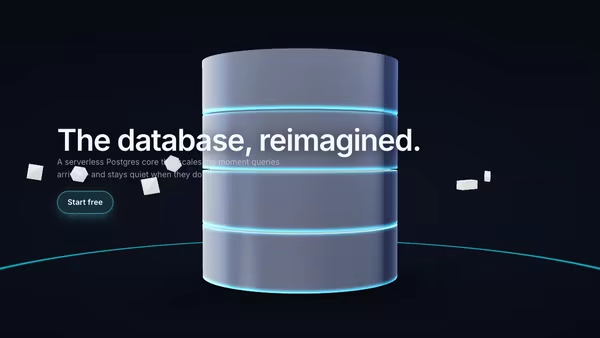
A central 3D database core — a stack of slowly rotating cylindrical disks with glowing seams. Query pulses radiate across the floor and flash through the core's seams; configurable satellite shapes orbit around it. Built for data platforms, ORMs, and infrastructure landing pages.

Screenshot as a 3D Card Stack

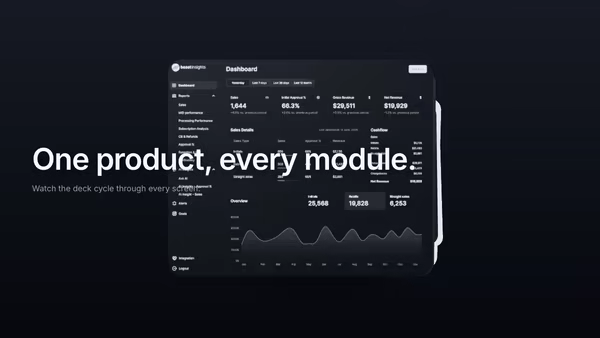
Your main product screenshot sits on top of a stack of secondary UI cards. The front card swoops up and over to the back at a configurable interval, autonomously cycling through every screen. Soft drop shadows, a cyan edge glow on the top card, cursor parallax tilt.

App Screenshot Fan Stack

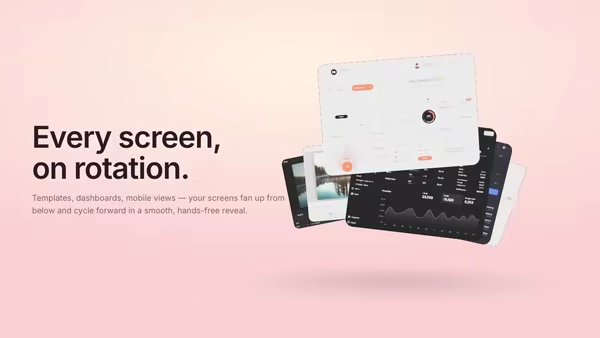
Your product screenshots pop up from below and arrange in a soft fan — every few seconds the lead card drifts away and the next slides forward in a smooth, looping reveal.

Neon Glass Phone Stack

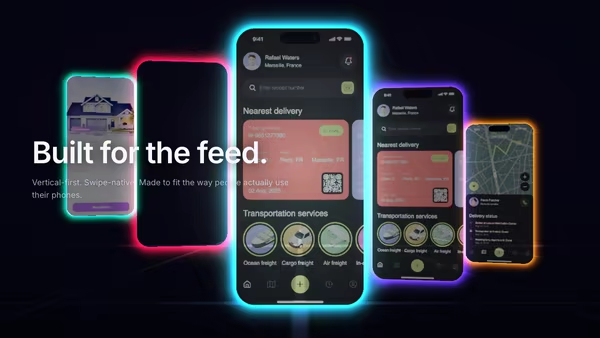
Several mobile screenshots float inside transparent neon phone frames, fanned out in a translucent stack. Outlines pulse left-to-right in a swipe-like wave and the whole stack bends gently with the cursor.

Draggable Portfolio Cards

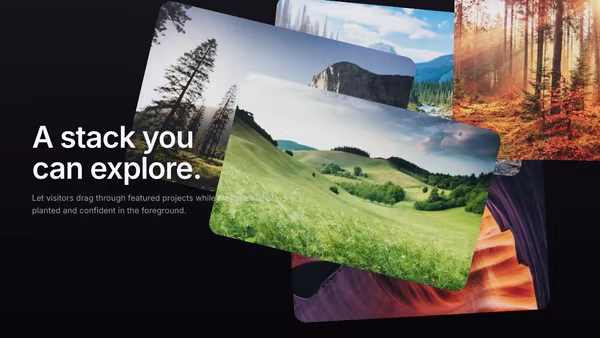
Portfolio cards float behind the headline and can be dragged with momentum, making the hero feel tactile and playful.

Cinematic Contact Sheet

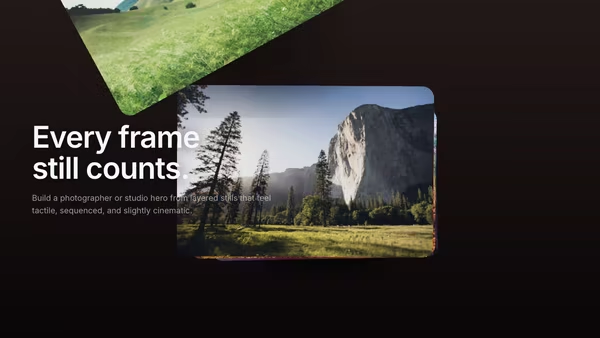
Multiple frames behave like a cinematic contact sheet, bending through depth and holding a warm editorial mood.
Live customizer

Infrastructure Stack Tower

Show CTA buttonCTA labelCTA textCTA backgroundOn clickURL to navigate to when the CTA is clicked. In code you can also pass a function with the same prop name — type-detected at runtime.Tier count6Number of slabs in the tower. The slab labels below are used in order, top-to-bottom (top of the stack is the first label).Tier 1 label (top)Tier 2 labelTier 3 labelTier 4 labelTier 5 labelTier 6 labelSlab materialSolid is an opaque PBR panel with subtle brushed-grain micro-texture — gives the tower a planted, heavy feel. Glass uses real transmission for refraction. Frosted is a softer, hazier version. Metal is a polished mirror surface with subtle tint.Single accent colorWhen ON, every slab uses the accent color. When OFF, each slab gets its own color (the six per-tier color pickers below).Accent colorSeam glow colorThin glowing seam between slabs.Seam strength0.96Label colorSlab width1.75worldHorizontal width of each slab in world units.Slab depth1.7worldDepth (front-to-back) of each slab.Slab thickness0.35worldVertical height of each individual slab.Slab gap0.08worldVertical space between slabs. The seam glow lives in this gap.Slab bevel0.05relEdge rounding on each slab.Tower X position2.4worldHorizontal offset of the entire tower.Tower Y position0worldAuto-loop assemblyWhen ON, the tower repeatedly assembles itself from the ground up. When OFF, the assembly is driven by scroll progress through the hero.Assembly speed1How fast each slab settles. Higher = snappier, lower = more languid.Stagger between slabs0.32sSeconds between successive slabs starting to drop in.Loop interval4.5sSeconds the fully-assembled tower holds before disassembling and starting over.Bounce strength0Overshoot when a slab settles. 0 (default) = critically-damped, solid thunk landing. 0.5–1 = visible bounce. >1 = exaggerated jiggle.Pointer parallax0.6How strongly the camera tilts with the pointer. 0 = locked, 1 = ~±10° yaw.Ambient float0.35Gentle continuous bob of the whole tower so it never reads as static.Key lightFill lightEnvironment intensity1Strength of the procedural studio HDRI reflections on the slabs.Transparent backgroundBackground topBackground bottomHeading fontInteractivityWhich input drives the hero — try Scroll if you want the page to drive motion.
CrazyGL · crazygl.comProgrammable hero sections for real websites.