CrazyGL
App Screenshot Fan Stack
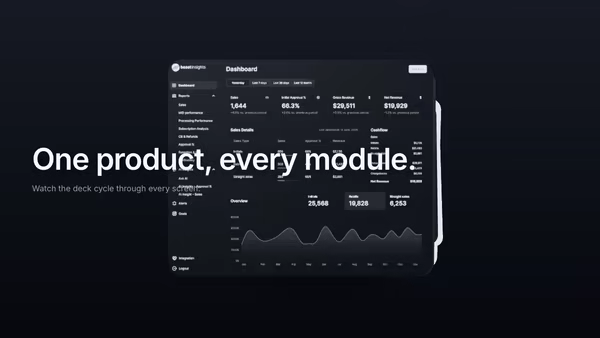
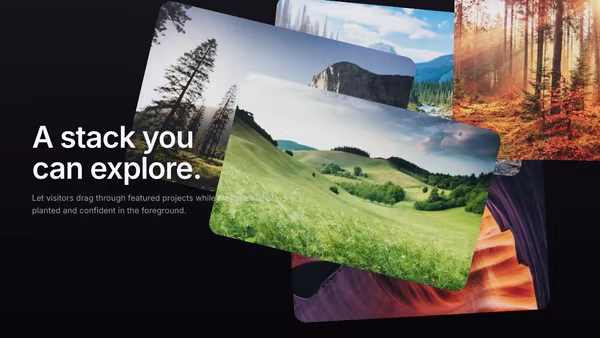
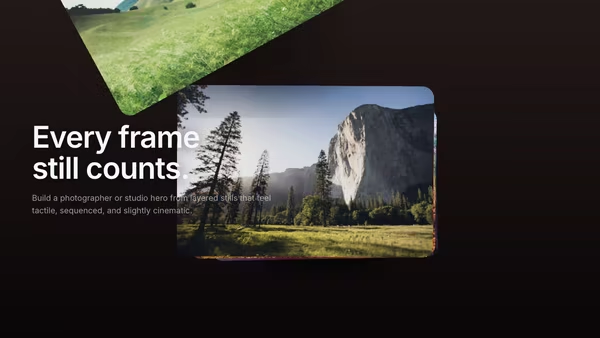
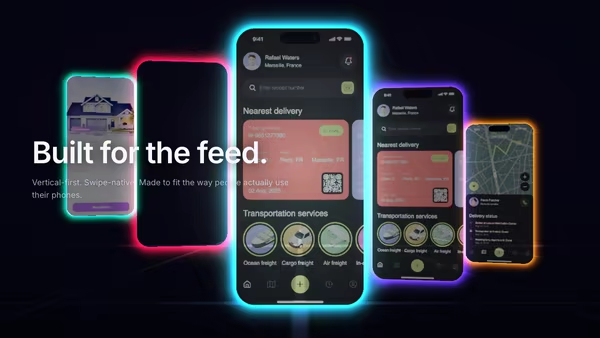
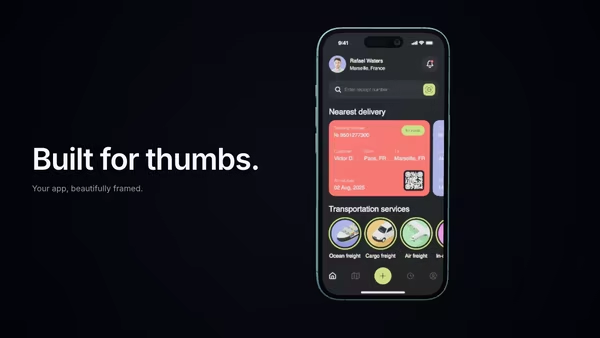
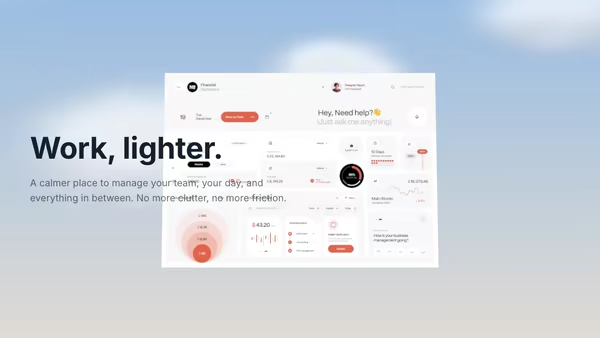
Your product screenshots pop up from below and arrange in a soft fan — every few seconds the lead card drifts away and the next slides forward in a smooth, looping reveal.
Usage
import HeroAppScreenshotFanStack from '@crazygl/hero-app-screenshot-fan-stack';

export default function Page() {
  return (
    <HeroAppScreenshotFanStack
      heading={'Every screen,\non rotation.'}
      screenshot1="/shots/dashboard.avif"
      screenshot2="/shots/mobile.avif"
      cardCount={6}
      fanAmount={0.74}
    />
  );
}
Customise
- Screenshots —
screenshot1…screenshot7; each card derives its aspect ratio from the loaded image, so portraits and dashboards mix naturally. - Cards —
cardCount(3–7),fanAmount(tight stack → wide arc),cardScale,cardCornerRadius. - Loop —
cycleInterval(seconds between throws),transitionDuration(ease time of each throw). - Motion —
pointerParallax(cursor tilt),ambientFloat(idle bob). - Lighting —
keyColor(warm),fillColor(cool),screenBrightness(emissive boost),shadowStrength. - Background —
bgTop/bgBottompastel radial gradient, ortransparentBackground. - Layout —
contentAlign, padding,groupOffsetX/Yto position the fan.
Best for
- SaaS and dashboard products showing off many screens at once.
- Template galleries and design-tool marketing pages.
- Mobile-app landings where "look at all our screens" is the headline.
One command, zero config.
npm install @crazygl/hero-app-screenshot-fan-stackImport once, drop it in.
The component takes the same props you see in the live customizer on the right — every default ships poster-quality.
import AppScreenshotFanStack from '@crazygl/hero-app-screenshot-fan-stack';

export default function Landing() {
  return (
    <AppScreenshotFanStack />
  );
}SSR-safe by default.
The wrapper renders static HTML on the server and only initialises the canvas after hydration, so search engines see your copy.
// app/page.tsx — works in SSR-first frameworks (Next, Remix, Astro, etc.)
'use client';

import AppScreenshotFanStack from '@crazygl/hero-app-screenshot-fan-stack';

export default function Page() {
  return (
    <section>
      <AppScreenshotFanStack
        heading="Say hi."
        subheading="Your new hero."
      />
      <article>
        <h2>Welcome</h2>
        <p>Your content keeps its own voice below the hero.</p>
      </article>
    </section>
  );
}