CrazyGL
Screenshot Reflected in Chrome Waves
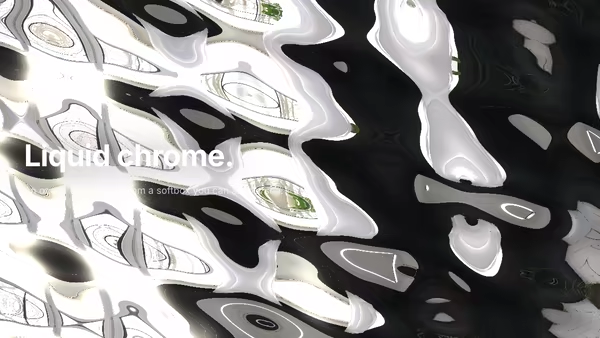
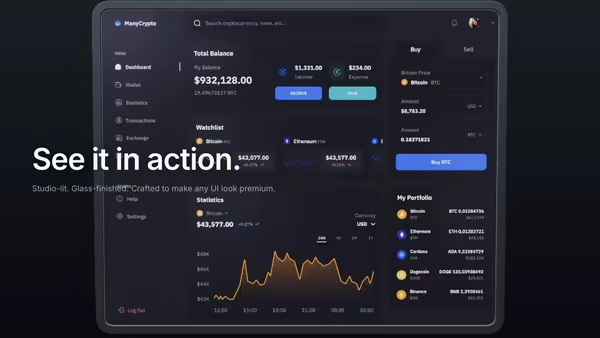
A product screenshot floats above a slow liquid-chrome ocean. Stacked Gerstner waves stretch its reflection across the surface while specular highlights migrate with the crests; pointer movement emits single-wavefront wake rings that distort the mirror in real time.
Usage
import ScreenshotChromeWaves from '@crazygl/hero-screenshot-chrome-waves';

export default function Page() {
  return (
    <ScreenshotChromeWaves
      screenshot="/my-app-screenshot.png"
      lightWarmth={0.6}
      chromeTint="#c8cad0"
    />
  );
}
The image's native aspect is preserved (no squashing) — dashboards, mobile mockups, and AI canvases all work.
Customise
- Screenshot —
screenshot(URL),screenshotTilt,screenshotX/screenshotY,screenshotHeight,screenshotBob,screenshotGlow(under-glow bloom). - Chrome —
chromeTint(F0 colour),waveAmplitude,waveSpeed,chromeRoughness(mirror → brushed),pointerWake. - Light —
lightWarmth(0 cool cleanroom → 1 golden sunset), driving the studio HDRI and the key light.
Best for
- Luxury SaaS landing pages and design platforms that want a premium feel.
- AI tools and fintech dashboards presenting a hero product shot with gravitas.
- Product-launch and pricing pages where a single screenshot must carry the page.
One command, zero config.
npm install @crazygl/hero-screenshot-chrome-wavesImport once, drop it in.
The component takes the same props you see in the live customizer on the right — every default ships poster-quality.
import ScreenshotReflectedInChromeWaves from '@crazygl/hero-screenshot-chrome-waves';

export default function Landing() {
  return (
    <ScreenshotReflectedInChromeWaves />
  );
}SSR-safe by default.
The wrapper renders static HTML on the server and only initialises the canvas after hydration, so search engines see your copy.
// app/page.tsx — works in SSR-first frameworks (Next, Remix, Astro, etc.)
'use client';

import ScreenshotReflectedInChromeWaves from '@crazygl/hero-screenshot-chrome-waves';

export default function Page() {
  return (
    <section>
      <ScreenshotReflectedInChromeWaves
        heading="Say hi."
        subheading="Your new hero."
      />
      <article>
        <h2>Welcome</h2>
        <p>Your content keeps its own voice below the hero.</p>
      </article>
    </section>
  );
}