CrazyGLCrazyGLHomeExploreGitHubBrowse heroesLoading hero…← Back to gallery@crazygl/chrome-mascot-logo

Chrome Mascot Logo

Your logo or mascot reborn as a chunky Y2K chrome object floating over a sunset gradient with twinkling stars and slow anamorphic lens flares. Real PBR mirror metal lit by a procedural HDR environment.

ReactWebGL3DImageInteractiveFont#three#3d#chrome#y2k#logo#mascot#retro-future#stars#lens-flare#playful

Usage

import ChromeMascotLogo from '@crazygl/hero-chrome-mascot-logo';

export default function Page() {
  return (
    <ChromeMascotLogo
      logo="https://crazygl.com/samples/logo-shape1.png"
      envPreset="Sunset"
      autoRotateSpeed={0.045}
    />
  );
}

Drop in an SVG or PNG and the silhouette is extruded into a thick bevelled shape; hand it a GLB/GLTF and your actual 3D model takes the stage (keep its materials or override every mesh with the chrome look).

Customise

  • Logo — SVG/PNG silhouette (extruded + bevelled) or GLB/GLTF model; useGlbMaterials, bevelDepth.
  • Chrome materiallogoColor (F0 tint), logoMetalness, logoRoughness, clearcoatStrength, envMapIntensity.
  • Reflections & backgroundenvPreset (Sunset / Cyber / Cream HDR env), bgStyle, bgMotion, and three gradient stops.
  • Layout & motionlayout, logoScale, pointerStrength, autoRotateSpeed.
  • StarsstarCount, starColor, starDriftSpeed.
  • Lens flaresflareStrength, flareColor.

Best for

  • Creator tools and consumer apps launching a fresh identity
  • Music, fashion, and retro-future brands chasing Y2K nostalgia
  • Personal portfolios and product pages that want a logo to feel like a hero object
01 · Install the package

One command, zero config.

npm install @crazygl/hero-chrome-mascot-logo
02 · Render the component

Import once, drop it in.

The component takes the same props you see in the live customizer on the right — every default ships poster-quality.

hero.tsx
import ChromeMascotLogo from '@crazygl/hero-chrome-mascot-logo';

export default function Landing() {
  return (
    <ChromeMascotLogo />
  );
}
03 · Use it in a page

SSR-safe by default.

The wrapper renders static HTML on the server and only initialises the canvas after hydration, so search engines see your copy.

page.tsx
// app/page.tsx — works in SSR-first frameworks (Next, Remix, Astro, etc.)
'use client';

import ChromeMascotLogo from '@crazygl/hero-chrome-mascot-logo';

export default function Page() {
  return (
    <section>
      <ChromeMascotLogo
        heading="Say hi."
        subheading="Your new hero."
      />
      <article>
        <h2>Welcome</h2>
        <p>Your content keeps its own voice below the hero.</p>
      </article>
    </section>
  );
}
You might also like

Similar heroes

Bouncy Logo Mascot

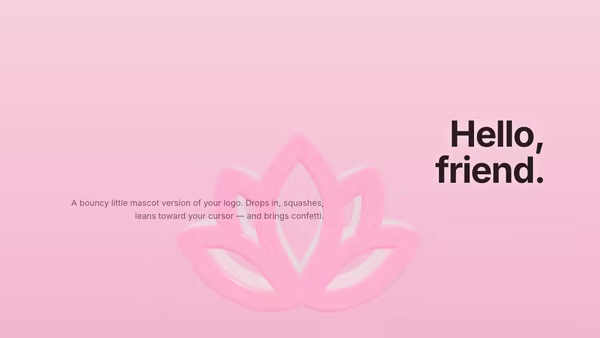
The uploaded logo becomes a soft mascot-like 3D toy that drops in with snappy spring physics, reacts to the cursor like a squashy character, and pops into a colorful confetti burst when clicked — then drops in again.

Chrome Y2K Wordmark

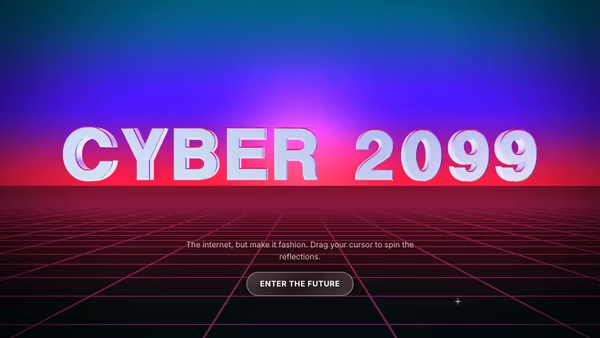
A huge mirror-chrome headline floating over a retro-future neon perspective grid. Star glints travel across the letters, gradient reflections shift with the pointer, and the whole thing reads as a Y2K poster you'd screenshot for your moodboard.

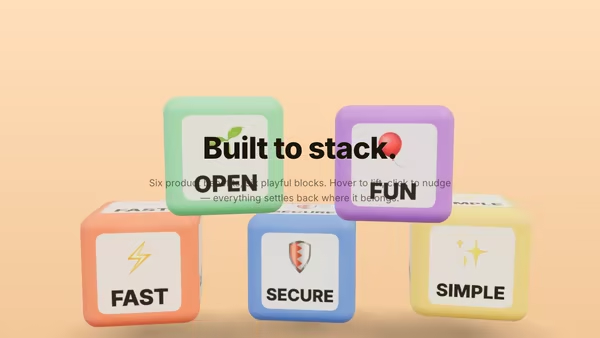
Feature Blocks Playground

Each selling point is a colourful, chunky 3D block. The blocks fall from above, bounce into a deliberate stacked composition, and respond to hover and click — your product benefits, rendered as playful building blocks.

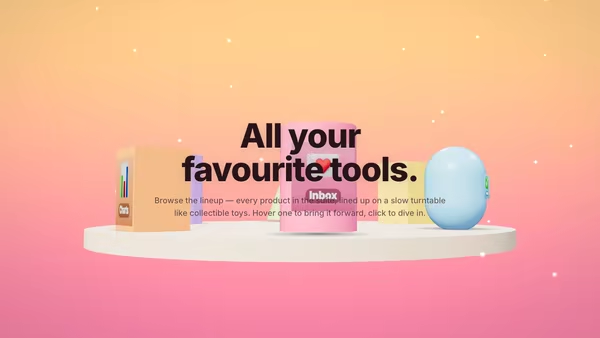
Carousel of Product Toys

A slowly turning toy shelf — 5–8 chunky plastic-toy product icons rotate around the headline like collectibles on a display stand. Hover a toy to bring it forward; click to navigate.

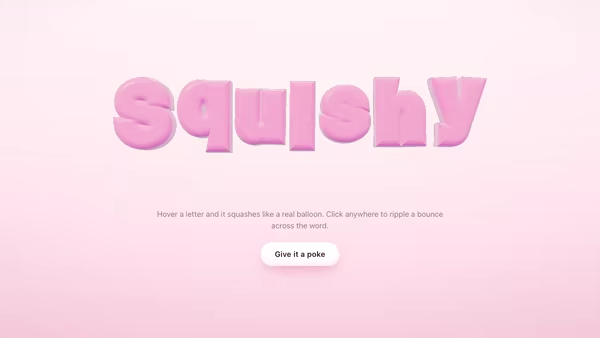
Inflatable Balloon Typography

Your headline becomes a row of soft, puffy balloon letters. Each glyph is inflated outward along its surface normal, floats gently with its own bobbing rhythm, squashes elastically when your cursor gets close, and ripples in a bounce wave when you click anywhere on the canvas.

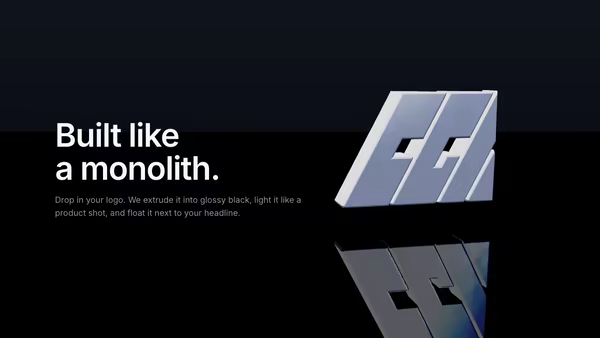
Extruded Logo Monolith

Drop in a transparent SVG (or PNG) logo and it becomes a glossy black 3D sculpture with bevelled edges, studio HDRI reflections, a mirror floor, and an animated rim-light sweep. Premium product-shot look for SaaS, agencies, and AI tools.
Live customizer

Chrome Mascot Logo

Logo (SVG / PNG / GLB / GLTF)SVG / PNG / GLB / GLTF. SVG and PNG silhouettes are extruded into a chunky bevelled chrome shape. GLB or GLTF places your real 3D model directly.Keep GLB MaterialsWhen the logo is a GLB/GLTF file, keep its authored PBR materials. Turn off to override every mesh with the chrome material below.Bevel Chunkiness0.25Only affects SVG/PNG silhouettes (ignored for GLB/GLTF). Bigger bevel = chunkier Y2K shape. Sweet spot 0.4–0.7.Chrome TintF0 — the metal's reflection tint. Pure white = neutral mirror; warm whites read as warmer chrome.Metalness0.921.0 = pure mirror chrome (default). Below 0.95 looks muddy.Roughness0.1250.02–0.10 = polished chrome. 0.15+ starts to look brushed.Clearcoat1Thin dielectric layer over the metal — adds an extra polished highlight. 1.0 = full polish.LayoutLogo Scale0.87Pointer Parallax1Drives logo yaw ±15° and pitch ±10° at strength 1.0.Auto-Rotate Speed0.045rad/s0 = static (default). Increase for continuous Y-axis spin (0.05–0.15 is a tasteful drift).HDR PresetSelects the procedural HDR environment the chrome reflects.Reflection Intensity1.4Multiplier on the env map. 1.4 default — HDR boost so the bright softboxes punch through as real specular hotspots.Background StyleY2K animated backdrop preset. Slow drifting chrome bands, pulsing radial blobs, and a top sun-streak — independent of the HDR Preset (which controls the chrome reflections).Background Motion1Speed multiplier for the background animation. 0 freezes it; 1 is the tasteful default 40–60s macro cycle.Gradient Top-LeftGradient MiddleGradient Bottom-RightStar Count40Star ColorStar Drift Speed0.4Flare Strength0.6Flare ColorHeading FontInteractivityWhich input drives the hero — try Scroll if you want the page to drive motion.
CrazyGL · crazygl.comProgrammable hero sections for real websites.