CrazyGLCrazyGLHomeExploreGitHubBrowse heroesLoading hero…← Back to gallery@crazygl/build-pipeline-conveyor

Build Pipeline Conveyor

A diagonal 3D conveyor belt ferries labelled packages through install / test / build / deploy arches. Each stage lights up and emits a particle puff as a package passes; the final cube emerges glowing 'deployed.' Built for high-end CI/CD platform landing pages.

ReactWebGL3DInteractiveFont#three#3d#ci#cd#pipeline#conveyor#devops#platform#build#deploy#interactive

Usage

import BuildPipelineConveyor from '@crazygl/hero-build-pipeline-conveyor';

export default function Page() {
  return (
    <BuildPipelineConveyor
      heading="Ship every commit."
      cameraPreset="three-quarter"
      ctaLabel="Start shipping →"
      onCTAClick="/signup"
    />
  );
}

Customise

  • CameracameraPreset (side / three-quarter / overhead), cameraZoom, cameraHeight, cameraFOV, parallaxStrength.
  • StagesarchCount (2–6), archShape (round torus / square portal / minimal pillars / hidden light-only), archIntensity, stageColor1..4, stageLabels.
  • PackagespackageShape (cube / sphere / rounded-box), packageColor, deployedColor, spawnRate, conveyorSpeed, packageScale.
  • LabelslabelPosition, labelTextColor, labelBackgroundColor, labelFontWeight, labelScale.
  • Content / CTAcontentType (heading / two-columns / custom), heading, subheading, ctaLabel, onCTAClick (URL string or callback), CTA colours.
  • AtmospheretransparentBackground, bgTop, bgBottom.

Best for

  • CI/CD and build-platform landing pages
  • DevOps and platform-engineering tooling
  • Developer-infrastructure and deploy-preview SaaS
  • Automation and workflow-orchestration products
01 · Install the package

One command, zero config.

npm install @crazygl/hero-build-pipeline-conveyor
02 · Render the component

Import once, drop it in.

The component takes the same props you see in the live customizer on the right — every default ships poster-quality.

hero.tsx
import BuildPipelineConveyor from '@crazygl/hero-build-pipeline-conveyor';

export default function Landing() {
  return (
    <BuildPipelineConveyor />
  );
}
03 · Use it in a page

SSR-safe by default.

The wrapper renders static HTML on the server and only initialises the canvas after hydration, so search engines see your copy.

page.tsx
// app/page.tsx — works in SSR-first frameworks (Next, Remix, Astro, etc.)
'use client';

import BuildPipelineConveyor from '@crazygl/hero-build-pipeline-conveyor';

export default function Page() {
  return (
    <section>
      <BuildPipelineConveyor
        heading="Say hi."
        subheading="Your new hero."
      />
      <article>
        <h2>Welcome</h2>
        <p>Your content keeps its own voice below the hero.</p>
      </article>
    </section>
  );
}

You might also like

Similar heroes

Command Center Stage

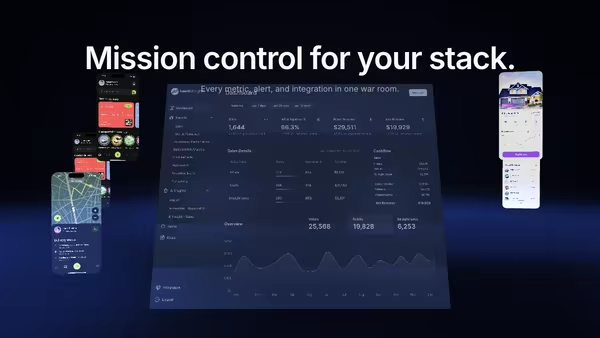
Your product UI floats as a giant screen at the centre of a dark 3D command room, smaller procedural panels orbit around it, and volumetric spotlights sweep through floor fog while a slow camera dolly breathes life into the scene.

Energy Beam CTA

A conversion-focused hero: the main CTA button emits a glowing vertical beam that connects to a tilted product dashboard, making the button feel like it activates the product. Hover the CTA to brighten the beam, burst particles, and ripple a wake across the dashboard.

Magnetic Dot Cloud

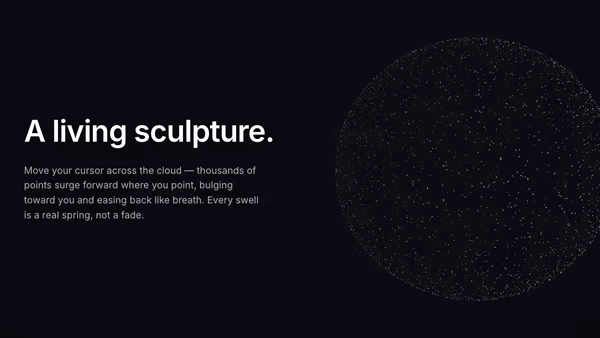
Thousands of floating 3D points settle into a soft sphere of light. Wherever you point, a gravity well opens — nearby dots erupt radially outward from the sphere's centre, bulging the cloud like a living particle sculpture. A critically-damped spring eases every swell in and out; idle, the whole field drifts and turns.

Liquid Metal Typography

Heavy 3D headline rendered as molten chrome — letters wobble with FBM noise while staying readable, pointer creates localized ripples on the surface, and clicking triggers a quick splash wavefront. Floats over an image or video backdrop with a user-selectable HDRI driving the reflections.

Chrome Y2K Wordmark

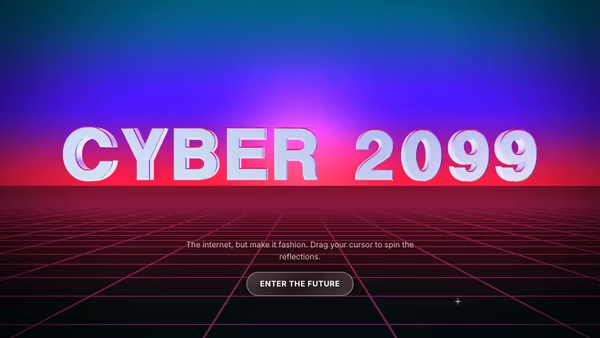
A huge mirror-chrome headline floating over a retro-future neon perspective grid. Star glints travel across the letters, gradient reflections shift with the pointer, and the whole thing reads as a Y2K poster you'd screenshot for your moodboard.

Orbiting Word System

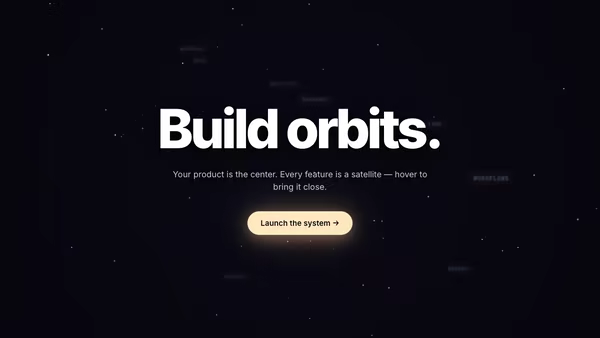
A bold centered headline anchors a 3D system of keyword satellites. Each orbit word travels its own tilted ellipse around the center; hover pulls a word forward and lights up the rest of the constellation.
Live customizer

Build Pipeline Conveyor

CTA labelOn clickURL to navigate to on click. Code consumers can also pass a function — same prop name.CTA text colourCTA backgroundCTA glowCamera presetPre-tuned camera angles. 3-quarter is the showcase angle; overhead reads like a CI dashboard map.Camera zoom1.15Multiplier on the preset camera distance. <1 pulls the camera closer; >1 backs it away.Camera height0.65Vertical offset on the camera's look-at point. Positive looks higher above the belt.Camera FOV45°Field of view in degrees. Lower = tighter telephoto, higher = wider lens.Pointer parallax1.5How much the camera drifts with the pointer. 0 locks the angle; 2 swings widely.Stage labelsOne stage per line. Names cycle if there are fewer lines than archCount.Arch count4How many arches stand over the belt. Stage names cycle if there are fewer labels than arches.Arch size0.85Uniform scale multiplier on each arch frame.Arch shapeRound is a torus arch; square is a rounded portal frame; minimal is two side pillars; hidden drops the frame entirely and keeps the stage light.Arch glow intensity3Brightness of the emissive seam on each arch.Arch Y offset0worldVertical offset of the stage arches relative to the conveyor.Stage 1 colourAccent for the first arch (install).Stage 2 colourAccent for the second arch (test).Stage 3 colourAccent for the third arch (build).Stage 4 colourAccent for the fourth arch (deploy). Extra stages cycle these colours.Label positionVertical placement of each stage label relative to its arch.Label Y offset-1Fine vertical tweak on top of the preset placement.Label text colourLabel backgroundPill background behind the text. Use 'transparent' for no fill.Label weightLabel size2Uniform scale on each label sprite.Package shapePackage colourBase colour of in-transit packages.Deployed colourGlow colour of the cube that emerges at the end of the belt.Spawn rate0.1/sNew packages per second. 1.1 is steady; below 0.4 the belt looks idle; above 2.5 packages overlap.Conveyor speed0.25How fast the belt and its packages travel along the run.Package size1.3Visual size of the packages. 1.0 reads as 'small box on a real belt.'Package Y offset0Vertical offset of packages relative to the conveyor surface. Use small positive values to lift packages above the belt.Transparent backgroundDrop the gradient backdrop so the hero blends into the surrounding page.Background topBackground bottomInteractivityWhich input drives the hero — try Scroll if you want the page to drive motion.
CrazyGL · crazygl.comProgrammable hero sections for real websites.