CrazyGLCrazyGLHomeExploreGitHubBrowse heroesLoading hero…← Back to gallery@crazygl/ascii-rain-repulsion

ASCII Rain Repulsion

Elegant columns of falling ASCII glyphs on a near-black field — pale, premium, and readable behind text. The pointer opens a circular force field that pushes the characters outward into a clean tunnel of empty space, which smoothly refills as the cursor moves on.

ReactCanvasInteractiveFont#ascii#matrix#glyphs#rain#interactive#pointer#repulsion#canvas#premium

Usage

import AsciiRainRepulsion from '@crazygl/hero-ascii-rain-repulsion';

export default function Hero() {
  return (
    <AsciiRainRepulsion
      heading="Enter the stream."
      charset="katakana"
      repelStrength={0.44}
    />
  );
}

Customise

  • Raincharset (katakana / latin / binary / symbols), customChars, fontSize, fallSpeed, density, mutateRate, startFilled.
  • ColorcharColor, headColor, backgroundColor, fadeAmount (trail length).
  • RepulsionrepelRadius (tunnel size) and repelStrength (push force; 0 disables).
  • Backdroptransparent to composite the rain over your own page background.

Best for

  • AI and developer-tool landing pages
  • Security / infra and crypto products
  • Generative-art and "in the machine" launch pages
  • Any hero that wants a coded feel without going full Matrix-green
01 · Install the package

One command, zero config.

npm install @crazygl/hero-ascii-rain-repulsion
02 · Render the component

Import once, drop it in.

The component takes the same props you see in the live customizer on the right — every default ships poster-quality.

hero.tsx
import ASCIIRainRepulsion from '@crazygl/hero-ascii-rain-repulsion';

export default function Landing() {
  return (
    <ASCIIRainRepulsion />
  );
}
03 · Use it in a page

SSR-safe by default.

The wrapper renders static HTML on the server and only initialises the canvas after hydration, so search engines see your copy.

page.tsx
// app/page.tsx — works in SSR-first frameworks (Next, Remix, Astro, etc.)
'use client';

import ASCIIRainRepulsion from '@crazygl/hero-ascii-rain-repulsion';

export default function Page() {
  return (
    <section>
      <ASCIIRainRepulsion
        heading="Say hi."
        subheading="Your new hero."
      />
      <article>
        <h2>Welcome</h2>
        <p>Your content keeps its own voice below the hero.</p>
      </article>
    </section>
  );
}

You might also like

Similar heroes

Data Rain 3D

Characters, digits and small symbols fall through a real 3D perspective volume. Near glyphs are large and bright, far ones shrink and dissolve into depth fog. Move the cursor and the falling stream curves around it, like rain hitting an invisible umbrella.

ASCII Nebula

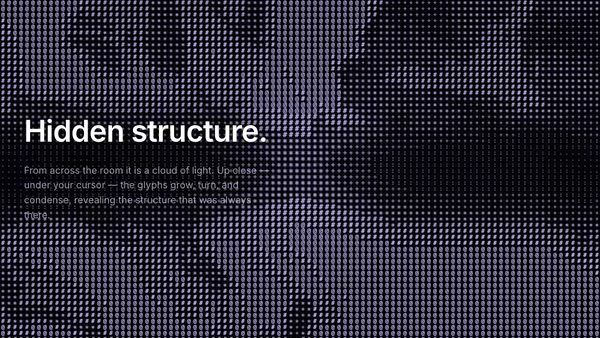
The whole background is a grid of ASCII glyphs that, from afar, reads as a soft drifting nebula — dense glyphs where the cloud is thick, sparse where it thins. The pointer locally reveals hidden structure: nearby glyphs grow larger, rotate slightly, and switch to denser symbols.

Digital Rain Curtain

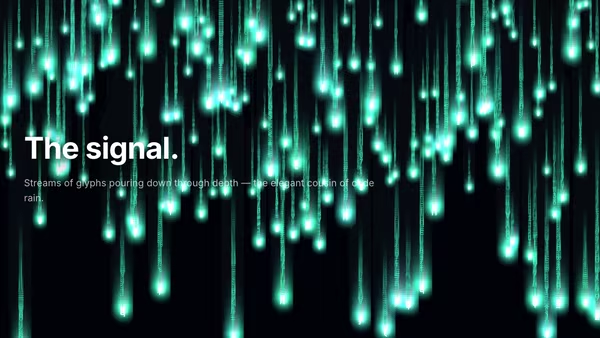
Depth-stacked vertical streams of glowing glyphs cascade downward — abstract characters at different focal layers, with parallax and a soft head glow on each leading character.

ASCII Video Displacement

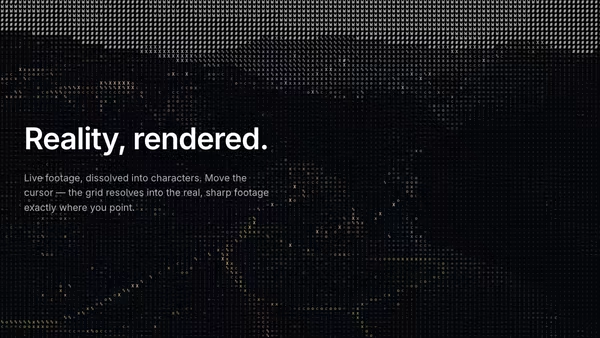
A looping video converted live into ASCII art — each cell's brightness picks a glyph from a long density ramp so the moving footage reads as live ASCII. The pointer is a clarity lens: under the cursor the cells resolve into the real, sharp footage, so the image reads genuinely clearer exactly where you point.

Rain on Glass

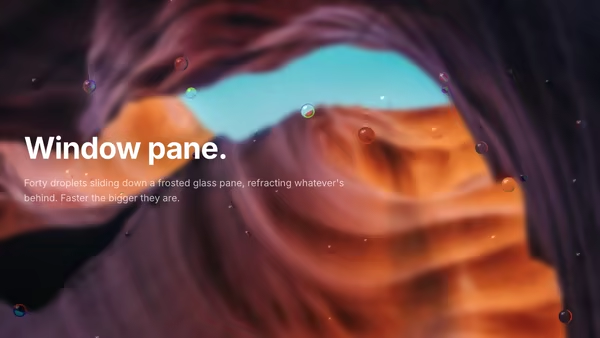
Looking through a glass pane in the rain — droplets refract the background, slide down with gravity, and leave thin trails.

Magnetic Logo Field

An image-driven particle field. Drop in a logo and the particles drift around then snap into its silhouette in waves. Cursor magnetically pulls or repels the swarm. Sample by alpha, luminosity, or transparency.
Live customizer

ASCII Rain Repulsion

Character setGlyph alphabet the streams draw from. Katakana reads as classic digital rain; latin / binary / symbols give cleaner, more corporate looks.Custom charactersOptional. Any string of characters to use instead of the preset — e.g. your initials or a custom symbol run. Overrides the character set above when non-empty.Glyph size18pxCell size in CSS pixels. Smaller = denser, finer rain; larger = bold and editorial. Sweet spot 14–18.Fall speed0.65How fast the heads descend. Below 0.4 is a slow drift; above 2 reads as fast static. 0.8–1.2 is calm and premium.Density1.5Fraction of columns that are actively raining. 0.3 is sparse and airy, 1.5 is a near-solid wall.Mutation rate0.2How often a glyph flips to a new character mid-fall. 0 holds each glyph still; higher values shimmer and crawl.Start filledOn: the rain is already falling across the whole canvas when the hero loads (a steady state — best for posters). Off: the canvas starts blank and the rain falls in to fill it over the first second or two.Glyph colourBody colour of the trail glyphs. Pale cool greys read elegant; tint toward a brand hue for a subtle accent.Head colourColour of the brightest leading glyph in each stream. Near-white gives the rain its spark.BackgroundBackdrop behind the rain. Near-black sells the depth and keeps glyphs legible.Trail length0.08Controls how long the fading trail behind each head is. Lower = long, ghostly tails; higher = short, crisp streaks.Field radius0.12Radius of the pointer force field, in fractions of the smaller canvas side. Larger clears a wider tunnel.Field strength0.44How hard glyphs are pushed outward. 0 disables the tunnel; 1 carves a clean void; above 1.5 throws glyphs dramatically wide.Transparent backgroundDrop the backdrop fill so the rain composites over whatever sits behind the hero on your page.InteractivityWhich input drives the hero — try Scroll if you want the page to drive motion.
CrazyGL · crazygl.comProgrammable hero sections for real websites.