CrazyGLCrazyGLHomeExploreGitHubBrowse heroesLoading hero…← Back to gallery@crazygl/data-rain-3d

Data Rain 3D

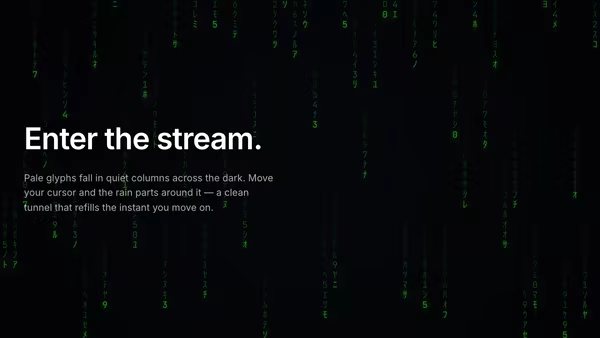
Characters, digits and small symbols fall through a real 3D perspective volume. Near glyphs are large and bright, far ones shrink and dissolve into depth fog. Move the cursor and the falling stream curves around it, like rain hitting an invisible umbrella.

ReactWebGL3DInteractiveFont#3d#rain#data#matrix#particles#depth#fog#premium#pointer#three

Usage

import DataRain3D from '@crazygl/hero-data-rain-3d';

export default function Page() {
  return (
    <DataRain3D
      heading="Streams of data."
      charset="symbols"
      count={3000}
      symbolColor="#bcd8ff"
    />
  );
}

Customise

  • Raincharset (digits / hex / katakana / symbols), customChars, count, fallSpeed, glyphSize.
  • ColorsymbolColor, headColor (hot leading edge), backgroundColor.
  • DepthdepthRange, fogDensity, cameraFov.
  • PointerumbrellaRadius, umbrellaStrength (the clear zone the cursor carves).
  • Backdroptransparent to composite over your own page background.

Best for

  • Developer tools and AI/ML platforms.
  • Cybersecurity, data-infrastructure and fintech landing pages.
  • Any product wanting a "live data" feel without the tired Matrix green.
01 · Install the package

One command, zero config.

npm install @crazygl/hero-data-rain-3d
02 · Render the component

Import once, drop it in.

The component takes the same props you see in the live customizer on the right — every default ships poster-quality.

hero.tsx
import DataRain3D from '@crazygl/hero-data-rain-3d';

export default function Landing() {
  return (
    <DataRain3D />
  );
}
03 · Use it in a page

SSR-safe by default.

The wrapper renders static HTML on the server and only initialises the canvas after hydration, so search engines see your copy.

page.tsx
// app/page.tsx — works in SSR-first frameworks (Next, Remix, Astro, etc.)
'use client';

import DataRain3D from '@crazygl/hero-data-rain-3d';

export default function Page() {
  return (
    <section>
      <DataRain3D
        heading="Say hi."
        subheading="Your new hero."
      />
      <article>
        <h2>Welcome</h2>
        <p>Your content keeps its own voice below the hero.</p>
      </article>
    </section>
  );
}

You might also like

Similar heroes

Data Rain Product Reveal

Elegant colored data streams fall behind a central product screenshot in four refined tints, with a few drops drifting in front for parallax depth. Cyberpunk but refined.

ASCII Rain Repulsion

Elegant columns of falling ASCII glyphs on a near-black field — pale, premium, and readable behind text. The pointer opens a circular force field that pushes the characters outward into a clean tunnel of empty space, which smoothly refills as the cursor moves on.

Soft Volumetric Particle Fog

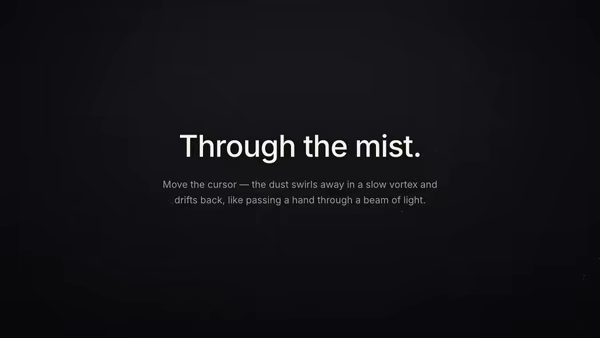
Thousands of tiny semi-transparent dust motes drift in depth inside a soft beam of light. Curl-noise keeps them floating naturally; depth fog reads volumetric; the pointer stirs a slow vortex that swirls particles away and leaves a fading wake, like moving a hand through mist.

Digital Rain Curtain

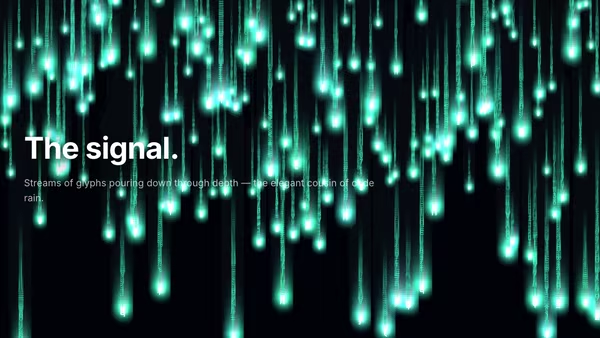
Depth-stacked vertical streams of glowing glyphs cascade downward — abstract characters at different focal layers, with parallax and a soft head glow on each leading character.

Screenshot with Animated Data Flow

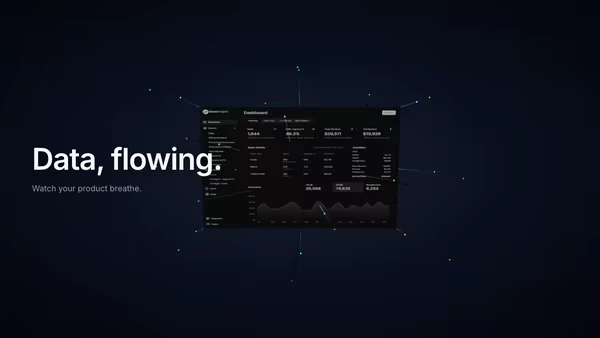
Glowing particles and connection lines stream out from a tilted product screenshot, suggesting live data moving through the UI. Built for analytics, CRM, automation, AI agents and database products.

Particle Typography

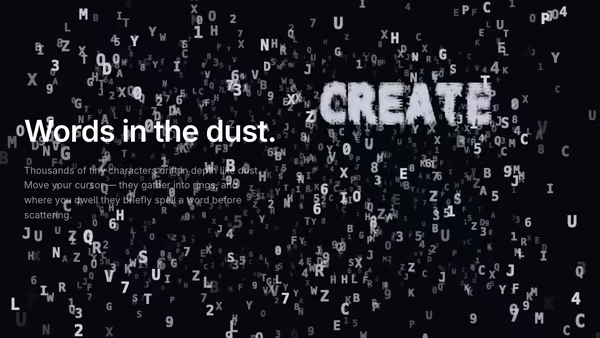
A dusty 3D volume of tiny floating characters — abstract micro-typography drifting in depth. The pointer pulls characters into rings and streams, and where the cursor dwells the dust briefly organises itself into a real word before scattering back into the haze.
Live customizer

Data Rain 3D

Character setWhich glyphs fall. Hex reads as a data dump; katakana nods to the classic look without the green; symbols feel like signal noise. Overridden by Custom characters when set.Custom charactersType your own glyph set (each character becomes a cell in the atlas). Leave empty to use the Character set above.Symbol count3000How many glyphs fill the volume. Around 3000 reads as a dense, premium downpour; below 1500 feels sparse; 6000 is a full-on data storm.Fall speed0.1Gravity of the rain. Near 1 it streaks down steadily; around 0.1 it drifts slowly; near 0.01 it nearly hovers.Glyph size0.6Base size of each symbol before perspective scaling. Larger reads as bold display type; smaller as fine telemetry.Symbol colourTint of the falling glyphs. Pale blue-white reads premium and cool; swap to amber for a warmer terminal feel.Leading colourBrighter tint for the nearest, freshest glyphs — the hot leading edge of each stream.Background colourThe near-black behind the rain, and the colour the depth fog fades distant glyphs toward.Depth range40How deep the rain volume runs into the screen. Deeper = more dramatic perspective and more glyphs lost in fog.Fog density1How fast distant glyphs fade to the background. 0 = crisp all the way back; 1 = a soft falloff; 2 = only the nearest streams survive.Camera field of view55°Lens of the perspective camera. Wider FOV exaggerates the rush of near glyphs past the viewer; narrower flattens the depth.Umbrella radius0.4Size of the clear zone the cursor carves out of the rain. Larger sweeps a wider umbrella through the stream.Umbrella strength1.4How hard glyphs are pushed aside. 0 lets the rain pass straight through; 1.4 curves it cleanly around the cursor; 3 throws it wide.Transparent backgroundDrop the near-black backdrop so the rain composites over your own page background. Depth fog still fades far glyphs toward transparent.InteractivityWhich input drives the hero — try Scroll if you want the page to drive motion.
CrazyGL · crazygl.comProgrammable hero sections for real websites.