CrazyGLCrazyGLHomeExploreGitHubBrowse heroesLoading hero…← Back to gallery@crazygl/text-flow

Text Flow

A wordmark assembled out of thousands of soft particles, each parked at a sampled pixel of the rasterised text. Move the cursor through it and the particles flee from your hand, then spring back to their target positions.

ReactCanvasInteractiveFont#particles#typography#interactive#canvas#text-as-particles

Usage

import TextFlow from '@crazygl/hero-text-flow';

<TextFlow
  heading="Pola"
  particleDensity={3}
  particleSize={2}
  mouseRadius={100}
/>;

Customise

  • Contentheading (the wordmark), optional subheading and ctaLabel / onCTAClick.
  • ParticlesparticleSize, particleDensity (sampling step; every Nth pixel becomes a particle), particleColor, particleAlpha.
  • InteractionmouseRadius, pushStrength, returnSpeed (spring-back), ambientJitter (idle drift that keeps it alive in a static preview).
  • TypographyfontSize, letterSpacing, headingFontFamily, headingFontWeight (heavier weights give more lit pixels per glyph).
  • BackdroptransparentBackground, bgColor.

Best for

  • Branded landing pages with a single one-word wordmark.
  • Agency, portfolio, and art-collective splash covers.
  • Music drops and interactive case-study headers where the heading should read as a substance you can disturb.
01 · Install the package

One command, zero config.

npm install @crazygl/hero-text-flow
02 · Render the component

Import once, drop it in.

The component takes the same props you see in the live customizer on the right — every default ships poster-quality.

hero.tsx
import TextFlow from '@crazygl/hero-text-flow';

export default function Landing() {
  return (
    <TextFlow />
  );
}
03 · Use it in a page

SSR-safe by default.

The wrapper renders static HTML on the server and only initialises the canvas after hydration, so search engines see your copy.

page.tsx
// app/page.tsx — works in SSR-first frameworks (Next, Remix, Astro, etc.)
'use client';

import TextFlow from '@crazygl/hero-text-flow';

export default function Page() {
  return (
    <section>
      <TextFlow
        heading="Say hi."
        subheading="Your new hero."
      />
      <article>
        <h2>Welcome</h2>
        <p>Your content keeps its own voice below the hero.</p>
      </article>
    </section>
  );
}

You might also like

Similar heroes

Ember Mesh

A warm particle-network hero. Particles drift and connect with glowing ember edges that follow the pointer.

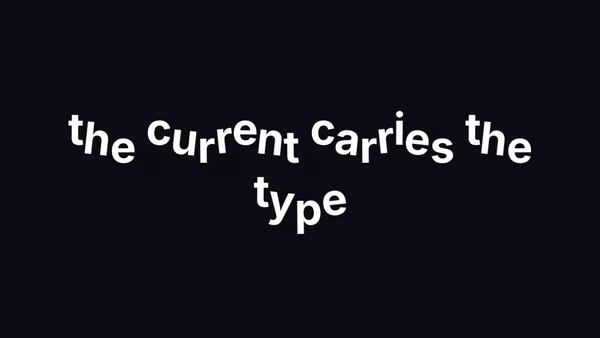
Animated Flow Text

Each word rides its own sine wave with a per-letter phase offset — the line reads like a banner caught in a slow current.

Sand Typography

Your headline is built from thousands of grains of sand. The grains drift on the breeze, erode where the cursor sweeps through them, and spring back to spell the word again.

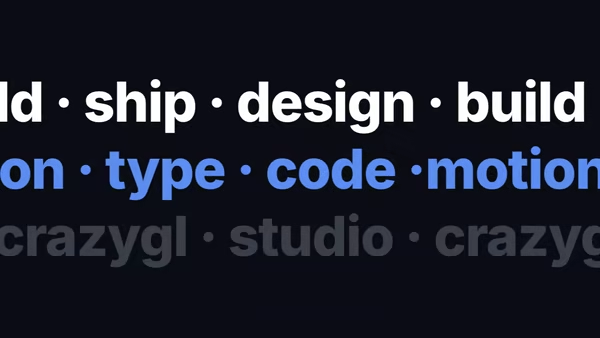
Scroll Flow Text FX

Stacked rows of large text drift left/right at offset speeds as the visitor scrolls — like a marquee orchestrated by the page itself.

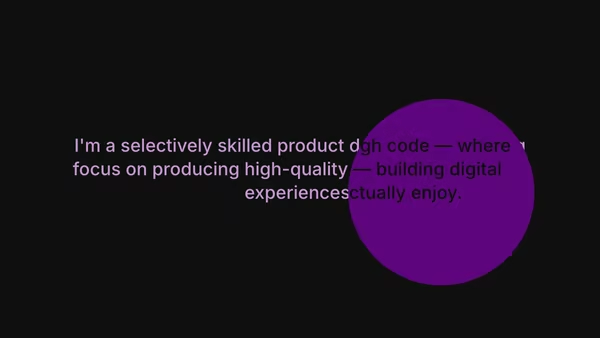
Cursor Reveal Text

Two stacked paragraphs — a primary line shown in the surface colour, and a secret reveal line shown only inside a cursor-following spotlight that grows on hover.

Text Glow Hover

A heading with a stack of layered, blurred shadow copies that fan out in the direction of the cursor — like a tracer of light pouring out of the wordmark. On hover-end the stack relaxes back to a resting diagonal trail.
Live customizer

Text Flow

Particle size2pxDiameter of each particle dot. 1.5–3 reads as fine grain; >5 reads as confetti.Sampling step3pxEvery Nth pixel becomes a particle target. 1 = packed solid; 3 = canonical (default); 8+ = sparse stippling.Particle colourParticle fill colour.Particle opacity1Per-particle alpha. Lower values let overlapping particles read as soft cloud rather than solid pixels.Mouse radius100pxRadius of the cursor's disturbance field. Particles inside this radius flee away from the cursor.Push strength1How forcefully particles flee. 1 reads as 'hand on water'; 3+ scatters them across the canvas.Return speed0.05How quickly particles spring back to their target. 0.05 = lazy return; 0.2 = snappy magnet.Ambient jitter0.3pxContinuous random per-particle drift even when the cursor isn't moving. Small values (0.2–0.4) keep the wordmark visibly alive in a static preview.Font size220pxHeading font size used to rasterise the source canvas.Letter spacing-0.01emTracking.Heading fontFamily. Heavy display sans serifs maximise the particle count per letter.Heading weight900Weight.Transparent backgroundSkip the deepest backdrop so the particles render onto whatever section background sits behind.Background colourCanvas backdrop colour when transparent mode is off.InteractivityWhich input drives the hero — try Scroll if you want the page to drive motion.
CrazyGL · crazygl.comProgrammable hero sections for real websites.