CrazyGLCrazyGLHomeExploreGitHubBrowse heroesLoading hero…← Back to gallery@crazygl/scroll-assemble-product

Scroll-to-Assemble Product

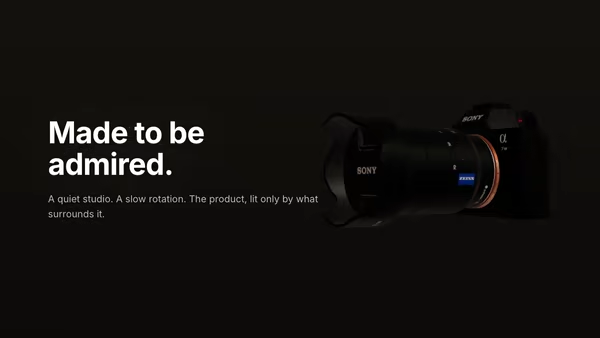
A 3D product begins disassembled and clicks together as you scroll the page. Once whole, the camera eases in and benefit labels fade in around it. Cinematic three-point studio lighting with HDRI reflections.

ReactWebGL3DImageInteractiveFont#3d#product#scroll#assembly#storytelling#narrative#studio#three

Usage

import ScrollAssembleProduct from '@crazygl/hero-scroll-assemble-product';

<ScrollAssembleProduct
  productModel="https://crazygl.com/samples/camera.glb"
  assembleEnd={0.63}
  explodeDistance={1.05}
  cameraPathAmount={0.3}
/>;

Customise

  • ModelproductModel (GLB/GLTF), modelScale, restSpin (the angle the finished product faces). Multi-mesh files assemble per part; single-mesh models slice into fallbackBands clean bands along their longest axis.
  • AssemblyscrollLength (sticky scroll height, vh), explodeDistance / explodeFromAxis (spread along vs. away from the cut axis), assembleEnd (scroll % at which it's whole), swirlAmount, restBreath.
  • BenefitsshowLabels, benefitLabels (one per line, up to six), accentColor for the connector dot / leader line.
  • CameracameraDistance, cameraPathAmount (reveal dolly; 0 locks the camera).
  • LightingenvironmentImage (studio HDRI), envIntensity, exposure, plus key / fill / rim colour + intensity.
  • Backgroundtransparent, bgTopColor, bgBottomColor.

Best for

  • Hardware and gadget launches that want a "here's how it comes together" story.
  • Furniture, home goods, and tech accessories with a hero product shot.
  • Product pages and SaaS device mockups where scroll-driven assembly adds narrative.
01 · Install the package

One command, zero config.

npm install @crazygl/hero-scroll-assemble-product
02 · Render the component

Import once, drop it in.

The component takes the same props you see in the live customizer on the right — every default ships poster-quality.

hero.tsx
import ScrolltoAssembleProduct from '@crazygl/hero-scroll-assemble-product';

export default function Landing() {
  return (
    <ScrolltoAssembleProduct />
  );
}
03 · Use it in a page

SSR-safe by default.

The wrapper renders static HTML on the server and only initialises the canvas after hydration, so search engines see your copy.

page.tsx
// app/page.tsx — works in SSR-first frameworks (Next, Remix, Astro, etc.)
'use client';

import ScrolltoAssembleProduct from '@crazygl/hero-scroll-assemble-product';

export default function Page() {
  return (
    <section>
      <ScrolltoAssembleProduct
        heading="Say hi."
        subheading="Your new hero."
      />
      <article>
        <h2>Welcome</h2>
        <p>Your content keeps its own voice below the hero.</p>
      </article>
    </section>
  );
}
You might also like

Similar heroes

Product Exploded View

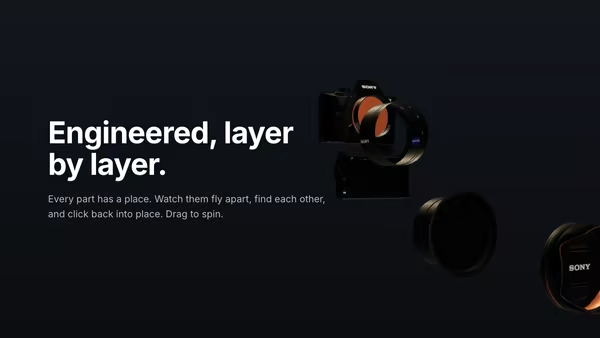
A 3D model splits into several floating layers on load, then slowly reassembles. Hovering separates the parts again — connector lines hint at the assembly path. Cinematic three-point studio lighting with HDRI reflections.

Floating Product

A 3D product model drifts and slowly turns in a quiet studio atmosphere. The model wears its own PBR textures; soft dust particles drift through the air around it.

White Infinity Studio

A 3D product GLB floats in a bright seamless infinity studio — the floor sweeps continuously up into the back wall with no visible seam. Three-point softbox lighting, a soft floor reflection, and a very subtle camera dolly sell the look of a premium catalogue photoshoot.

Product Pedestal

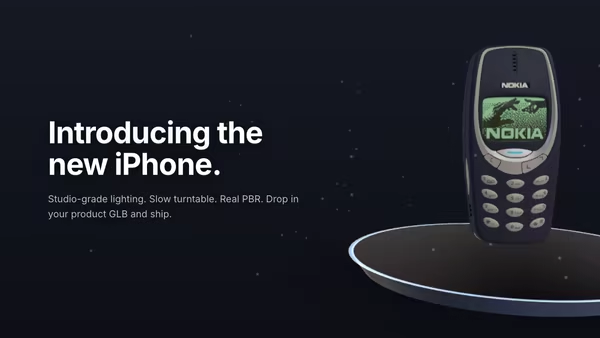
A 3D product model rests on a minimal floating pedestal under studio HDRI lighting. Slow turntable rotation, soft contact shadow, drifting dust, subtle mouse parallax, and press-and-drag to free-spin the product.

Product Turntable Studio

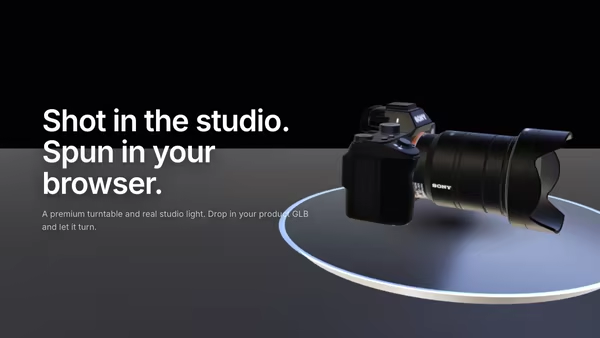
A 3D product model rotates on a premium polished turntable disc beside the hero copy. Studio HDRI lighting, warm key and cool fill softboxes, drag to free-spin, and pointer hover-zoom — a high-end product launch in code.

Product in Elemental Scene

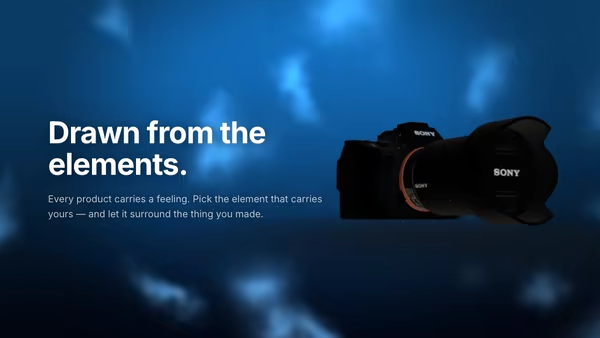
A 3D product floats inside a stylised elemental world chosen from its benefit — water, fire, ice, cloud, earth or light. A custom environmental shader and an instanced particle system surround the product and tint its lighting to match the element.
Live customizer

Scroll-to-Assemble Product

Product Model (GLB/GLTF)Multi-mesh GLBs assemble per mesh (best result). Single-mesh GLBs fall back to slicing along their longest axis.Model size1Resting yaw30°The angle the finished product faces. A slight three-quarter turn reads best.Sticky scroll length280vhHow tall the sticky scroll section is. The hero pins to the viewport while the user scrolls through this range; the assembly animation completes by the time the sticky unpins, then holds fully assembled until the user scrolls past.Spread along axis1.05How far the slices step apart ALONG the cut axis (their natural stacking direction) when fully disassembled.Spread from axis0.42How far the slices fan OUTWARD from the cut axis in the perpendicular plane. 0 = pure column along the axis; higher values fan into a 3D explosion.Assemble by (scroll %)0.63Scroll fraction at which the product is fully assembled. The remaining scroll runs the camera move + benefit reveal.Disassembly swirl0Adds a gentle twist to each part's flight path so the disassembled state reads as a deliberate arrangement rather than a straight blow-apart.Resting breath0.12Tiny perpetual float of the finished product so it never reads as a frozen render. Also drives the reduced-motion / 'none' fallback.Single-mesh part count5When the GLB is a single big mesh, the geometry is sliced into this many parts along its longest axis.Show benefit labelsFade benefit callouts in around the finished product as scrolling completes the build.Camera distance6Reveal dolly amount0.3How far the camera eases in and arcs as the build completes (scroll past the assemble point). 0 = locked camera.Studio HDRIEquirectangular image drives the PBR reflections on metallic parts.Env intensity1Exposure1.05Key lightWarm key from upper-right.Key intensity1.5Fill lightCool fill from lower-left.Fill intensity0.55Rim lightBacklight rim for silhouette separation.Rim intensity0.85Transparent backgroundBG topBG bottomHeading FontInteractivityWhich input drives the hero — try Scroll if you want the page to drive motion.
CrazyGL · crazygl.comProgrammable hero sections for real websites.