CrazyGLCrazyGLHomeExploreGitHubBrowse heroesLoading hero…← Back to gallery@crazygl/chrome-waves

Liquid Chrome Waves

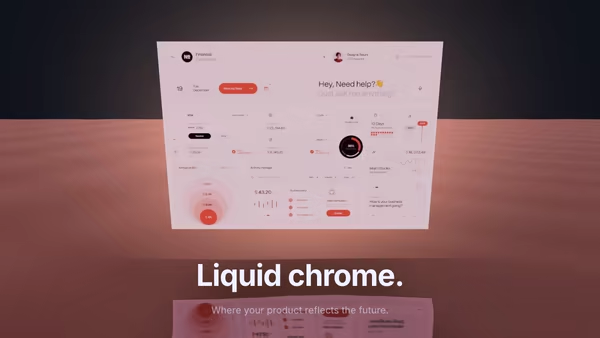
An undulating ocean of liquid chrome. Six dispersive waves displace a mirror surface; a procedural studio HDRI stretches and warps across every crest.

ReactWebGLImageInteractiveFont#chrome#metal#waves#reflective#hdri#premium

Usage

import ChromeWaves from '@crazygl/hero-chrome-waves';

export default function Page() {
  return (
    <ChromeWaves
      heading="Liquid chrome."
      environmentImage="https://crazygl.com/samples/hdri1.avif"
      waveAmplitude={0.5}
      horizonTilt={0.55}
    />
  );
}

Customise

  • Studio HDRIenvironmentImage (equirectangular 2:1 reflection map; leave empty for a procedural studio built from envTopColor, envBottomColor, sunColor, rimColor).
  • SurfacemetalTint (chrome colour), waveAmplitude, waveScale, speed, envRotation, horizonTilt (face-on vs flat).
  • Contentheading / subheading, or two-columns / custom content modes, plus heading font.

Best for

  • Luxury product launches and premium SaaS landing pages.
  • Fintech, crypto and high-end agency brands wanting a tactile, expensive centerpiece.
  • Design-studio sites that need a reflective, cinematic hero.
01 · Install the package

One command, zero config.

npm install @crazygl/hero-chrome-waves
02 · Render the component

Import once, drop it in.

The component takes the same props you see in the live customizer on the right — every default ships poster-quality.

hero.tsx
import LiquidChromeWaves from '@crazygl/hero-chrome-waves';

export default function Landing() {
  return (
    <LiquidChromeWaves />
  );
}
03 · Use it in a page

SSR-safe by default.

The wrapper renders static HTML on the server and only initialises the canvas after hydration, so search engines see your copy.

page.tsx
// app/page.tsx — works in SSR-first frameworks (Next, Remix, Astro, etc.)
'use client';

import LiquidChromeWaves from '@crazygl/hero-chrome-waves';

export default function Page() {
  return (
    <section>
      <LiquidChromeWaves
        heading="Say hi."
        subheading="Your new hero."
      />
      <article>
        <h2>Welcome</h2>
        <p>Your content keeps its own voice below the hero.</p>
      </article>
    </section>
  );
}

You might also like

Similar heroes

Screenshot Reflected in Chrome Waves

A product screenshot floats above a slow liquid-chrome ocean. Stacked Gerstner waves stretch its reflection across the surface while specular highlights migrate with the crests; pointer movement emits single-wavefront wake rings that distort the mirror in real time.

Liquid Metal Typography

Heavy 3D headline rendered as molten chrome — letters wobble with FBM noise while staying readable, pointer creates localized ripples on the surface, and clicking triggers a quick splash wavefront. Floats over an image or video backdrop with a user-selectable HDRI driving the reflections.

Liquid Metal Orb

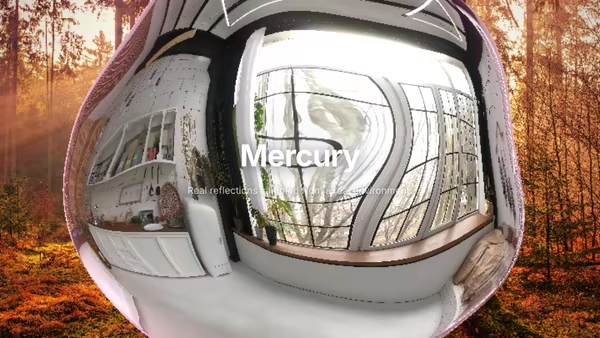
A floating mercury sphere ray-marched in real time, sampling a real environment image (or a procedural studio HDRI) for genuine mirror-like reflections. Drop in a photo to see it bend across the surface. Three layouts: orb centered or content beside it.

Chrome Y2K Wordmark

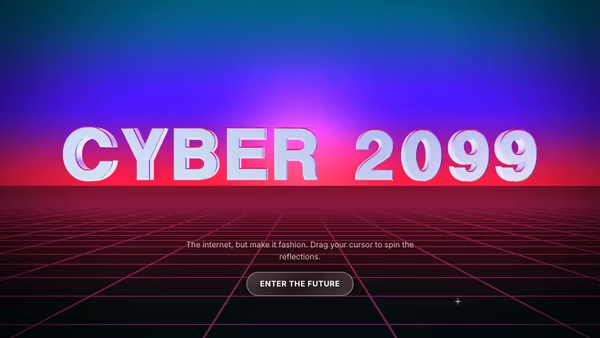
A huge mirror-chrome headline floating over a retro-future neon perspective grid. Star glints travel across the letters, gradient reflections shift with the pointer, and the whole thing reads as a Y2K poster you'd screenshot for your moodboard.

Shine Text

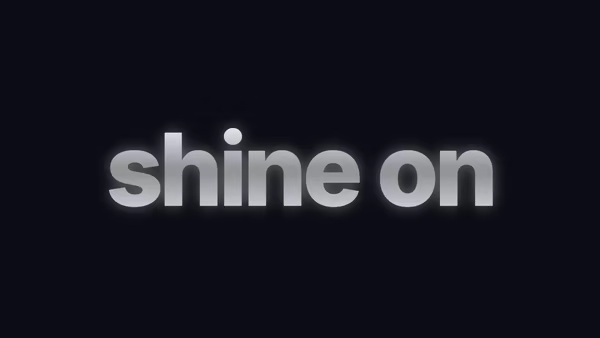
Premium chrome-style shine — silver gradient face, soft wide highlight with iridescent tint leading the sweep, and a pulsing glow halo that breathes in sync.

Floating Monolith

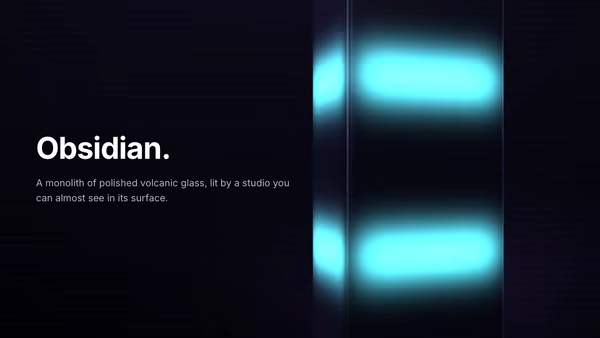
A glossy obsidian monolith floats on screen, rotating slowly, sampling a procedural HDRI for genuine mirror reflections. Emissive light strips travel down its faces in a hypnotic loop.
Live customizer

Liquid Chrome Waves

Environment imageEquirectangular reflection map. Leave empty for procedural studio HDRI.Sky topSky bottomSun / keyRim accentChrome tintWave amplitude0.5Wave scale1Speed0.6Env rotation0°Camera tilt0.55How face-on vs how flat the chrome plane is. Higher = more horizon, more vertical stretch.Heading FontInteractivityWhich input drives the hero — try Scroll if you want the page to drive motion.
CrazyGL · crazygl.comProgrammable hero sections for real websites.