CrazyGLCrazyGLHomeExploreGitHubBrowse heroesLoading hero…← Back to gallery@crazygl/glitch-fabric

Slow Glitch Fabric

An elegant, controlled digital-signal background: deep moody bands drift like a damaged broadcast, always carrying a tasteful base glitch — blocky horizontal tears and red/cyan channel splits. Move the cursor and the glitch concentrates around its position, intensifying the tears and chromatic split right where you point, then eases back out when you leave.

ReactWebGLInteractiveFont#glitch#bands#scanlines#signal#chromatic#shader#webgl#pointer#premium#abstract

Usage

import GlitchFabric from '@crazygl/hero-glitch-fabric';

export default function Hero() {
	return (
		<GlitchFabric
			heading="Signal, controlled."
			ambient={0.34}
			glitchStrength={0.5}
			rgbSplit={1}
		/>
	);
}

Customise

  • FabriccolorA / colorB gradient, accentColor, bandHeight, idleDrift, scanlines, grain.
  • GlitchglitchRadius, glitchStrength, ambient (ever-present floor), rgbSplit, decay (focal linger).
  • Backdroptransparent to composite over the page.
  • Content & typography — heading / subheading / two-column / custom content, plus heading font.

Best for

  • AI and developer-tool launch pages
  • Cyber-security and infrastructure dashboards
  • Music, streaming, and broadcast brands
  • Dark, editorial product pages that want signal energy without busyness
01 · Install the package

One command, zero config.

npm install @crazygl/hero-glitch-fabric
02 · Render the component

Import once, drop it in.

The component takes the same props you see in the live customizer on the right — every default ships poster-quality.

hero.tsx
import SlowGlitchFabric from '@crazygl/hero-glitch-fabric';

export default function Landing() {
  return (
    <SlowGlitchFabric />
  );
}
03 · Use it in a page

SSR-safe by default.

The wrapper renders static HTML on the server and only initialises the canvas after hydration, so search engines see your copy.

page.tsx
// app/page.tsx — works in SSR-first frameworks (Next, Remix, Astro, etc.)
'use client';

import SlowGlitchFabric from '@crazygl/hero-glitch-fabric';

export default function Page() {
  return (
    <section>
      <SlowGlitchFabric
        heading="Say hi."
        subheading="Your new hero."
      />
      <article>
        <h2>Welcome</h2>
        <p>Your content keeps its own voice below the hero.</p>
      </article>
    </section>
  );
}
You might also like

Similar heroes

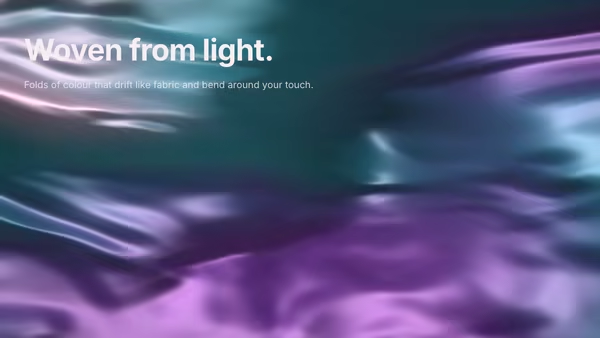
Reactive Gradient Silk

A background of folded silk made of light — very smooth gradients with broad flowing folds drifting in slow, elegant fabric motion. The folds carry deep desaturated jewel tones and catch a soft specular sheen along each crease. The pointer presses a gentle indentation into the cloth: the folds bend around the cursor and the highlights and shadows shift with it.

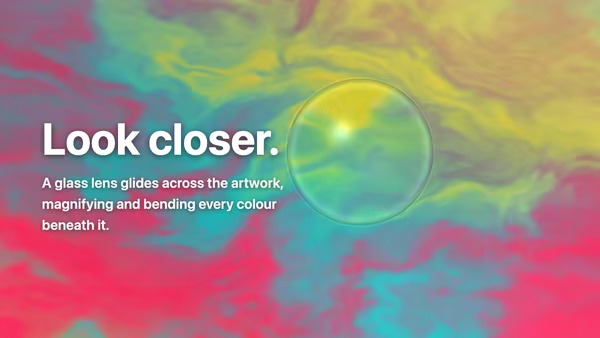
Artwork Lens

A clear glass DOME — a magnifying loupe / plano-convex lens — glides over a vibrant artwork with your heading composited on top. By default the artwork is an animated domain-warped colour field; supply your own image or video instead (cover-fit, never stretched). Beneath the lens everything is magnified UPRIGHT (not flipped like a glass marble), like a loupe sitting on the page: the centre magnifies cleanly, straight features curve more toward the rim, red/cyan chromatic fringing grows toward the edge, a Fresnel ring traces the rim and a specular hotspot sits upper-left. Because the heading is part of the scene, it reads normally outside the lens and is magnified, gently bent and chromatically split where the lens passes over it.

Glitch Hero Poster

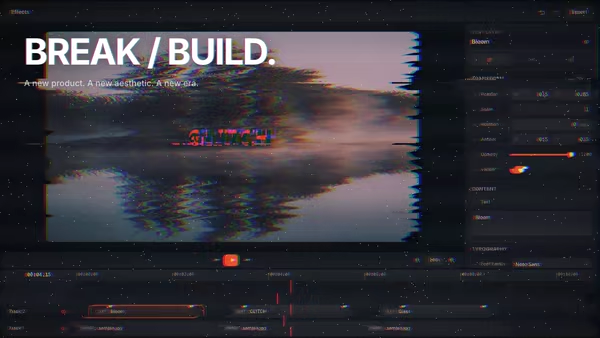
A cyberpunk poster: any screenshot or photograph is overlaid with RGB channel splitting, horizontal slice glitches, soft CRT scanlines, and digital grain. The pointer ramps the chaos up — perfect for launch campaigns, agencies, gaming, and music.

Magnetic Field Lines

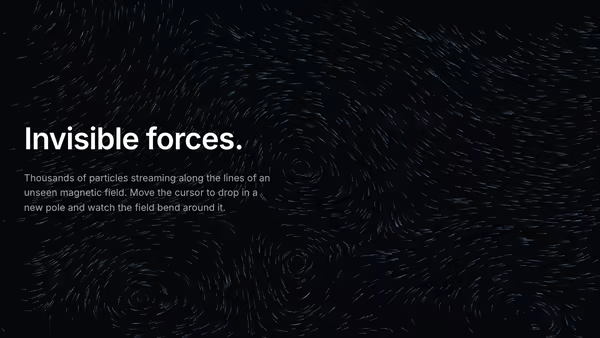
Thousands of particles stream along smooth, divergence-free flow lines — a live visualisation of an invisible magnetic field. The pointer drops a new magnetic pole into the field; lines visibly bend, swirl, and repel around the cursor.

Typographic Fluid Simulation

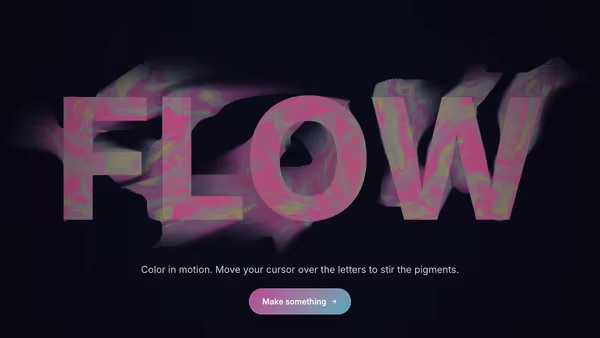
A bold headline acts as a mask for a real-time colorful fluid. Domain-warped FBM noise advected over time + a pointer-driven velocity grid swirl two color fields inside the type while the background stays minimal. Move the cursor to inject velocity and color into the letters.

Lens Flare Machine

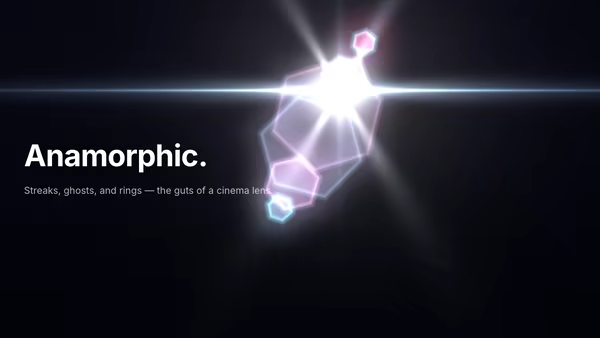
A cinematic light source moves across the frame, throwing anamorphic streaks, hex aperture ghosts, glowing rings, and chromatic glares.
Live customizer

Slow Glitch Fabric

Base colorDeep base tone at the top of the gradient — keep it dark and moody (charcoal / deep blue).Accent baseLower gradient tone. A touch lighter than the base for subtle vertical depth.Accent colorTint for the brighter signal highlights and idle band glints — the restrained cyan that reads as 'broadcast'.Band height10pxThickness of each horizontal band. Thin (4-8px) reads as fine scan structure; thick (20px+) reads as bold strata. 8-14px is the sweet spot.Idle drift0.25How much the bands wander on their own at rest. 0 freezes the fabric; 0.25 is a slow, alive drift; above 0.6 starts to feel restless.Scanlines0.4Strength of the CRT scanline overlay. 0.3-0.5 reads as a tasteful signal grain; 1.0 is a hard CRT.Grain0.2Faint film grain over everything. Keeps flat fields from banding on dim displays. 0.15-0.3 is the sweet spot.Glitch radius0.32How wide the pointer's influence reaches (Gaussian σ, fragUV units). Small = a tight tear under the cursor; large = the whole field reacts.Glitch strength0.5Overall displacement / tear amplitude (scales both the ambient glitch and the pointer concentration). 0 = calm fabric, no tears; 1.0 is a confident digital glitch; 2.0 shatters.Ambient glitch0.34The ever-present base glitch across the whole fabric, independent of the pointer — blocky band tears + RGB split that read as a damaged broadcast at rest. 0 = perfectly clean until you hover; 0.7 is a lively but tasteful idle glitch; 1.0 is a loud constant tear.RGB split0Strength of the per-channel red/cyan chromatic aberration on torn bands (channels sampled at offset pixels). 0 = none; 1.0 is a clear fringe; 2.0 is a loud channel tear.Linger0.05How long the localized pointer concentration takes to ease out after the cursor leaves, in seconds. Low = the focal glitch snaps off; 0.8 fades it gently; high holds it open. Does not affect the glitch while the cursor is present.Transparent backgroundDrop the opaque base so the fabric composites over whatever sits behind the hero.Heading fontInteractivityWhich input drives the hero — try Scroll if you want the page to drive motion.
CrazyGL · crazygl.comProgrammable hero sections for real websites.