CrazyGLCrazyGLHomeExploreGitHubBrowse heroesLoading hero…← Back to gallery@crazygl/breathing-landscape

Breathing Gradient Landscape

A product screenshot floats above an abstract gradient terrain that slowly breathes through stacked low-frequency FBM noise. Warm peach peaks fade into soft sage valleys; motes drift up; the camera pans across a 30-second loop with a hint of bob.

ReactWebGL3DImageInteractiveFont#3d#terrain#screenshot#calm#gradient#three#fbm#wellness

Usage

import BreathingLandscape from '@crazygl/hero-breathing-landscape';

export default function Page() {
  return (
    <BreathingLandscape
      heading="Calm by design."
      screenshot="https://crazygl.com/samples/screenshot-dashboard-light.avif"
      breathingPeriod={15}
      terrainHueWarm="#f4b78e"
      terrainHueCool="#9ab089"
    />
  );
}

Customise

  • Contentheading / subheading, or switch contentType to two-columns / custom node.
  • Screenshotscreenshot (PNG/JPG/WebP/AVIF; aspect read from the image), screenshotScale, screenshotX, screenshotY, screenshotTilt.
  • LandscapebreathingPeriod, breathingAmplitude, terrainDensity, terrainHueWarm peaks, terrainHueCool valleys, hazeStrength.
  • SkyskyTop, skyBottom, transparentBackground.
  • MotionparticleCount motes, cameraDriftStrength, pointerParallax.

Best for

  • Wellness, mindfulness, and mental-health apps
  • Calm-tech and personal-finance dashboards
  • Health and habit-tracking products
  • Meditative or slow-design brand pages
01 · Install the package

One command, zero config.

npm install @crazygl/hero-breathing-landscape
02 · Render the component

Import once, drop it in.

The component takes the same props you see in the live customizer on the right — every default ships poster-quality.

hero.tsx
import BreathingGradientLandscape from '@crazygl/hero-breathing-landscape';

export default function Landing() {
  return (
    <BreathingGradientLandscape />
  );
}
03 · Use it in a page

SSR-safe by default.

The wrapper renders static HTML on the server and only initialises the canvas after hydration, so search engines see your copy.

page.tsx
// app/page.tsx — works in SSR-first frameworks (Next, Remix, Astro, etc.)
'use client';

import BreathingGradientLandscape from '@crazygl/hero-breathing-landscape';

export default function Page() {
  return (
    <section>
      <BreathingGradientLandscape
        heading="Say hi."
        subheading="Your new hero."
      />
      <article>
        <h2>Welcome</h2>
        <p>Your content keeps its own voice below the hero.</p>
      </article>
    </section>
  );
}

You might also like

Similar heroes

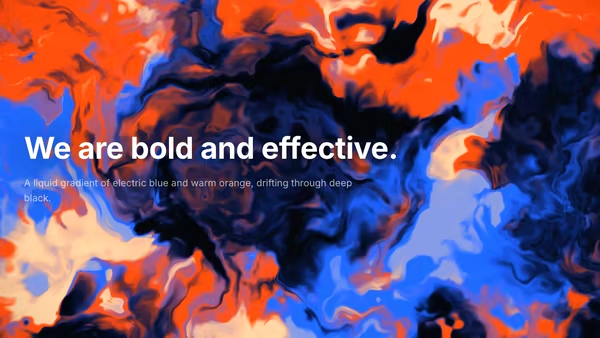
Liquid Aurora Gradient

A full-bleed liquid gradient: large organic blobs of electric blue and warm orange bleed and morph across a near-black field, driven by domain-warped FBM in a single WebGL2 fragment shader. Slow lava-lamp / aurora flow with deep black negative space; the pointer gently pulls the fluid toward the cursor.

Paper and Shadow

Your product screenshot, printed on a softly curled sheet of paper resting under warm window light. Leaves drift overhead and cast slow, dappled shadows across the page.

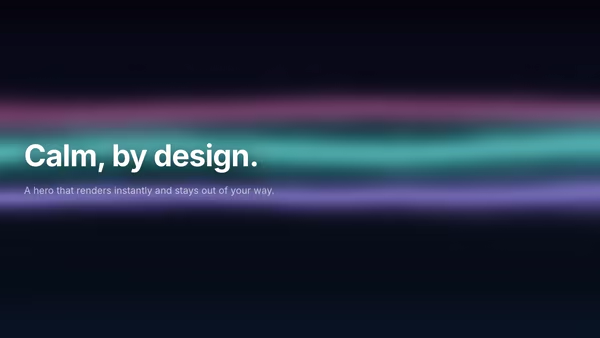
Aurora Plane

A pure-CSS animated aurora hero. Cheap, calm, and responsive — a great default when CSS is enough.

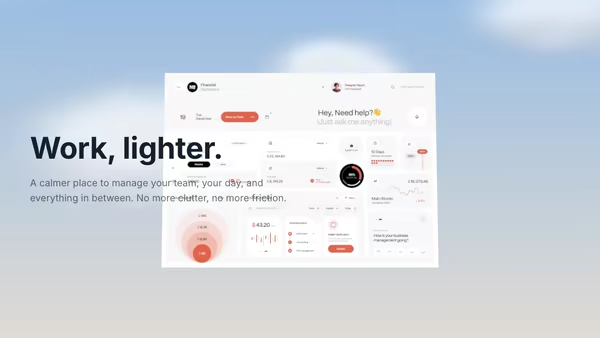
Calm Cloud Interface

A SaaS dashboard floats among soft cloud sprites under a friendly cream-to-sky-blue sky. Pointer drift parallaxes both the camera and the layered clouds for a light, approachable, effortless mood.

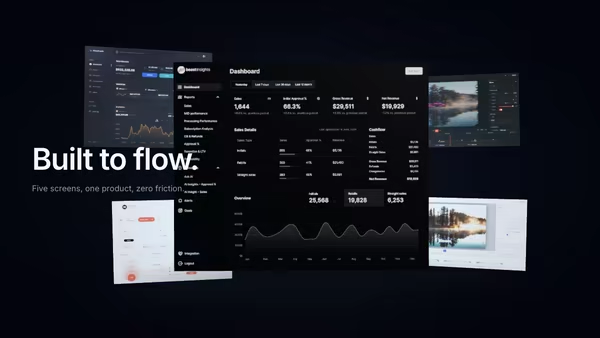
Product UI in Zero Gravity

Five product screens drift weightlessly in a dark space. The main screen sits in focus at the front; four secondary feature screens float at varying depths behind it, with soft shadows and depth fog selling the void.

Gradient Text

Heading filled with a slowly drifting multi-stop linear gradient — three configurable colours, customizable angle, optional animation.
Live customizer

Breathing Gradient Landscape

ScreenshotAny dashboard or app PNG, JPG, WebP, or AVIF. The plane derives its aspect from the loaded image.Screenshot size1Overall scale of the floating screenshot. 1.0 fits comfortably above the horizon; push to 1.4+ for a hero-product feel.Screenshot X0worldHorizontal offset of the screenshot in world units. Default 0 is centred.Screenshot Y0worldVertical offset of the screenshot in world units. Default 0 is centred.Screenshot tilt-4°Pitch of the screenshot. Slight negative tips the top toward the viewer.Breathing period15sSeconds per full rise-and-fall of the terrain. 15s matches a slow human breath.Breathing amplitude1How dramatically the hills rise. 1.0 reads as rolling hills; 2.0 reads as full dunes.Terrain density1Frequency multiplier on the FBM noise. Below 1 reads as broad mesas; above 2 reads as choppy ridges.Peak hueWarm peach colour at the ridge tops.Valley hueSoft sage colour in the valleys.Haze strength0.7How thickly distance fades to the sky. 0.7 reads as morning haze.Sky topTop of the sky gradient. Warm cream by default.Sky bottomHorizon glow. A pinker peach that blends into the haze.Transparent backgroundDrop the sky so the landscape composites over your page background.Mote count90Number of motes drifting upward. 0 disables them; 90 reads as a calm scene.Camera drift1How far the camera pans across the 30s loop. 1.0 is a gentle parallax sweep.Pointer parallax0.5How much the cursor nudges the camera. 0.5 is subtle but responsive.Heading FontInteractivityWhich input drives the hero — try Scroll if you want the page to drive motion.
CrazyGL · crazygl.comProgrammable hero sections for real websites.