CrazyGLCrazyGLHomeExploreGitHubBrowse heroesLoading hero…← Back to gallery@crazygl/api-network-map

API Network Map

A polished, three-dimensional graph of API services connected by glowing lines, with pulses of light traveling along each connection like requests in flight. Built for developer-tools, API-platforms, and infrastructure landing pages.

ReactWebGL3DInteractiveFont#three#3d#api#network#graph#infrastructure#developer-tools#nodes#pulses#premium

Usage

import HeroApiNetworkMap from '@crazygl/hero-api-network-map';

export default function Hero() {
  return (
    <HeroApiNetworkMap
      nodeLabels={['auth', 'payments', 'db', 'queue', 'edge', 'gateway']}
      connectionDensity={0.45}
      pulseSpeed={0.45}
      onCTAClick="/docs"
    />
  );
}

Customise

  • Content / CTA — heading, subheading or two-column content, plus a pill CTA (ctaLabel, onCTAClick, colours).
  • NodesnodeLabels (one service per line), nodeColor / accentColor, nodeSize, nodeMetalness / nodeRoughness, and five label styles (glass / solid / outline / terminal / minimal) with their own colours, scale and offsets.
  • ConnectionsconnectionDensity (fraction of node pairs linked), lineColor / lineOpacity / lineWidth, and pulse controls pulseColor / pulseSpeed / pulseIntensity / pulsesPerLine.
  • CameraautoRotate, driftSpeed, pointerParallax, cameraDistance.
  • Atmosphere — radial-gradient bgTop / bgBottom, or transparentBackground.

Best for

  • API platforms and developer-tools landing pages.
  • Infrastructure, observability and message-bus marketing sites.
  • Edge-network and distributed-systems product launches.
  • Any hero that needs to read as "live, connected traffic".
01 · Install the package

One command, zero config.

npm install @crazygl/hero-api-network-map
02 · Render the component

Import once, drop it in.

The component takes the same props you see in the live customizer on the right — every default ships poster-quality.

hero.tsx
import APINetworkMap from '@crazygl/hero-api-network-map';

export default function Landing() {
  return (
    <APINetworkMap />
  );
}
03 · Use it in a page

SSR-safe by default.

The wrapper renders static HTML on the server and only initialises the canvas after hydration, so search engines see your copy.

page.tsx
// app/page.tsx — works in SSR-first frameworks (Next, Remix, Astro, etc.)
'use client';

import APINetworkMap from '@crazygl/hero-api-network-map';

export default function Page() {
  return (
    <section>
      <APINetworkMap
        heading="Say hi."
        subheading="Your new hero."
      />
      <article>
        <h2>Welcome</h2>
        <p>Your content keeps its own voice below the hero.</p>
      </article>
    </section>
  );
}
You might also like

Similar heroes

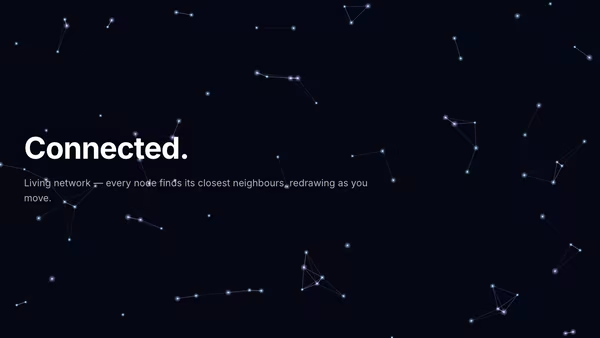
Constellation Network

Nodes float in 2-D space and connect to their nearest neighbours with glowing lines. The cursor attracts nearby nodes, redrawing the graph as you move.

Database Core

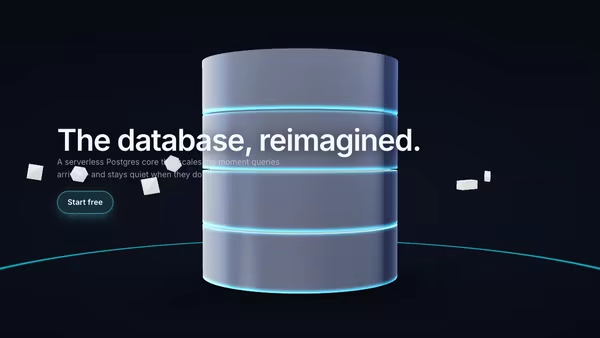
A central 3D database core — a stack of slowly rotating cylindrical disks with glowing seams. Query pulses radiate across the floor and flash through the core's seams; configurable satellite shapes orbit around it. Built for data platforms, ORMs, and infrastructure landing pages.

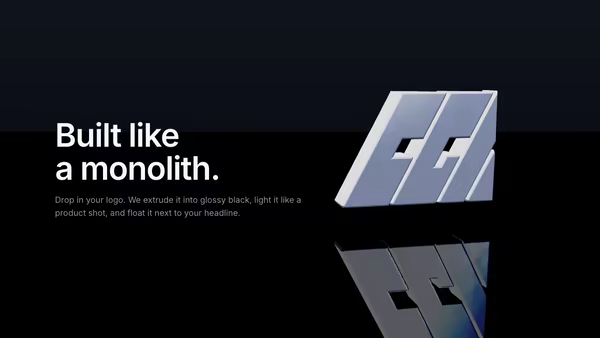
Extruded Logo Monolith

Drop in a transparent SVG (or PNG) logo and it becomes a glossy black 3D sculpture with bevelled edges, studio HDRI reflections, a mirror floor, and an animated rim-light sweep. Premium product-shot look for SaaS, agencies, and AI tools.

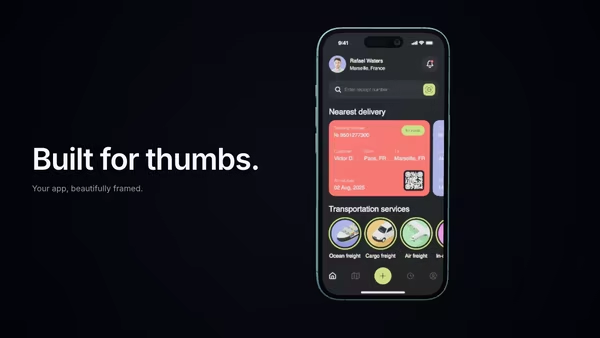
Vertical Phone Screenshot With 3D Depth

A mobile screenshot floats inside a realistic 3D phone mockup. The phone rotates with the cursor and the screen pulses with subtle app glow. Perfect for app launch pages.

Extruded 3D Headline Sculpture

Your headline as a thick, bevelled 3D sculpture floating under three-point studio lighting. Each letter has glossy bevelled edges, the camera parallaxes with your pointer so the depth reads from every angle, a soft contact shadow + AO strip ground it, and a real mirrored reflection fades into the glossy floor. A CTA button hover sends a sweep of light across the letters.

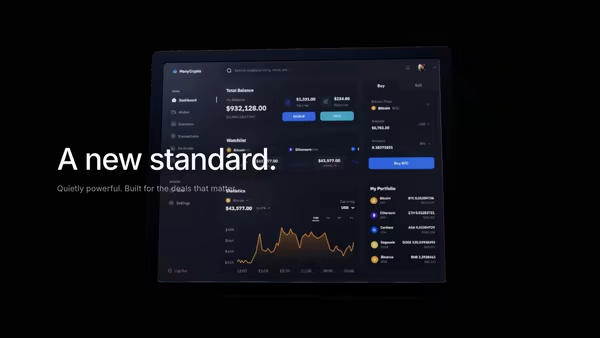
Black Glass Product Reveal

An almost-black canvas. A slow horizontal light sweeps left to right, revealing a glossy product screenshot inside a ceramic black-glass frame. Cinematic reveal for luxury SaaS, fintech, and premium B2B tools.
Live customizer

API Network Map

CTA labelDefault CTA text. Set empty to hide the CTA.On clickURL to navigate to on click. Code consumers can also pass a function — same prop name, type-detected at runtime.CTA text colourCTA backgroundCTA glowService labelsOne service label per line. Each becomes a node in the graph. 8–14 labels reads cleanest; below 6 looks sparse.Node colourBody colour of the nodes. The accent colour is mixed in for ~25% of them.Accent colourSecondary tint used on a subset of nodes and on every connection line.Node size0.18worldRadius of each node. 0.18 reads as substantial without crowding; below 0.12 reads as dots.Node metalness0.550 = matte; 1 = chrome. 0.55 reads as polished ceramic / soft chrome.Node roughness0.28Show labelsDisplay the service name beside each node.Label styleLabel textLabel backgroundLabel borderLabel glowLabel scale1.12Label opacity1Far label opacity0.62Minimum opacity for labels on deeper nodes. Raising this makes the whole map more annotated.Label X offset12pxLabel Y offset10pxConnection density0.45Fraction of possible node pairs connected. 0.45 reads as a busy-but-legible mesh; above 0.7 starts to look like a web; below 0.2 reads as a sparse tree.Line colourLine opacity0.45Base brightness of the connections (separate from the pulses on top).Line width2.2pxScreen-space width of the base connection strokes. Uses billboarded line geometry, so the control works consistently across browsers.Pulse colourColour of the bright blobs traveling along each line.Pulse speed0.45/sHow fast the pulses travel along each connection. 0.45 reads as steady traffic; 0 freezes them.Pulse intensity1.2Brightness multiplier on each pulse. 1.2 reads as 'glowing', 2.0+ blows out, 0 hides them.Pulses per line2Number of light blobs traveling along each connection at once.Auto rotateCamera slowly orbits the graph. Ignored under reduced-motion.Drift speed0.06rad/sAuto-rotate angular velocity. 0.06 is slow and cinematic; above 0.2 starts to feel busy.Pointer parallax0.35How much the camera tilts in response to the pointer. 0 disables; 1 is exaggerated.Camera distance6worldHow far the camera sits from the graph centre.Background topBackground bottomTransparent backgroundInteractivityWhich input drives the hero — try Scroll if you want the page to drive motion.
CrazyGL · crazygl.comProgrammable hero sections for real websites.