CrazyGLCrazyGLHomeExploreGitHubBrowse heroesLoading hero…← Back to gallery@crazygl/progressive-blur-text

Progressive Blur Text

A giant display word that is razor-sharp at the top and melts into a progressively heavier blur toward the bottom — a true variable-radius blur per row, not a gradient-masked copy. Bold, editorial, fully recolourable.

ReactWebGLFont#text#typography#blur#progressive#gradient#webgl#editorial#bold

Usage

import ProgressiveBlurText from '@crazygl/hero-progressive-blur-text';

export default function Hero() {
  return (
    <ProgressiveBlurText
      text="DRIFT"
      eyebrow="Aether Studio"
      tagline={"Where sharp ideas soften\ninto something quietly new."}
      backgroundColor="#f51d10"
      textColor="#0b0b0b"
      maxBlur={58}
    />
  );
}

Customise

  • Contenttext (the big word), eyebrow, tagline.
  • BlurmaxBlur, blurStart, blurCurve, direction (sharp at top or bottom).
  • TypefillWidth, position, verticalAdjust, letterSpacing, fontFamily, fontWeight.
  • ColoursbackgroundColor, transparentBackground, textColor, eyebrowColor, taglineColor.

Best for

  • Bold editorial / fashion landing pages.
  • Studio and agency wordmark heroes.
  • Minimal, type-forward splash sections.
01 · Install the package

One command, zero config.

npm install @crazygl/hero-progressive-blur-text
02 · Render the component

Import once, drop it in.

The component takes the same props you see in the live customizer on the right — every default ships poster-quality.

hero.tsx
import ProgressiveBlurText from '@crazygl/hero-progressive-blur-text';

export default function Landing() {
  return (
    <ProgressiveBlurText />
  );
}
03 · Use it in a page

SSR-safe by default.

The wrapper renders static HTML on the server and only initialises the canvas after hydration, so search engines see your copy.

page.tsx
// app/page.tsx — works in SSR-first frameworks (Next, Remix, Astro, etc.)
'use client';

import ProgressiveBlurText from '@crazygl/hero-progressive-blur-text';

export default function Page() {
  return (
    <section>
      <ProgressiveBlurText
        heading="Say hi."
        subheading="Your new hero."
      />
      <article>
        <h2>Welcome</h2>
        <p>Your content keeps its own voice below the hero.</p>
      </article>
    </section>
  );
}

You might also like

Similar heroes

Word Blur

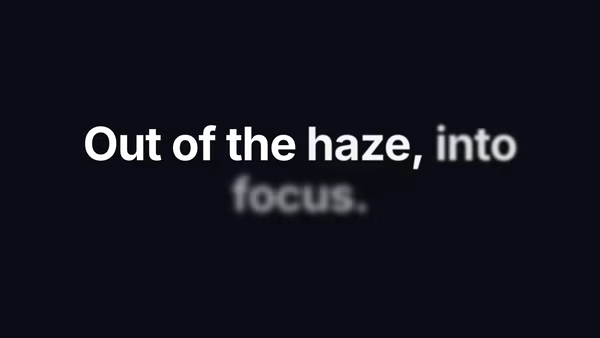
Heading that comes in word-by-word — each word lifts out of a deep blur and slides into focus on a small stagger.

Gradient Text

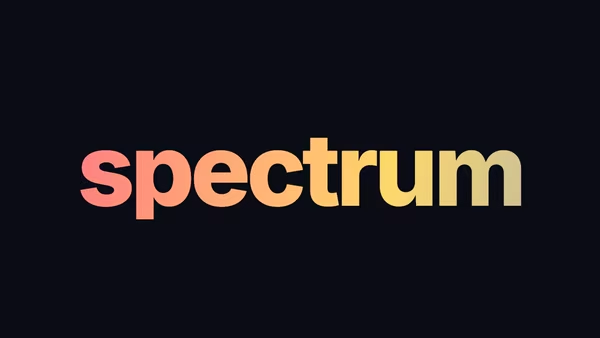
Heading filled with a slowly drifting multi-stop linear gradient — three configurable colours, customizable angle, optional animation.

Blurry Text FX

Each word starts heavily blurred and resolves into focus on a stagger. Plays once on load or loops with a configurable hold.

SDF Lens Blur

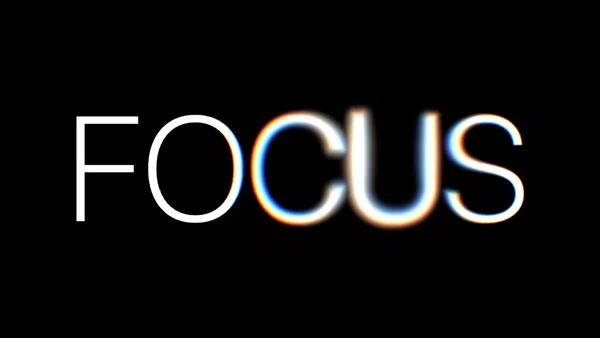
A single heading word, rasterised to a true signed distance field and rendered in WebGL. Where the cursor hovers, the letters dissolve into a soft luminous bokeh — a variable-radius radial blur kernel sampled in distance space, with optional chromatic aberration. Move the cursor across the word to smear it into a beam of light; move away and it snaps back to a razor-sharp typeface.

Rolling Text

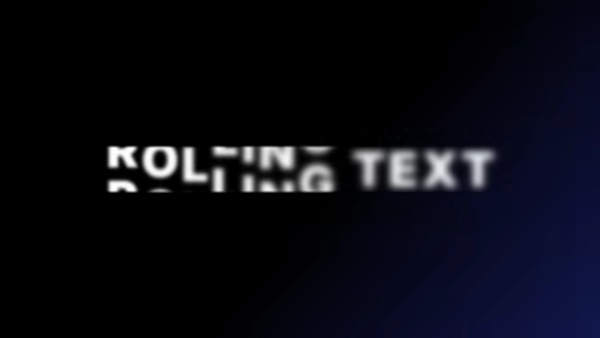
Each character rolls through a vertical stack of duplicate copies of itself in a continuous loop, with a blur pulse mid-roll and a per-character stagger.

Text Start Indent

Editorial-style paragraph with the first line indented and a giant drop-cap that overhangs into the margin — magazine-grade typography out of the box.
Live customizer

Progressive Blur Text

Max blur58pxBlur radius at the soft end of the word.Blur start0.14How far from the sharp edge the blur begins to grow.Blur curve2.2How quickly the blur ramps up. Higher keeps more of the word sharp, then blurs fast.Sharp edgeFill width0.96How much of the width the word spans.Vertical positionVertical adjust-0.08Fine-tune the word's position above/below the preset.Letter spacing-0.02emFontWeight700BackgroundTransparent backgroundWord colourEyebrow colourTagline colour
CrazyGL · crazygl.comProgrammable hero sections for real websites.