CrazyGL
Pro Text Type Effect
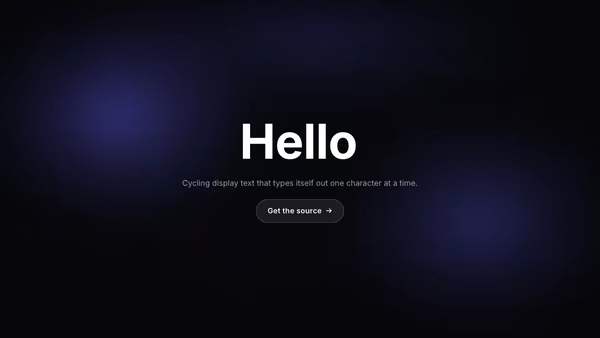
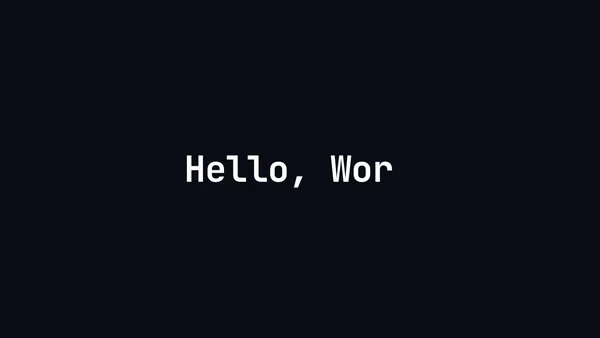
A pro-grade typewriter: cycles through multiple strings with variable per-character speed, fluid font sizing (clamp), per-line gradient fills, and a choice of cursor characters from block to slug to bar.
Usage
import ProTextTypeEffect from '@crazygl/hero-pro-text-type-effect';

export default function Page() {
  return (
    <ProTextTypeEffect
      lines={[
        'Hello, reference folks!',
        'This is the ultimate typing text component',
        'Check out what all you can do from the panel on the right →',
      ]}
      variableSpeed
      cursorChar="▋"
      useGradientFill
    />
  );
}
lines may also be a single \n-separated string (matches the customizer textarea).
Customise
- Content —
lines(cycled strings),subheading,ctaLabel,onCTAClick(URL or function). - Typing —
loop,variableSpeed,typingMin/typingMax(or constanttypingSpeed),deletingSpeed,startDelay,pauseDuration. - Cursor —
showCursor,cursorChar,cursorColorMode,cursorBlinkSpeed,hideCursorWhileTyping. - Sizing —
sizingMode(fluidclamp vsfixed),fluidMin/fluidMax/fluidScale, orfontSize. - Typography —
useGradientFillwithfillColor1/fillColor2,textColor,letterSpacing,headingFontFamily,headingFontWeight. - Backdrop —
bgColor,accentColor/accentStrengthbloom,vignetteStrength,transparentBackground.
Best for
- Marketing pages juggling several value props in one hero slot.
- SaaS product heroes ("All your stack. One dashboard. Zero ops.").
- AI tool homepages with rotating use-cases.
- Any landing page that says "we do X, Y, and Z."
One command, zero config.
npm install @crazygl/hero-pro-text-type-effectImport once, drop it in.
The component takes the same props you see in the live customizer on the right — every default ships poster-quality.
import ProTextTypeEffect from '@crazygl/hero-pro-text-type-effect';

export default function Landing() {
  return (
    <ProTextTypeEffect />
  );
}SSR-safe by default.
The wrapper renders static HTML on the server and only initialises the canvas after hydration, so search engines see your copy.
// app/page.tsx — works in SSR-first frameworks (Next, Remix, Astro, etc.)
'use client';

import ProTextTypeEffect from '@crazygl/hero-pro-text-type-effect';

export default function Page() {
  return (
    <section>
      <ProTextTypeEffect
        heading="Say hi."
        subheading="Your new hero."
      />
      <article>
        <h2>Welcome</h2>
        <p>Your content keeps its own voice below the hero.</p>
      </article>
    </section>
  );
}