CrazyGLCrazyGLHomeExploreGitHubBrowse heroesLoading hero…← Back to gallery@crazygl/kinetic-split-typography

Kinetic Split Typography

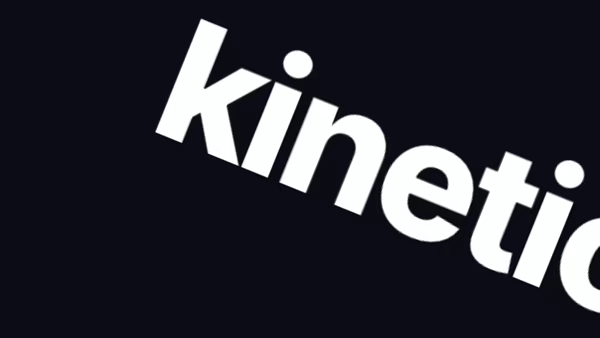
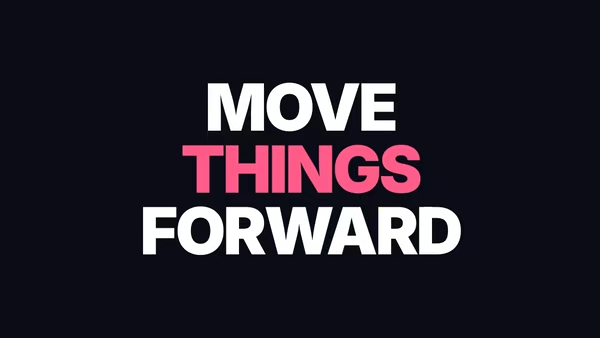
A bold grotesk headline is split into horizontal slices that fly in from alternating sides, settle into alignment, and then parallax against the pointer at different depths.

ReactCanvasInteractiveFont#typography#kinetic#editorial#agency#portfolio#fashion#launch#parallax#split

Usage

import KineticSplitTypography from '@crazygl/hero-kinetic-split-typography';

export default function Page() {
  return (
    <KineticSplitTypography
      heading="FUTURES IN MOTION"
      sliceCount={10}
      ctaLabel="View the work"
      onCTAClick="/work"
    />
  );
}

onCTAClick takes either a URL string or a function (e) => void under the same prop; leave it empty for a non-navigating button, or drop ctaLabel to hide the button.

Customise

  • Contentheading (the sliced word), subheading, ctaLabel, onCTAClick.
  • SlicingsliceCount, sliceMaxOffset (settled stagger), headingY (vertical position).
  • AnimationloadStagger, loadDuration (slide-in timing).
  • ParallaxpointerParallax, depthRange (front/back stratification).
  • Colors / TypetextColor, bgColor, transparentBackground, headingFontFamily, headingFontWeight.

Best for

  • Independent design and motion studios.
  • Fashion and editorial brands.
  • Portfolio and agency landing pages.
  • Product or campaign launch sites wanting a confident typographic statement.
01 · Install the package

One command, zero config.

npm install @crazygl/hero-kinetic-split-typography
02 · Render the component

Import once, drop it in.

The component takes the same props you see in the live customizer on the right — every default ships poster-quality.

hero.tsx
import KineticSplitTypography from '@crazygl/hero-kinetic-split-typography';

export default function Landing() {
  return (
    <KineticSplitTypography />
  );
}
03 · Use it in a page

SSR-safe by default.

The wrapper renders static HTML on the server and only initialises the canvas after hydration, so search engines see your copy.

page.tsx
// app/page.tsx — works in SSR-first frameworks (Next, Remix, Astro, etc.)
'use client';

import KineticSplitTypography from '@crazygl/hero-kinetic-split-typography';

export default function Page() {
  return (
    <section>
      <KineticSplitTypography
        heading="Say hi."
        subheading="Your new hero."
      />
      <article>
        <h2>Welcome</h2>
        <p>Your content keeps its own voice below the hero.</p>
      </article>
    </section>
  );
}

You might also like

Similar heroes

Text Split Reveal

Heading splits into two halves that slide apart to reveal a secondary line between them — the curtain-pull pattern.

Kinetic Text

Stacked lines where each word is timed independently — bounce in, rotate, scale, on a choreographed sequence. Pick whether the show plays on load, follows scroll, or loops forever.

On Scroll Typography

A headline whose transform is driven by scroll progress through the viewport — pick an animation flavour (scale / rotate / slide / blur / combo), tune the scroll window, and the headline does the rest.

Kinetic Text Motion

Words cycle through, each one wiping in and out as 40 horizontal stripes that scale staggered across a WebGL surface. Optional per-fragment blur, distortion or ripple effect.

Colorful Type Motion

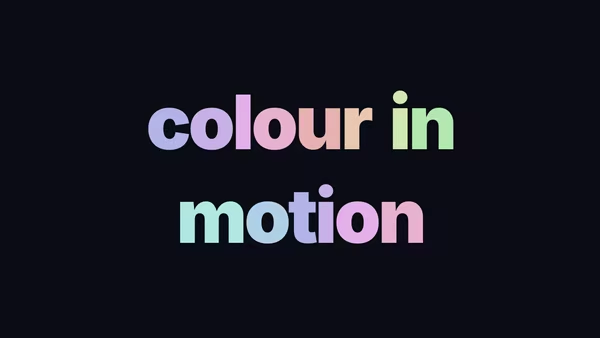
Each letter cycles through a hue palette on a phase offset — moving colour without a moving gradient. Pick from eight curated palettes spanning soft pastels to electric neon.

Animated Flow Text

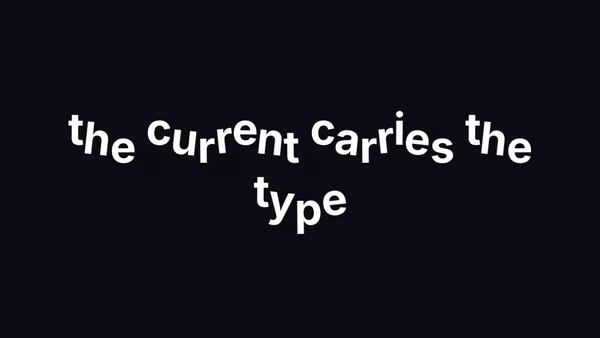
Each word rides its own sine wave with a per-letter phase offset — the line reads like a banner caught in a slow current.
Live customizer

Kinetic Split Typography

Slice count10How many horizontal bands the headline is cut into. 8-12 reads as deliberate editorial slicing; above 16 starts to glitch.Static offset0.035Maximum constant horizontal offset between bands once settled. 0 = perfectly aligned, 0.4 = aggressive break.Heading Y position0.1vhVertical offset of the headline stack from the canvas centre. Negative lifts it toward the top; positive pushes it down. Expressed as a fraction of the canvas height.Load stagger0.45How much the per-band load-in is delayed band-to-band. 0 = all together, 1 = strong cascade.Load duration1.4sSeconds each band takes to slide in from off-screen.Pointer parallax0.44How much each band shifts with the pointer. 0 = static, 1 = balanced, 2 = exaggerated.Depth spread0.5How much the bands' depth factors vary. 0 = all bands move equally, 1 = strong front/back stratification.Text colourColour the headline is rasterised in.Background colourStage background. Drops out under transparent mode.Transparent backgroundDrop the backdrop so the typography composites over whatever sits behind the hero.Heading FontHeading weight900InteractivityWhich input drives the hero — try Scroll if you want the page to drive motion.
CrazyGL · crazygl.comProgrammable hero sections for real websites.